

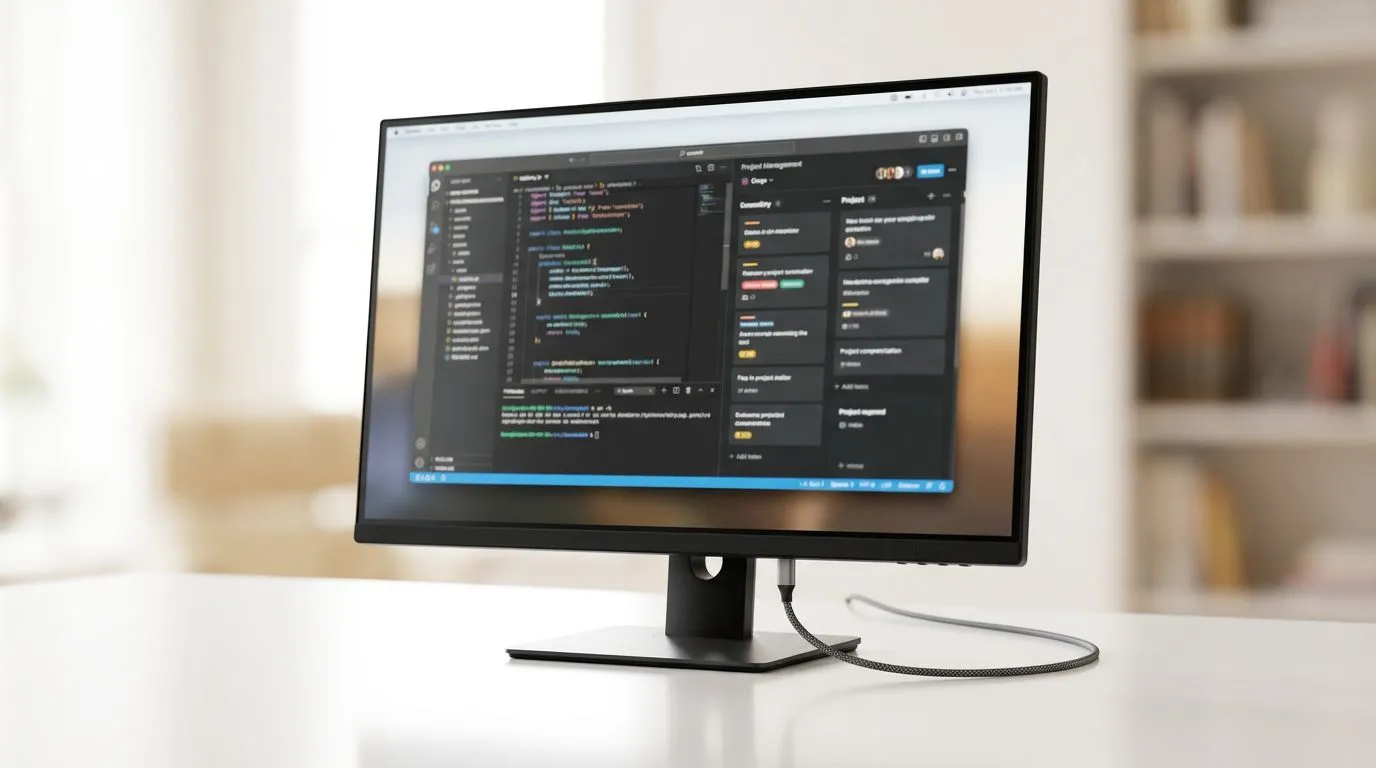
USB-C Monitors: A Workspace Upgrade SA Freelancers Actually Feel
Freelancers in South Africa don’t just “work”... they juggle calls, client edits, budgets, and deadlines. So when your monitor setup is awkward, it steals time. A USB-C monitor can simplify your desk fast: fewer cables, cleaner power, and a more reliable everyday flow.
If you’re upgrading from a messy mix of HDMI and power bricks, this is your sign. Let’s break down why USB-C monitors are becoming the default for SA freelancers and what to look for before you buy. 🚀
Why USB-C Monitors Are Becoming the Freelancer Default
USB-C isn’t automatically “better” than HDMI, but it can be more convenient when your setup supports it. The big wins for a freelance workspace are:
- One cable for video + data (and sometimes power) when your laptop and monitor support it.
- Less desk clutter, which matters if you switch between workstations (home office to co-working).
- Easier docking, especially for laptops you move often.
Evetech stocks a wide range of monitors across the upgrade path, including options suited to general productivity and higher-performance gaming too. If you’re building a setup that can handle both work and play, you’ll want to browse carefully.
The “Works Every Day” Checklist
Before you commit, confirm these basics:
- Your laptop’s USB-C supports DisplayPort Alternate Mode (DP Alt Mode)
- The monitor’s USB-C port supports video (not just charging or data)
- If you want one-cable power, check whether the monitor supplies power over USB-C and what wattage it offers
- Panel size and resolution that match your desk distance
When these match, the upgrade feels effortless.
Productivity Pro Tip ⚡
On a USB-C monitor setup, label your USB-C cable and keep it for video work only. If you use the same cable for charging at times, you may end up troubleshooting “no signal” issues when a client calls. A dedicated cable saves you from last-minute desk panic.
What to Buy: Productivity vs Gaming-Ready USB-C Setups
Plenty of freelancers start with productivity needs: readability, colour accuracy, and comfortable viewing for long sessions. But many also want gaming performance when hours get lighter.
So here’s a simple way to choose your direction:
- If you do design, editing, or serious reading: look for solid panel quality and comfortable resolution.
- If you also play competitively: prioritise refresh rate, response time, and compatibility.
Start with productivity monitor deals and go from there. If you want to compare options in one place, check out monitor pricing and bundles first:
- Explore best PC monitor deals here: best-pc-monitor-deals
Then, if you want to filter across monitor styles and specs, use Evetech’s category:
- Browse PC monitors: pc-monitors-89
Curved vs Flat (For Freelancers, It’s About Comfort) ✨
Curved monitors can feel more immersive, but the main advantage is often comfort and reduced eye strain for some people when used at the right distance.
If you’re considering a curved upgrade, take a look here:
Desk-Clean Efficiency: Ports, Cables, and Real-Life Mounting
USB-C monitors shine when your desk becomes easy to reset. Think about how many times you:
- unplug to charge elsewhere,
- connect for meetings,
- dock for work,
- and game later without rebuilding the whole setup.
With the right monitor and compatible laptop, USB-C can reduce friction… and friction is what burns freelancer time.
Mounting and Accessories Matter More Than People Think 🔧
Even the best monitor becomes annoying if it’s too high, too low, or blocks airflow behind your laptop stand. Consider monitor accessories like arms and cable management to keep your USB-C line tidy and reachable.
If you’re building a cleaner desk:
Portable USB-C Monitoring (For SA Freelancers on the Move)
Some freelancers don’t have a permanent home office. They travel, they work from cafes, and they set up quickly. A portable monitor can help, especially when it runs well off USB-C.
If that sounds like your life, browse:
Resolution and Refresh Rate: Don’t Overbuy Your Setup
A lot of buyers jump to high-end specs and then realise their workflow doesn’t benefit as much as expected.
- For work like spreadsheets, docs, and browsing: resolution helps, but scaling and text clarity matter just as much.
- For gaming: higher refresh rates can be worthwhile, but only if your system can drive it.
If you’re aiming for sharper detail and a premium look:
And if your upgrade is both freelancer-ready and gaming-ready, check the gaming monitor options:
How to Decide in 10 Minutes (Without Regretting the Purchase)
Here’s a fast decision flow you can use today:
- Confirm your laptop USB-C supports DP Alt Mode.
- Choose screen size based on your desk distance.
- Decide if you want power over USB-C or just a single video/data cable.
- Pick resolution for your work. (More pixels help, but only if you can scale comfortably.)
- If you game, balance refresh rate with what your PC can actually run.
Once you match these, the upgrade feels smooth.
Ready to Find Your Perfect Match? The Mac vs Windows debate is complex, but for maximum power, choice, and value in South Africa, Windows is hard to beat. Explore our massive range of laptop specials and find the perfect machine to conquer your world.











