So, you’re staring at your PC, knowing it needs a boost, but your wallet is giving you the side-eye. The thought of hunting for used PC parts in South Africa is tempting, isn’t it? Scoring a high-end GPU or CPU for a fraction of the price sounds like a dream. But is it a savvy shortcut to 144Hz glory or a fast track to a dead rig? Let's break it down. 🔧
Why Gamers Hunt for Used PC Parts in South Africa
The appeal is obvious: saving a serious amount of Randelas. Building a PC on a tight budget is a classic South African challenge, and the second-hand market seems like the perfect solution. You can potentially get components that were top-of-the-line just a year or two ago for a massive discount. This makes the search for used PC parts feel like a treasure hunt where the prize is silky-smooth frame rates without emptying your bank account.
However, this path is filled with potential pitfalls. Unlike buying new, there are no warranties, no guarantees, and no returns if that "slightly used" motherboard was actually a coaster in its previous life.
The Used Parts Trinity: GPU, CPU, and Motherboard
When you're considering a budget upgrade, three components usually take priority. Getting these right is crucial, but they also carry the most risk when bought second-hand.
Graphics Cards (GPUs)
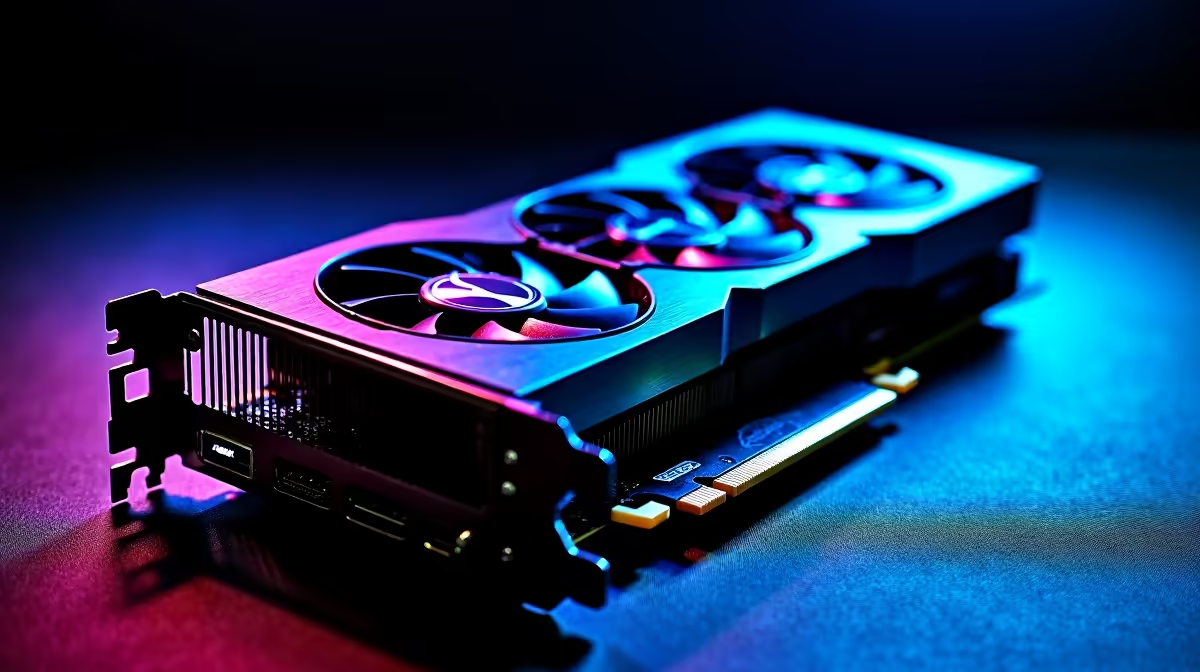
This is the holy grail of used components. It's also the riskiest. A used GPU could have been run 24/7 in a crypto mining rig, drastically shortening its lifespan.
What to check: Look for physical signs of wear, listen for noisy fans during a stress test, and always ask for proof of purchase if possible. A better bet? Protect your investment by browsing a selection of warrantied, brand-new graphics cards that guarantee performance from day one.
Processors (CPUs)
CPUs are generally one of the safer used PC parts to buy. With no moving components, they either work or they don't. The biggest danger is physical damage during removal or shipping, like bent pins on an AMD chip.
What to check: Always inspect the pins or contact pads meticulously. If you’re not confident, exploring the latest CPU processors with full warranties offers complete peace of mind.
Motherboards
A used motherboard is a gamble. A single blown capacitor or a tiny bit of trace damage can render it useless. Compatibility can also be a headache, ensuring it supports your chosen CPU and RAM.
What to check: Examine the board for any bulging or leaking capacitors, bent pins in the CPU socket, and physical damage. Often, starting your build with new, affordable motherboards is a more reliable foundation.
Warranty Wins 🛡️
Buying used PC parts in South Africa often means zero warranty. If a component fails a week later, that 'bargain' becomes a costly paperweight. With new parts, you get peace of mind and manufacturer support. A R500 saving isn't worth a R5000 replacement risk. Always factor the cost of 'what if' into your budget.
Smart Buys vs. Risky Gambles: Other Components
Not all second-hand components are created equal. Some are relatively safe bets, while others are ticking time bombs. ✨
- RAM: Memory modules are fairly durable. As long as they pass a thorough test like MemTest86, you're usually good to go. You might find great deals on older RAM modules like DDR3, but ensure it's compatible with your motherboard.
- Storage (SSD/HDD): Avoid. Just... avoid. Hard drives have moving parts that wear out, and SSDs have a finite number of read/write cycles. You have no idea how much life is left in a used drive. New, reliable solid-state drives are more affordable than ever and offer a massive performance boost.
- Power Supply (PSU): Never, ever buy a used PSU. It’s the heart of your system. A failing one can take every single one of your other components with it. This is not the place to cut corners. Investing in a quality power supply is non-negotiable for system stability and safety.
- Cases & Coolers: These are generally safe buys. A few scratches on a case won't affect performance. Just check that all screws, standoffs, and fans are included. You can find excellent deals on new PC cases and effective CPU coolers that won't break the bank anyway.
A Safer Route: The Smart Alternative to Used PC Parts
Scouring online marketplaces for used PC parts in South Africa can be exhausting and risky. There is a smarter way to get that budget upgrade without the gamble. By combining new, warrantied parts, you get reliability and performance. And when installing any CPU, always start with new thermal paste for the best heat transfer.
The ultimate sweet spot for a budget-conscious builder is an upgrade bundle. You get a perfectly matched CPU, motherboard, and RAM combo, tested and ready to go, with a full warranty. It takes all the guesswork and risk out of the equation. 🚀
Ready for a Risk-Free Upgrade?
Hunting for used parts can be a gamble. For guaranteed performance, full warranties, and unbeatable value, building with new components is the smarter choice. Explore Evetech's upgrade bundles and build your dream rig with confidence.