

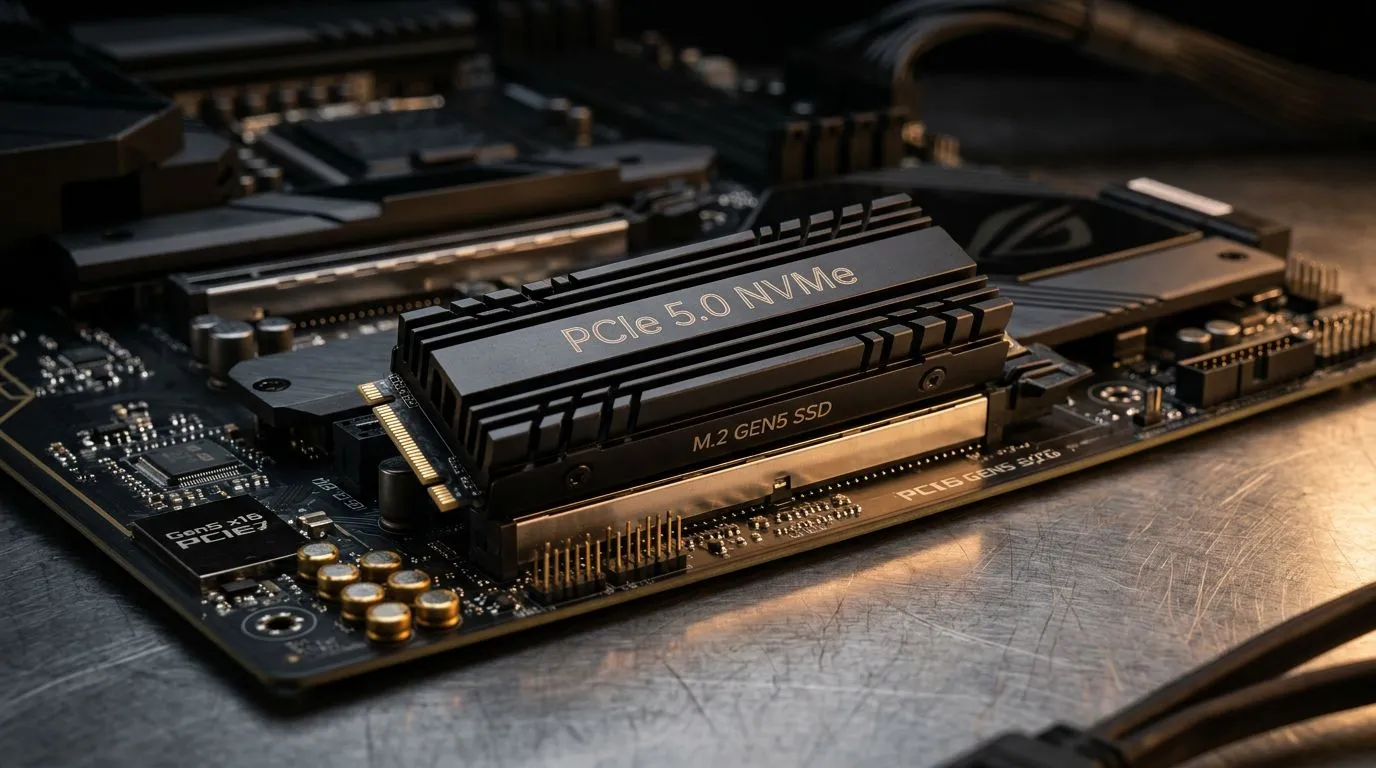
What Is PCIe 5.0? Why South African gamers should care about next‑gen upgrades
If your PC feels fast… but your storage or high‑bandwidth workloads still bottleneck, PCIe 5.0 might be your next move. In South Africa, we buy for the long run. So when you upgrade, you want headroom for the next GPU, the next NVMe SSD, and the next “why is it stuttering?” moment. ⚡
In this guide, you’ll learn what is PCIe 5.0? a guide to next‑gen performance upgrades and how to plan a sensible upgrade path without wasting money on parts that don’t actually help you.
What Is PCIe 5.0? A Guide to Next‑Gen Performance Upgrades (explained simply)
PCIe (Peripheral Component Interconnect Express) is the connection system between your CPU and high‑speed components like GPUs and NVMe SSDs. PCIe 5.0 is the next step after PCIe 4.0.
Here’s the practical picture:
- PCIe 5.0 doubles the lane bandwidth compared to PCIe 4.0 (per lane, per direction).
- Your motherboard uses PCIe “lanes” to communicate with devices like SSDs.
- Most gamers won’t notice PCIe 5.0 in every situation, because many games are not limited by PCIe bandwidth today.
- You will notice faster transfers in workloads that lean hard on storage, like large game installs, direct-from-SSD streaming, and content creation. 🚀
Does PCIe 5.0 matter for gaming FPS?
FPS is mostly driven by your GPU and CPU. PCIe 5.0’s biggest impact tends to show up as improved responsiveness in data-heavy scenarios rather than raw FPS jumps. Think of it like… smoother “load, stream, and swap assets” behaviour, especially on systems that are already fast elsewhere (good CPU, good RAM, decent SSD controller).
Where PCIe 5.0 really shines
PCIe 5.0 is especially relevant if you’re:
- Building with the latest NVMe SSDs that target higher throughput
- Doing video editing, 3D rendering, or large file transfers
- Installing huge libraries (and not wanting long “downloading then unpacking” cycles) 🔧
Upgrade Path: What to check before buying a PCIe 5.0 motherboard
PCIe 5.0 support depends on your CPU + motherboard chipset + BIOS support, not just the board’s marketing.
Step-by-step checklist (quick and safe)
- Confirm CPU support for PCIe 5.0 lanes intended for your SSD slot(s).
- Choose the right M.2 slot on the motherboard. Not every slot is wired for PCIe 5.0.
- Check BIOS revision details if the board is newly released or recently updated.
- Verify your SSD model supports PCIe 5.0 at the speeds it claims.
- Budget realistically for cooling, because high‑end NVMe drives may run hotter.
PCIe 5.0 and motherboard selection in South Africa
If you want a motherboard that can anchor a proper upgrade path, start with a chipset/brand ecosystem you can grow with.
For AMD builds, browse Evetech’s AMD motherboards here: AMD motherboards from Evetech
For Intel builds, this is a solid starting point: Intel motherboards from Evetech
If you’re trying to build lean without completely sacrificing future options, consider entry-focused boards from: cheap Intel & AMD based motherboards on Evetech
Productivity Pro Tip ⚡
A fast PCIe 5.0 SSD only helps if you actually use it well. Before copying a big game library, format the target SSD correctly, then check Windows Storage settings so downloads and installs use the right drive. It saves hours over time, especially on SA ISPs where installs can be slow and data caps matter.
PCIe 5.0 performance upgrades: what to expect in real life
Let’s ground expectations. PCIe 5.0 mainly improves data transfer and throughput, which can translate into faster:
- Large file transfers
- Installing big games
- Copying game assets quickly to your library drive
- Certain creative workloads (scrubbing timelines, rendering prep, export pipelines)
But, for gaming, don’t expect every title to suddenly feel like a different console generation. Your GPU still determines most frame output, and many game load patterns depend on engine design.
How to build a smart PCIe 5.0 upgrade plan (without overspending)
Here’s a clean approach that most South African buyers can stick to:
Pick your “bottleneck first” strategy
- If your system is stuttering due to slow storage, upgrade SSD first.
- If you’re already on a great NVMe but still bottlenecked elsewhere, focus on CPU + RAM stability.
- If you’re building from scratch and want the smoothest path, choose a PCIe 5.0 capable motherboard and plan for a PCIe 5.0 SSD later. ⚡
Cooling matters more than people think 🔥
High‑end NVMe drives can throttle under heat. Many modern boards include heatsinks, but not all cover enough surface area. If you’re targeting sustained loads (like rendering exports or long game installation sessions), ensure proper airflow in your case.
Don’t buy blindly: match the ecosystem
PCIe 5.0 isn’t just “a feature”. It’s a chain: CPU + motherboard routing + BIOS + SSD support.
If one link is weaker, you may not reach the speeds you paid for.
Ready to Find Your Perfect Match?
Ready to Find Your Perfect Match? The Mac vs Windows debate is complex, but for maximum power, choice, and value in South Africa, Windows is hard to beat. Explore our massive range of laptop specials and find the perfect machine to conquer your world.











