

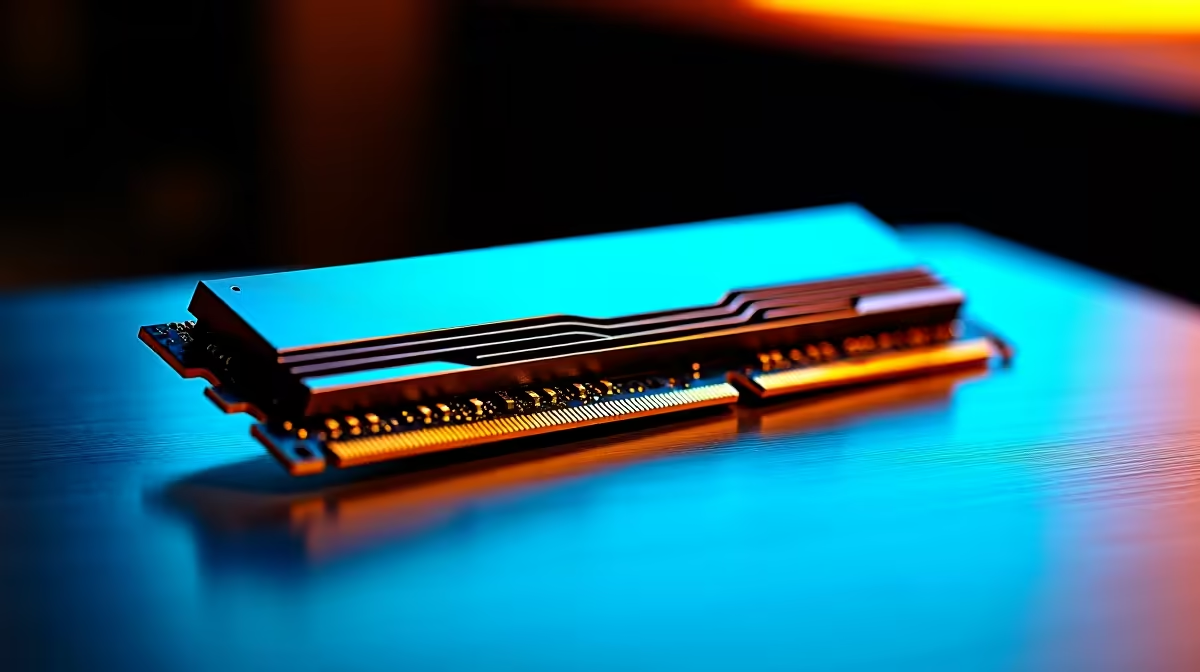
How to Recognise When to Upgrade RAM 🔧
If your PC feels sluggish or your games stutter unexpectedly, your system might be begging for a RAM upgrade. South African gamers, especially those diving into demanding titles or streaming at once, need enough memory to keep everything smooth. Knowing when to upgrade RAM is key to staying competitive and avoiding frustrating slowdowns. Whether you're running out of multitasking space or noticing long load times, your system’s memory could be the bottleneck.
Common Signs Your System Needs More Memory
Your PC Runs Out of Memory Often
If your computer frequently uses all its RAM, it starts relying on slower hard drive swapping. This causes noticeable lag during gameplay or multitasking. Watch your Task Manager or Activity Monitor—if memory usage hits max, it’s a clear indicator.
Games and Applications Stutter or Crash ⚡
RAM shortages cause stuttering or crashes when launching big games or software. Upgrading RAM helps maintain consistent frame rates and reduces in-game freezes.
Slow Boot and Program Load Times
A sluggish startup or delayed app load can mean inadequate RAM. Faster memory access speeds up loading times dramatically.
Multitasking Feels Sluggish
Running many browser tabs, apps, or streaming software simultaneously demands more memory. If your system pauses or freezes under these conditions, it’s a prompt to upgrade RAM.
RAM Upgrade Pro Tip
Choose memory with higher frequency (MHz) for better bandwidth, but ensure compatibility with your motherboard for stability. {{/TipBox}}
How Much RAM Do You Actually Need?
For modern gaming and everyday tasks, 16GB is generally the sweet spot. But if you stream, edit video, or keep dozens of apps open, consider 32GB or more. Older systems with 8GB or less often struggle; an upgrade here can feel like a full overhaul.
Need inspiration for your next build? Explore Evetech’s best gaming PC deals to see how RAM levels vary across price points. You’ll spot how adding memory enhances overall system snappiness.
Balancing Upgrades: RAM, SSD, and CPU 🎮
Upgrading RAM alone won’t solve all performance issues. Keep your storage fast with SSDs and ensure your CPU isn’t a bottleneck. Sometimes a balanced upgrade plan works best.
For pre-built options with well-optimised memory, check out these Evetech pre-built PC deals. They offer competitive specs that save time on compatibility headaches.
RAM Upgrades in Laptops and Desktop PCs
Laptop memory upgrades are trickier due to soldering and limited slots but worth considering on older or entry-level models. Evetech offers a neat selection of laptops for sale in South Africa if you want a fresh start with ample memory from the get-go.
Desktop users have more freedom to swap or add RAM sticks. Browse quality modules here to find your ideal match.
When Cost Meets Performance: Watch Out for Deals 🏷️
Don’t overlook sales—EVetech’s specials often include RAM upgrades and combo offers. These deals can drastically reduce the price of boosting your system memory without skimping on quality.
Upgrade Your Memory, Upgrade Your Game Ready to boost your PC’s speed? Shop now at Evetech for memory modules and kits designed to keep lag at bay and performance locked in.











