

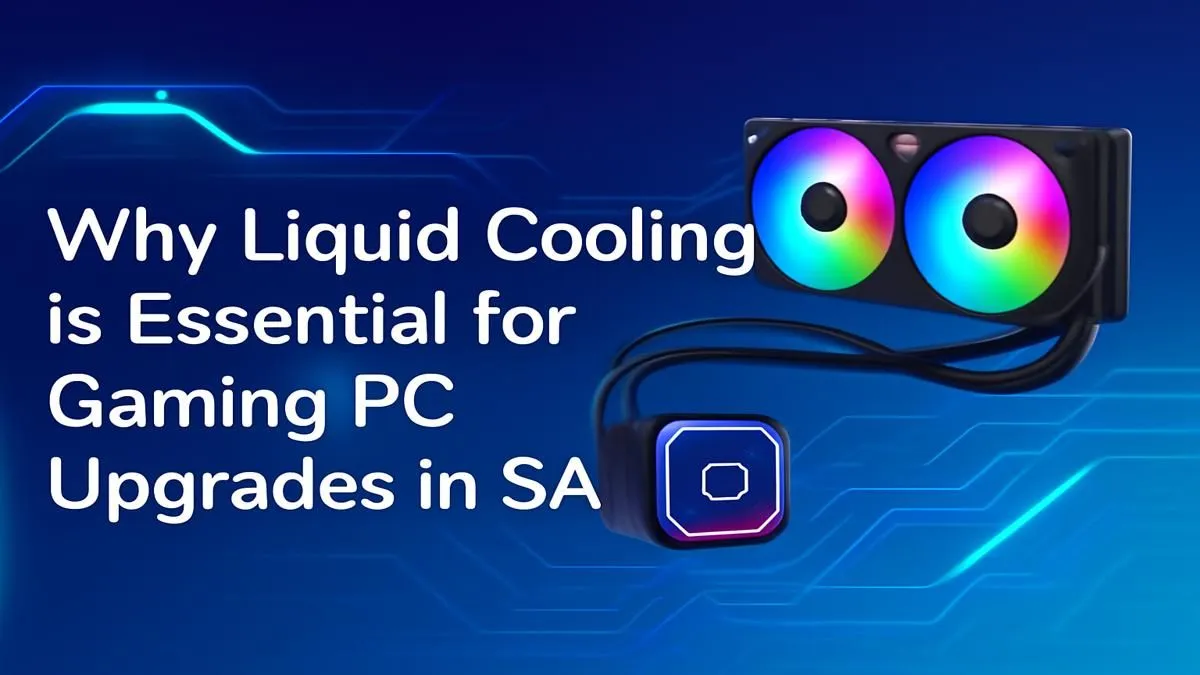
Feeling the heat? We’re not just talking about another scorching Highveld summer. When your gaming PC starts to sound like a jet engine and your frame rates drop mid-match, the real culprit is often heat. Your high-performance components are throttling themselves to survive. For gamers across the country, understanding liquid cooling in South Africa isn't just a luxury... it's becoming a necessity for unlocking your PC's true potential. 🚀
When Your PC Can't Handle the Heat
You've invested in a beast of a machine. But during an intense session, you notice stuttering and lag. What gives? It's likely thermal throttling. This is your PC's self-preservation mechanism, slowing down components like your CPU to prevent them from overheating. While a standard air cooler is fine for basic tasks, it can struggle to keep up with the demands of today's powerful CPUs, especially in our warmer climate.
An air cooler uses a metal heatsink and a fan to pull heat away. It's a reliable system, but it has its limits. When you push your system hard with AAA gaming or heavy rendering tasks, an air cooler can become saturated with heat, turning your PC into a noisy, underperforming hotbox.
Enter the Solution: PC Liquid Cooling Explained
This is where a modern liquid cooling system, often called an All-In-One (AIO) cooler, makes a massive difference. Think of it like the radiator in a car. A pump circulates a special liquid through a block attached to your CPU, absorbing heat. This hot liquid then travels to a radiator, where fans dissipate the heat efficiently and quietly.
The benefits are immediate:
- Lower Temperatures: AIOs are significantly more effective at transferring heat, leading to lower core temperatures even under heavy load.
- Quieter Operation: Because the fans on the radiator can spin slower while moving more heat, your rig runs much quieter. No more jet engine noises. ✨
- Sustained Performance: By keeping your CPU cool, you eliminate thermal throttling. This means you get the full performance you paid for, all the time. This is especially vital in complete upgrade bundles like these pre-configured AMD upgrade kits that are designed for peak performance.
Installation Pro Tip 🔧
For the best performance, try to mount your AIO radiator at the front of your case as an intake. This ensures it draws in the coolest possible ambient air to cool the liquid, rather than using warmer air from inside the case. This can lower your CPU temperatures by a few crucial degrees!
Is an AIO Cooler Your Next Smart Upgrade?
So, is a PC liquid cooling upgrade right for you? Ask yourself these questions:
- Does your PC case have poor airflow or sit in a warm room?
- Do you own a high-end, heat-producing CPU (like a modern Core i7/i9 or Ryzen 7/9)?
- Do you want a cleaner, more aesthetic look inside your case?
- Are you interested in overclocking to squeeze out extra performance?
If you answered "yes" to any of these, an AIO is one of the most impactful upgrades you can make. It's a cornerstone of many high-performance builds, including these powerful Intel barebone kits, where stable temperatures are key to unlocking their full potential. Investing in proper cooling ensures your other expensive components can run at their best, protecting your investment for years to come. 🌡️
Ready to Beat the Heat? An efficient cooling system is the heart of a high-performance PC. Don't let thermal throttling ruin your experience. Explore our wide range of CPU coolers and find the perfect liquid cooling solution for your rig today.











