

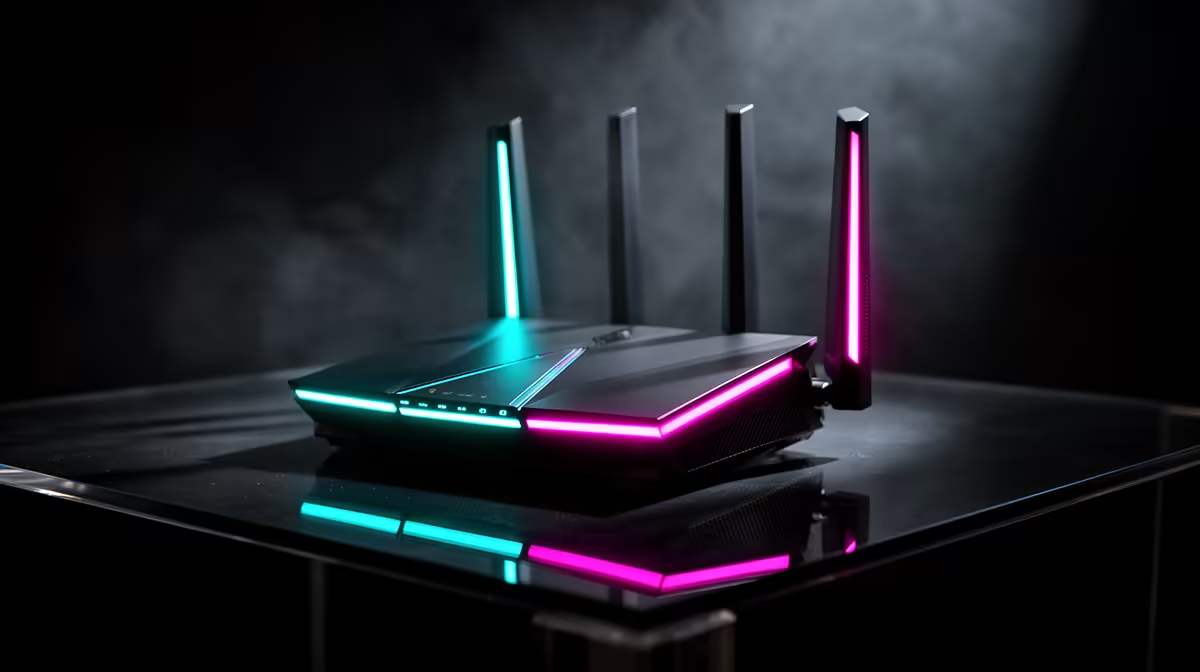
Staring at a download bar that moves slower than peak-hour traffic in Jozi? You're not alone. For South African gamers, a lag spike during a ranked match or a painfully slow update can ruin a session. We've all praised Wi-Fi 6, but the next evolution is here. The debate of Wi-Fi 7 vs Wi-Fi 6 isn't just about bigger numbers... it's about unlocking a new level of wireless freedom for your entire home. 🚀
The Real Difference: Wi-Fi 7 vs Wi-Fi 6 Explained
So, what’s the big deal? Is this just another incremental update? Not quite. While Wi-Fi 6 (802.11ax) was a huge step up for handling many devices, Wi-Fi 7 (802.11be) is built for a new era of speed and responsiveness.
Think of it like this: Wi-Fi 6 is a modern three-lane highway, efficient and wide. Wi-Fi 7 is a six-lane superhighway where your data can use multiple lanes at the same time to bypass traffic. This is thanks to a key technology called Multi-Link Operation (MLO).
Here’s a quick breakdown of the core improvements:
- Insane Throughput: By using wider 320 MHz channels and MLO, Wi-Fi 7 can theoretically reach speeds over 40 Gbps. In the real world, this means downloading a 100GB game in minutes, not hours.
- Dramatically Lower Latency: For gamers, this is the magic word. Wi-Fi 7 is engineered to deliver wired, Ethernet-like pings. This could make wireless competitive gaming a reliable reality for everyone.
- Greater Capacity & Stability: Got a house full of phones, smart TVs, and consoles all fighting for bandwidth? Wi-Fi 7 handles congestion far more intelligently, ensuring your 4K stream doesn't buffer when someone else starts a massive download.
Check Your Whole Chain 🔗
Upgrading to Wi-Fi 7 isn't just about your PC. To get the full benefit, you'll also need a Wi-Fi 7-compatible router. While your new motherboard will still work perfectly with older Wi-Fi 6 and 5 routers, planning your network upgrade is key to unlocking those next-gen speeds down the line.
Why Your Motherboard Is the Gateway to Wi-Fi 7
This next-gen performance isn't just a simple software update you can download. It requires new hardware built to handle the standard. Your PC's motherboard is the central nervous system of your rig, and its built-in networking capabilities determine your connection potential. Without a compatible board, you're stuck in the slow lane, no matter how fast your fibre is.
This is why choosing the right motherboard is the most critical decision when planning an upgrade. It dictates not only your current performance but also how "future-proof" your PC will be for technologies just around the corner.
Future-Proof Your Rig with the MSI MAG X870E ✨
When it comes to being ready for the future, some hardware is already living in it. The new MSI MAG X870E TOMAHAWK MAX WIFI is a perfect example. Built for AMD's latest processors, this motherboard doesn't just prepare you for the Wi-Fi 7 vs Wi-Fi 6 transition—it puts you firmly in the winner's circle.
With Wi-Fi 7 built-in, you're investing in a platform that will keep up with the fastest internet speeds available in South Africa for years to come. But it's more than just networking. This board is part of the latest platform of AMD motherboards designed for top-tier performance, featuring:
- PCIe 5.0 Support: Get the maximum speed from next-generation graphics cards and NVMe SSDs.
- Robust Power Delivery: Built to handle the most powerful new AMD Ryzen CPUs without breaking a sweat.
- Excellent Connectivity: From 2.5G LAN to a host of USB ports, it’s a hub for all your peripherals.
Opting for a board like this isn't just an upgrade; it's a strategic investment in your gaming and productivity future. You're building a foundation that won't become a bottleneck anytime soon.
Ready to Build Your Future-Proof Rig? The jump from Wi-Fi 6 to Wi-Fi 7 is massive, and having the right foundation is key. Don't let old hardware be the bottleneck holding back next-gen performance. Explore our wide range of PC Components and start planning your ultimate upgrade today.











