


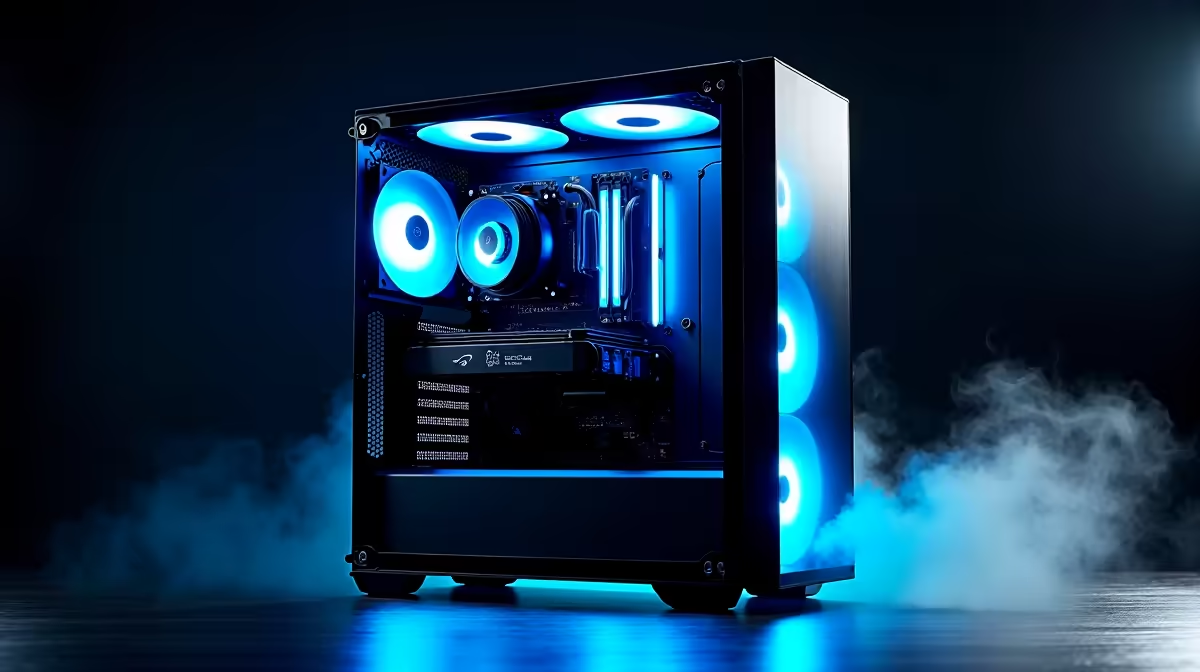
So, you’re ready to build a new rig. The "AI PC" buzz is everywhere, promising mind-blowing performance in games and creative apps. But here’s the reality check for us in South Africa: this new tech brings a fresh set of compatibility headaches. One wrong choice, and your cutting-edge components could cause major bottlenecks… or just not work at all.
This guide will help you navigate the complexities of AI PC build compatibility and avoid those frustrating, expensive mistakes.
Understanding AI PC Compatibility
What even makes a PC an "AI PC"? It's not just about a powerful CPU or GPU anymore. True AI PCs feature specialised hardware, like a Neural Processing Unit (NPU), designed to accelerate machine learning tasks efficiently. This new component adds another layer to the compatibility puzzle. Getting it right means ensuring your CPU, motherboard, and even your software are all speaking the same language. A poorly matched system might still run games, but you'll miss out on the AI-powered features you paid for.
For many, the simplest starting point is looking at systems already optimised for performance, like those found in our best gaming PC deals, and then understanding what makes them tick.
The CPU & Motherboard Minefield 🔧
This is where most DIY builders get stuck. You can't just drop any new AI-ready processor into an old motherboard and expect it to work.
Intel vs. AMD: The AI Core Battle
Intel's Core Ultra processors come with their "AI Boost" NPU, while many modern AMD Ryzen CPUs feature "Ryzen AI". Both are brilliant, but they require specific motherboard chipsets to function correctly.
- For Intel: You'll need a motherboard that explicitly supports the latest generation of chips. Always check the manufacturer's CPU support list before buying. Our range of Intel PC deals are pre-configured to guarantee this compatibility.
- For AMD: The AM5 platform is the current home for Ryzen AI, but even within this platform, a BIOS update is often essential for your motherboard to recognise the CPU. This is a common hurdle for first-time builders. Checking out pre-vetted AMD Ryzen PC deals can save you this technical step.
Pro Tip: Check Your BIOS First! ⚡
Before you even buy your parts, go to the motherboard manufacturer's website. Find the "Support" or "CPU" section for the specific model you want. It will have a list of all compatible processors and the minimum BIOS version required. This five-minute check can save you hours of frustration.
The GPU: Your AI Workhorse 🚀
While NPUs handle smaller background tasks, your Graphics Processing Unit (GPU) does the heavy lifting for demanding AI workloads like image generation or running local language models. Here, AI PC build compatibility is less about "will it fit?" and more about "will it perform?".
VRAM is King
The most critical factor for AI is the amount of video memory (VRAM) your GPU has. Running AI models requires loading massive datasets into the GPU's memory.
- 8GB VRAM: The absolute minimum for entry-level AI tinkering.
- 12GB-16GB VRAM: The sweet spot for most enthusiasts.
- 20GB+ VRAM: Essential for serious developers and high-resolution image generation.
NVIDIA's CUDA technology gives them a significant edge in the AI space, making their cards a top choice for many. You can explore a wide variety of powerful options in our NVIDIA GeForce gaming PCs section. However, AMD is catching up fast with its ROCm software, and their cards offer fantastic gaming value, as seen in our AMD Radeon gaming PCs. Even Intel is making waves in the AI space with their Arc GPUs, which offer a compelling third option for your build. You can see how they stack up in our Intel Arc gaming PCs lineup.
Don't Forget the Supporting Cast
Perfect AI PC compatibility goes beyond the big three components.
- RAM: Aim for at least 32GB of fast DDR5 RAM. AI applications can be memory-hungry, and slow RAM will bottleneck your expensive processor.
- Storage: A fast NVMe SSD is non-negotiable. Loading multi-gigabyte AI models from a slow hard drive is a painful experience. This is one area where even budget gaming PCs have seen huge improvements that directly benefit AI responsiveness.
- Power Supply (PSU): AI workloads can cause sudden, high power spikes. Don't cheap out on your PSU. Get a reputable brand with a bit more wattage than you think you need.
For those running complex simulations or professional-grade AI development, a standard gaming rig might not be enough. That's where purpose-built Workstation PCs come in, designed for sustained, heavy workloads with certified components.
Building a PC is rewarding, but ensuring perfect AI PC build compatibility requires careful research and planning. One mismatched part can undermine the entire system's performance.
Ready for AI Power Without the Problems? Navigating component compatibility can be tricky, but you don't have to do it alone. Let our experts handle the hard work. Our pre-built systems are tested and optimised for flawless performance right out of the box. Explore our guaranteed-compatible Pre-built PC deals and jump straight into the future of computing.









