

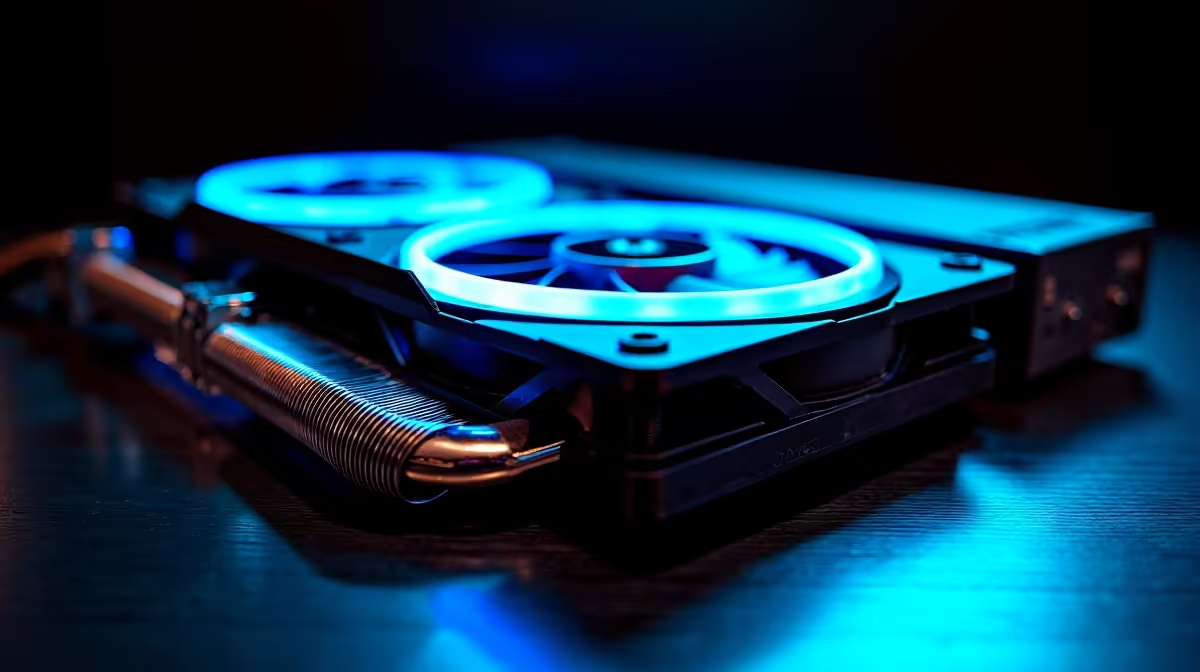
Your new PC is a beast, but is it running a bit… hot under the collar? As components get more powerful, keeping them cool is a massive challenge. Traditional fans are good, but they're reactive. Enter AI PC cooling: the proactive, intelligent solution that anticipates heat before it throttles your performance. It’s not just a feature; it's the future of keeping your rig frosty and fast when it matters most here in South Africa. 🚀
What Exactly is AI PC Cooling?
Think of traditional PC cooling like a manual gearbox. You set fan curves based on temperature thresholds: when your CPU hits 70°C, the fans spin at 80%. It works, but it’s not very clever. AI PC cooling is the automatic transmission… but a thousand times smarter.
Instead of just reacting to current temperatures, AI-powered cooling systems use algorithms and machine learning to analyse data from multiple sensors. They learn your usage patterns, predict future temperature spikes, and adjust fan speeds proactively. This intelligent cooling approach means the system can ramp up fans before a heavy workload begins, preventing thermal throttling and keeping performance stable. It's a core feature in many modern Intel PC deals designed for sustained tasks.
The Real-World Benefits for Your Rig ❄️
So, what does this actually mean for your daily gaming or work? The benefits of an intelligent cooling solution are tangible.
Smarter, Not Louder
One of the biggest wins is acoustics. An AI model knows the difference between a brief temperature spike from opening an app and a sustained load from rendering a video. This means your PC won't sound like a jet engine every time you multitask. It optimises for a quieter experience during light use, a feature you'll appreciate in both high-end AMD Ryzen PC deals and quiet office setups.
Peak Performance When It Counts
For gamers, this is everything. AI cooling anticipates the intense heat generated by a demanding game. By preparing the system in advance, it ensures your CPU and GPU maintain their boost clocks for longer, giving you smoother frame rates without performance dips. This is crucial for getting the most out of powerful NVIDIA GeForce gaming PCs during those marathon sessions. The same principle applies to rigs built around Team Red, with AMD Radeon gaming PCs also benefiting hugely from predictive thermal management.
Enhanced Component Lifespan
Heat is the enemy of electronics. By managing temperatures more effectively and avoiding drastic thermal fluctuations, AI PC cooling reduces long-term stress on your valuable components. This helps prolong the life of your processor, graphics card, and motherboard, protecting your investment.
Quick System Check 🔧
Before you buy new software, dive into your motherboard's BIOS UEFI. Many modern boards from ASUS, Gigabyte, and MSI have built-in AI cooling or smart fan control features. Activating them is a free performance and acoustic upgrade that only takes a few minutes to configure. Check your motherboard manual for the specific name, like 'Q-Fan Control' or 'Smart Fan 5'.
Best Practices for AI-Powered Cooling Performance
Having the software is only half the battle. To truly master your rig's thermals, you need to combine smart software with smart hardware choices.
- A Solid Foundation: It all starts with a good case with excellent airflow. Look for chassis with mesh front panels and multiple fan mounts. A well-designed case, often found in quality pre-built PC deals, ensures the AI has cool air to work with.
- Cleanliness is Key: Dust is a thermal insulator. Clean your PC's dust filters and fans regularly. A 5-minute clean-up every month can lower your temps by several degrees, giving your AI cooling system more headroom. Even the best AI cooling best practices can't beat a clogged intake.
- Leverage the Ecosystem: Brands are building entire ecosystems around this. For instance, ASUS’s AI Cooling II works with their Armoury Crate software to give you a centralised dashboard for control. This tech isn't just for the high-end; many motherboards found in budget gaming PCs now include surprisingly capable smart fan controls.
Is Your Current Rig Ready for the AI Revolution?
As software and games become more demanding, thermal management is no longer an afterthought… it's a critical part of performance. If you're running complex simulations on workstation PCs or pushing the latest hardware like those found in Intel Arc gaming PCs, an intelligent cooling strategy is essential.
AI PC cooling isn't just a gimmick; it's a sophisticated response to the growing power and heat of modern components. It delivers a quieter, faster, and more reliable computing experience.
Ready for a Smarter, Cooler PC? Don't let thermal throttling cap your performance. An intelligent cooling solution is the backbone of any modern rig. Explore our best gaming PC deals and find a system built to stay cool and fast under pressure.











