

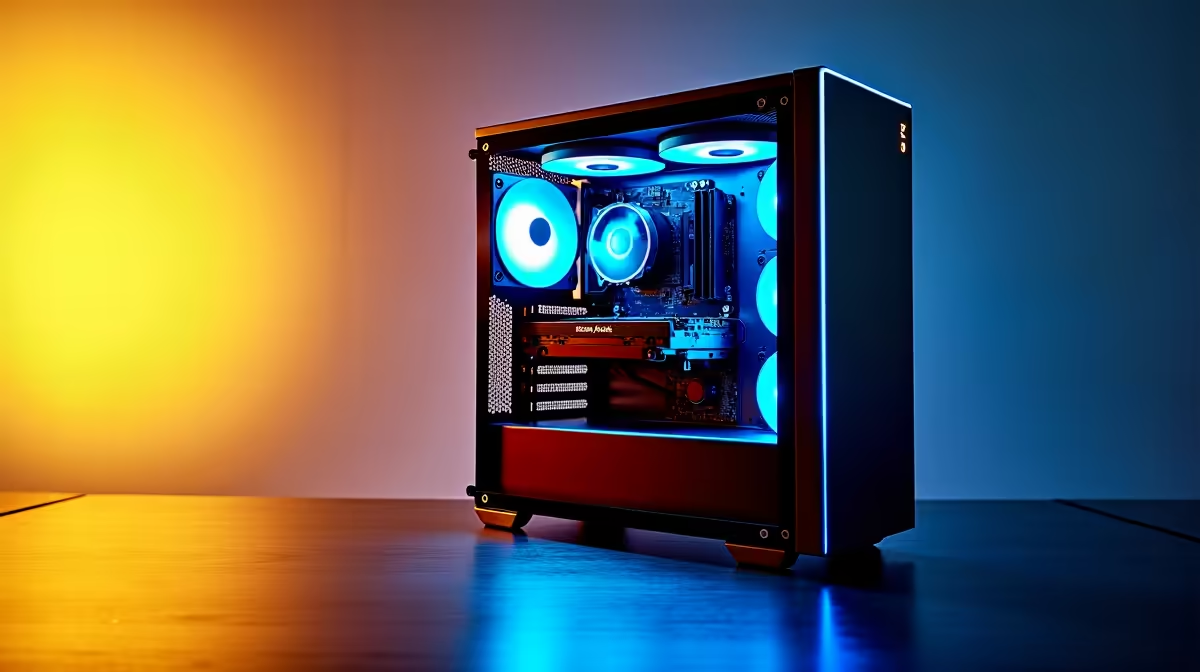
That new AI PC on your desk is a beast, ready to crunch data and render worlds at lightning speed. But with great power comes a new set of risks. How do you ensure your AI PC security is as cutting-edge as its hardware? In South Africa, where we invest heavily in our tech, protecting that new build is non-negotiable. Let's dive into the essential steps to protect your data and your powerful new machine.
Why AI PC Security is a Different Ball Game
Unlike traditional PCs, the new wave of AI-powered machines processes sensitive information locally using specialised hardware like Neural Processing Units (NPUs). This is fantastic for speed and privacy... but it also creates new targets for bad actors. If malware gains access, it could potentially manipulate AI models or steal data directly from the source. The foundation of good AI PC security starts with the hardware you choose, whether you're building around the latest Intel Core Ultra processors or a powerhouse AMD Ryzen CPU.
Foundational Steps to Protect Your New AI Build 🛡️
Securing your AI PC isn't just about installing antivirus software. It's about building a layered defence, starting from the moment you first power it on. A robust approach to AI PC security ensures your data and new build are properly protected.
Secure the Core: BIOS/UEFI Settings
Before you even install your favourite games, boot into your PC's BIOS/UEFI. Your first priority should be to enable "Secure Boot." This feature ensures that your PC only boots using trusted software from the manufacturer, effectively blocking certain types of rootkits and malware from loading before your operating system even starts. It's a simple, powerful first step.
Keep Your OS and Drivers Updated
This might sound basic, but for AI PCs, it's critical. Windows Security has evolved into a formidable tool, but it relies on regular updates to defend against new threats. The same goes for your graphics drivers. Companies like NVIDIA and AMD frequently release updates that not only boost performance but also patch security vulnerabilities. Keeping the drivers for your NVIDIA GeForce gaming PC or AMD Radeon gaming PC current is a key part of maintaining your system's integrity.
Hardware Security Pro Tip ⚙️
Enable your TPM 2.0 module in the BIOS UEFI. Trusted Platform Module (TPM) is a secure crypto-processor that provides hardware-based security. It's essential for features like Windows Hello and BitLocker drive encryption, adding a physical layer of protection to your AI PC that software alone can't match.
Is Your Pre-Built Rig Secure Out of the Box?
Opting for a professionally built system is a great way to get started with AI. These machines often come with the latest updates and correctly configured settings. For many South Africans, grabbing one of our pre-built PC deals is the quickest path to high-performance computing. Even our budget gaming PCs are now capable of handling entry-level AI tasks, making security important at every price point. However, the responsibility doesn't end there; you still need to practice safe computing habits, like using strong passwords and being wary of phishing emails.
AI Security for Work and Play ✨
The same hardware that accelerates your gaming can also power demanding creative and professional workloads. If you're using your AI PC for video editing, 3D rendering, or data analysis, the stakes are even higher. For these scenarios, purpose-built workstation PCs offer an extra layer of stability and security. The principles of protecting your data remain the same, ensuring that whether you're running on an NVIDIA, AMD, or one of the impressive new Intel Arc gaming PCs, your most important files are locked down. Ultimately, a secure PC is a reliable PC, giving you peace of mind no matter the task. Protecting your investment is just as important as choosing the right components from the start, which is why browsing the best gaming PC deals is the first step on a secure and powerful journey.
Ready to Build on a Secure Foundation? Strong AI PC security starts with quality hardware. Explore our massive range of AI-ready PCs and find the perfect machine to conquer your world, securely. Explore Our Best PC Deals in South Africa











