


GTA 6 Max Settings on RTX 5070: Complete Guide
GTA 6 Max Settings on RTX 5070. Tested & verified settings for best FPS and visual quality on SA hardware budgets.
Read moreStarfield Max Settings on RTX 5070 Ti. Tested & verified settings for best FPS and visual quality on SA hardware budgets.
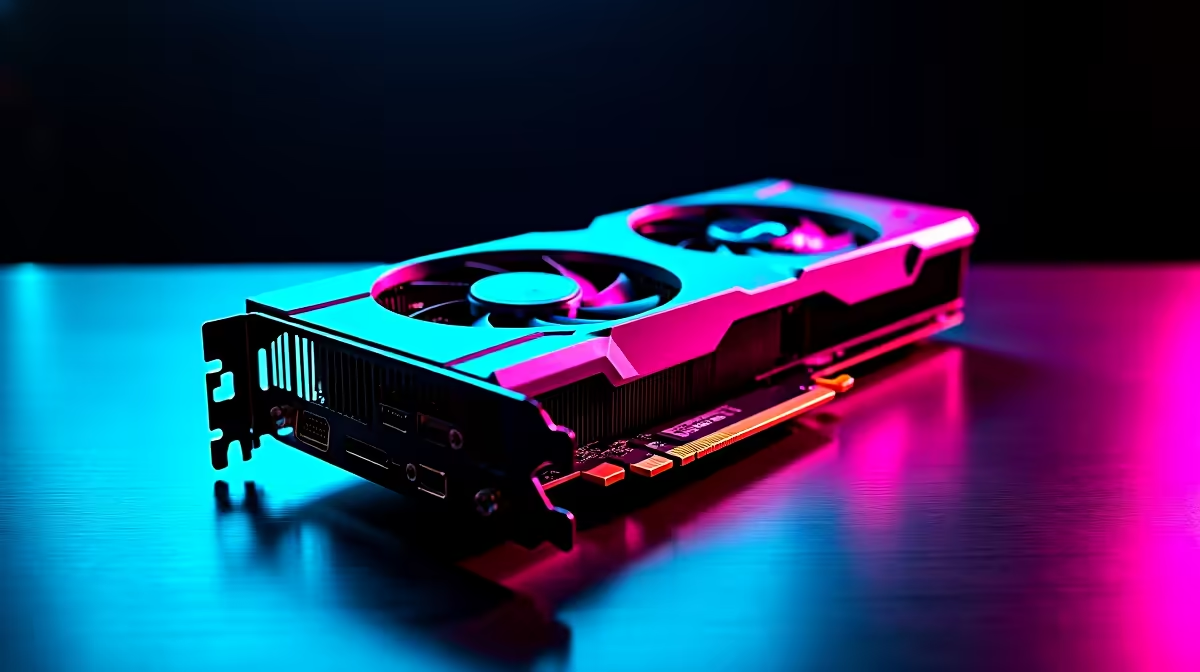
The RTX 5070 Ti runs Starfield at Ultra preset 1440p averaging 95-110 FPS and 4K Ultra averaging 65-78 FPS with DLSS 4 Quality. For locked 60+ FPS in cities like New Atlantis, enable DLSS Frame Generation and keep Volumetric Lighting on Medium. A Ryzen 7 7800X3D or Core i7-14700K avoids CPU bottlenecks.
Open Display Settings and set Resolution to your monitor's native, then choose the Ultra preset as a starting point. The 5070 Ti's 16GB VRAM and Blackwell architecture eat Starfield's draw distance and asset streaming for breakfast. Drop Volumetric Lighting from Ultra to High; the visual difference in city skies and dust storms is minimal but you reclaim 6-9 FPS. Crowd Density should stay High, since this is what makes New Atlantis and Akila City feel alive.
DLSS 4 Quality at 1440p is the sweet spot. It boosts FPS by 35-50% over native rendering and is visually almost indistinguishable. At 4K, drop to Balanced if you want to lock 60 FPS in heavy cities, or stay Quality and accept 55-65 FPS in busy zones. Shadow Quality is another easy 4-7 FPS win when dropped from Ultra to High.
DLSS 4 Frame Generation pushes the 5070 Ti past 100 FPS at 4K Ultra in most areas, with Reflex Low Latency on by default. Use Frame Generation if your monitor is 120Hz or higher; on 60Hz panels it's wasted. Combat in Starfield's tighter spaces (ship boarding, dungeon firefights) feels best at 90+ FPS, and Frame Gen comfortably delivers that.
Avoid stacking Frame Generation with V-Sync. Use G-Sync Compatible or FreeSync via your monitor's adaptive sync feature instead, capped 3 FPS below your panel's refresh. Reflex also helps reduce mouse-look latency in first-person space combat where snappy aiming matters.
Starfield's planet-streaming benefits hugely from a Gen4 NVMe SSD. A 1TB or 2TB drive on B650, X670, B760, or Z790 boards dropped texture pop-in compared to SATA SSD installs in early benchmarks. RAM-wise, 32GB DDR5-6000 is the comfortable target for the 5070 Ti; 16GB still runs the game but starts to swap during long play sessions when you alt-tab to Discord, browser, and OBS.
For SA gamers building around the 5070 Ti at evetech.co.za, pair the GPU with an 850W Gold PSU minimum (the GPU peaks around 285W under load) and a 280mm AIO if you're using a Ryzen 9 7950X3D or i9-14900K. Delivery covers the whole country with proper local warranty.
The 5070 Ti pulls roughly 285W under heavy Starfield loads, with full system draw landing around 480-560W on flagship Ryzen or Intel CPUs. A 1500VA line-interactive UPS keeps your rig and 144Hz monitor alive for 6-10 minutes during stage 4-6 load shedding, enough time to save and quit cleanly. Pure sine wave UPS units protect the PSU from spikes during recovery; cheap square-wave units can damage modern Gold-rated PSUs over time. Pair with a surge-protected multiplug for peripherals.
Bethesda's Creation Kit and community mods change Starfield's hardware demand dramatically. HD texture packs alone push VRAM use from 9-10GB at 4K to 12-13GB, which the 5070 Ti's 16GB handles comfortably. Performance mods like UEVR retrofits or shader injections (ReShade) cost 3-7% FPS but add visible polish. Keep your driver suite current via GeForce Experience or the standalone Game Ready installer; Starfield-specific optimisations have improved frame times noticeably across multiple driver releases on the 5070 Ti.
In open landscapes yes, in cities no. Native 4K Ultra dips to 45-55 FPS in New Atlantis crowds. Enable DLSS 4 Quality to lift averages comfortably above 70 FPS even in the busiest areas.
Starfield's RT implementation is light and tied to specific scenes. The 5070 Ti handles current RT settings with minimal frame loss, but the visual gain in most Starfield environments is subtle compared to RT-heavy games like Cyberpunk 2077 or Alan Wake 2.
A Ryzen 7 7800X3D, Ryzen 9 7950X3D, Core i7-14700K, or Core i9-14900K all keep up with the GPU in CPU-heavy city zones. The 7800X3D edges ahead in 1% lows thanks to the 3D V-Cache, smoothing dips in dense Akila City crowds.
Ready to Find Your Perfect Match? Get the RTX 5070 Ti delivered nationwide and squeeze every Starfield frame. Shop Evetech graphics cards
Starfield Max Settings on RTX 5070 Ti: C available at Evetech.co.za with local warranty and fast delivery.
Starfield Max Settings on RTX 5070 Ti: C - check Evetech for latest stock and SA pricing.
Depends on your use case. Starfield Max Settings on RTX offers good value at current Rand pricing.
GTA 6 Max Settings on RTX 5070. Tested & verified settings for best FPS and visual quality on SA hardware budgets.
Read more
Cyberpunk 2077 Max Settings on RTX 5080. Tested & verified settings for best FPS and visual quality on SA hardware budgets.
Read more
Can RTX 4080 Super Run AI Workloads for SA Developers Detailed answer with SA data, expert analysis & practical recommendations for local buyers.

Can RTX 4090 Run AI Workloads for SA Developers Detailed answer with SA data, expert analysis & practical recommendations for local buyers.

Top Settings for Intel Arc B580 at Ultrawide 1440p picks evaluated on performance, value & SA availability with current Rand pricing from Evetech.

RX 7600 Overclocking Guide: Safe OC Settings for. Real-world benchmark data, FPS numbers & performance analysis. What SA gamers can actually expect.

RTX 4060 CS2 Low Settings at 1080p: FPS Results. Real-world benchmark data, FPS numbers & performance analysis. What SA gamers can actually expect.

Visual Artifacts: Possible GPU Issue Issue #1. Diagnosis steps, proven fixes & when to seek professional help. SA-specific support info included.

Can the RTX 4090 Handle 1440p 144Hz Gaming. Performance testing verdict with real data & practical recommendations for SA buyers.

Top ASUS GPU Under R15000 picks evaluated on performance, value & SA availability with current Rand pricing from Evetech.

RTX 4060 Ti Throttling Under Load: Temperature. Everything you need to know with SA pricing, step-by-step instructions & expert recommendations.

Apex Legends Max Settings on RTX 4080. Tested & verified settings for best FPS and visual quality on SA hardware budgets.

GPU Buying Guide. Everything you need to know with SA pricing, step-by-step instructions & expert recommendations.

GPU Terms Guide. Everything you need to know with SA pricing, step-by-step instructions & expert recommendations.