


Apex Legends Max Settings on RTX 4080: Complete Guide
Apex Legends Max Settings on RTX 4080. Tested & verified settings for best FPS and visual quality on SA hardware budgets.
Read moreRTX 4060 Ti Throttling Under Load: Temperature. Everything you need to know with SA pricing, step-by-step instructions & expert recommendations.
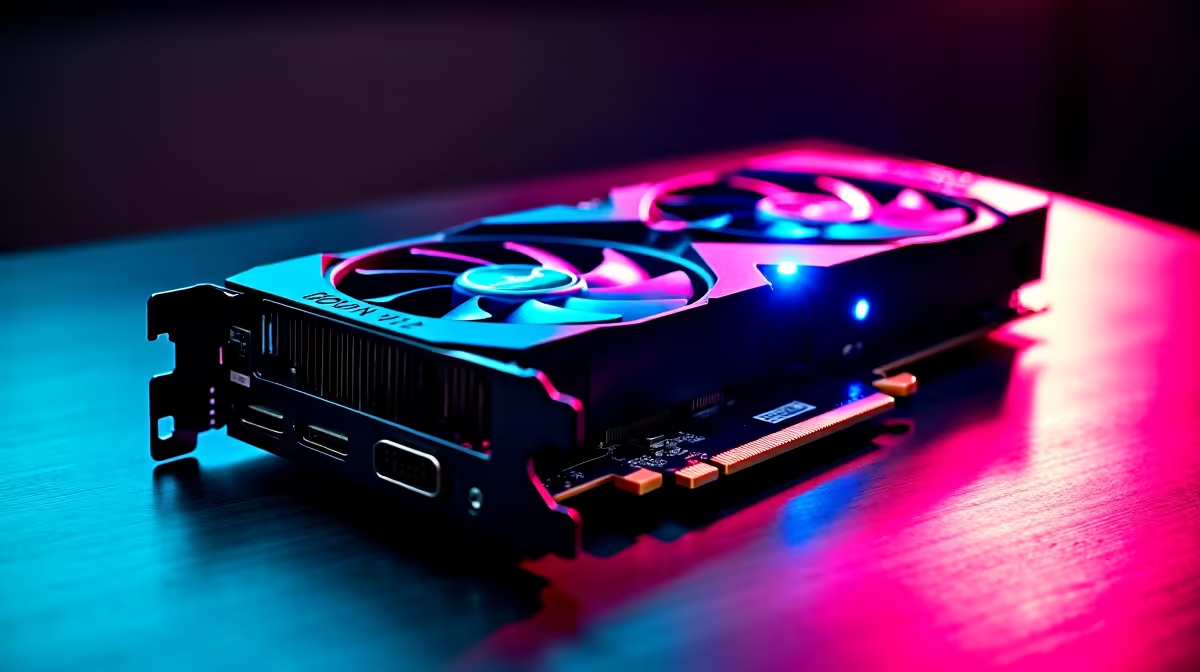
South African gamers know the frustration—those sudden dips in performance when your RTX 4060 Ti heats up under pressure. Throttling under load is a real issue, especially with our local climate and case setups. If you're battling frame drops or rising GPU temps mid-game, this guide explains why your RTX 4060 Ti throttles and how to keep it cool and stable 🔧.
Throttling happens when your graphics card hits critical temperatures, forcing it to reduce clock speeds. This prevents hardware damage but can hurt your FPS and gaming experience. The RTX 4060 Ti has a built-in thermal limit—usually around 83°C. In South African summers or in poorly ventilated setups, hitting this temperature isn't uncommon.
Many gamers overlook airflow or case choice. Even a powerful card can choke if stuck inside a tight or dusty case. Your surrounding ambient temperature also plays a big role; if your room is hotter than usual, expect higher GPU temps.
If you’re hunting for a fresh graphics card to upgrade your rig, check out Evetech’s wide selection of graphics cards to find one that fits your cooling needs and budget.
To optimise your gaming rig, aim for the RTX 4060 Ti to operate below 75°C under load. Between 75–83°C is acceptable but edging close to throttling territory. Anything above 83°C will start throttling, dropping your GPU speeds and impacting gameplay fluidity ⚡.
South African households in warmer provinces, like Gauteng or KwaZulu-Natal, should particularly prioritise airflow and cooling upgrades. Simply adding mesh front panels or extra case fans can lower temps by up to 10°C.
If you’re looking to invest in a ready-to-run rig with built-in cooling optimisations, consider browsing Evetech’s pre-built PC deals — these are tuned for performance and thermals right out of the box.
Lower your fan curve by 5 % to shave off 2 °C… quieter rig, same FPS. Simple fan tweaks can stop thermal spikes that cause throttling.
South African gamers looking for powerful laptops with adequate coolers should review the latest notebooks available in SA to avoid throttling on the go. Portable gaming needs good thermal management just like desktop setups.
Optimising your system budget is key. Check out Evetech’s special offers regularly. You might find cooling fans, cases, or GPUs that fit your needs and keep your 4060 Ti running cool — all in ZAR, no surprises at checkout.
Also, if you want a full gaming workstation that balances heat and power, explore best gaming PC deals on Evetech for competitive build prices that don’t skimp on airflow or thermals.
Upgrade Your Cooling and Performance Don't let GPU throttling hold back your gameplay. Shop now at Evetech for graphics cards and cooling gear that keep your rig cool and your FPS high.
RTX 4060 Ti Throttling Under Load: SA Te available at Evetech.co.za with local warranty and fast delivery.
RTX 4060 Ti Throttling Under Load: SA Te - check Evetech for latest stock and SA pricing.
Depends on your use case. RTX 4060 Ti Throttling Under L offers good value at current Rand pricing.
Apex Legends Max Settings on RTX 4080. Tested & verified settings for best FPS and visual quality on SA hardware budgets.
Read more
GPU Buying Guide. Everything you need to know with SA pricing, step-by-step instructions & expert recommendations.
Read more
GPU Terms Guide. Everything you need to know with SA pricing, step-by-step instructions & expert recommendations.
Read more
AMD Adrenalin Download & Setup Guide: GPU. Clear setup instructions with SA-specific considerations, troubleshooting tips & recommended components.
Read more
Back-to-School GPU Buying Guide. Everything you need to know with SA pricing, step-by-step instructions & expert recommendations.
Read more
GPU Compatibility: Complete Guide. Everything you need to know with SA pricing, step-by-step instructions & expert recommendations.
Read more
Snapdragon X2 NPU Explained: How 80 TOPS Changes. Plain-English explanation of what it means, why it matters & how it affects your buying decisions in SA.

HBM? High Bandwidth Memory Used in GPUs and AI. Plain-English explanation of what it means, why it matters & how it affects your buying decisions in SA.

How much should you spend on sim racing accessories in South Africa for a realistic setup? We break down budgets by quality tiers, so you buy smart gear and avoid overspending 🎮💸

G-Sync and FreeSync? Variable Refresh Rate. Plain-English explanation of what it means, why it matters & how it affects your buying decisions in SA.

AMD Laptop: Value. SA-focused analysis with local pricing data, real-world insights & actionable buying advice.

How MacBook Neo Handles 30+ Chrome Tabs with Only. SA-focused analysis with local pricing data, real-world insights & actionable buying advice.

Why Apple Put 8GB RAM in MacBook Neo: The A18 Pro. SA-focused analysis with local pricing data, real-world insights & actionable buying advice.

Upgrade your work laptop with a New Motherboard. Step-by-step instructions with SA-specific tips, common pitfalls to avoid & expert recommendations.

Maintain wired headset — Checklist: • inspect cables • clean earpads • store properly 🔧🎧 Practical steps to preserve sound quality and avoid premature replacements.

Fix crackling headset fast: step-by-step checks for cables, connectors, drivers, and settings to remove static or distorted audio on wired headsets 🎧⚙️

Stereo vs mono headsets: learn which delivers clearer calls, better spatial music, or simpler mono voice performance — pick the right headset for meetings, music, or gaming 🎧💬

- Compare gaming headset vs studio headphones; - Assess comfort, mic and sound; - Recommend best daily picks. Gaming headset vs studio headphones: learn which suits work, music and casual gaming. 🎧⚖️