


Fix Crackling Headset: Troubleshoot Wired Headset Audio
Fix crackling headset fast: step-by-step checks for cables, connectors, drivers, and settings to remove static or distorted audio on wired headsets 🎧⚙️
Read moreMaintain wired headset — Checklist: • inspect cables • clean earpads • store properly 🔧🎧 Practical steps to preserve sound quality and avoid premature replacements.
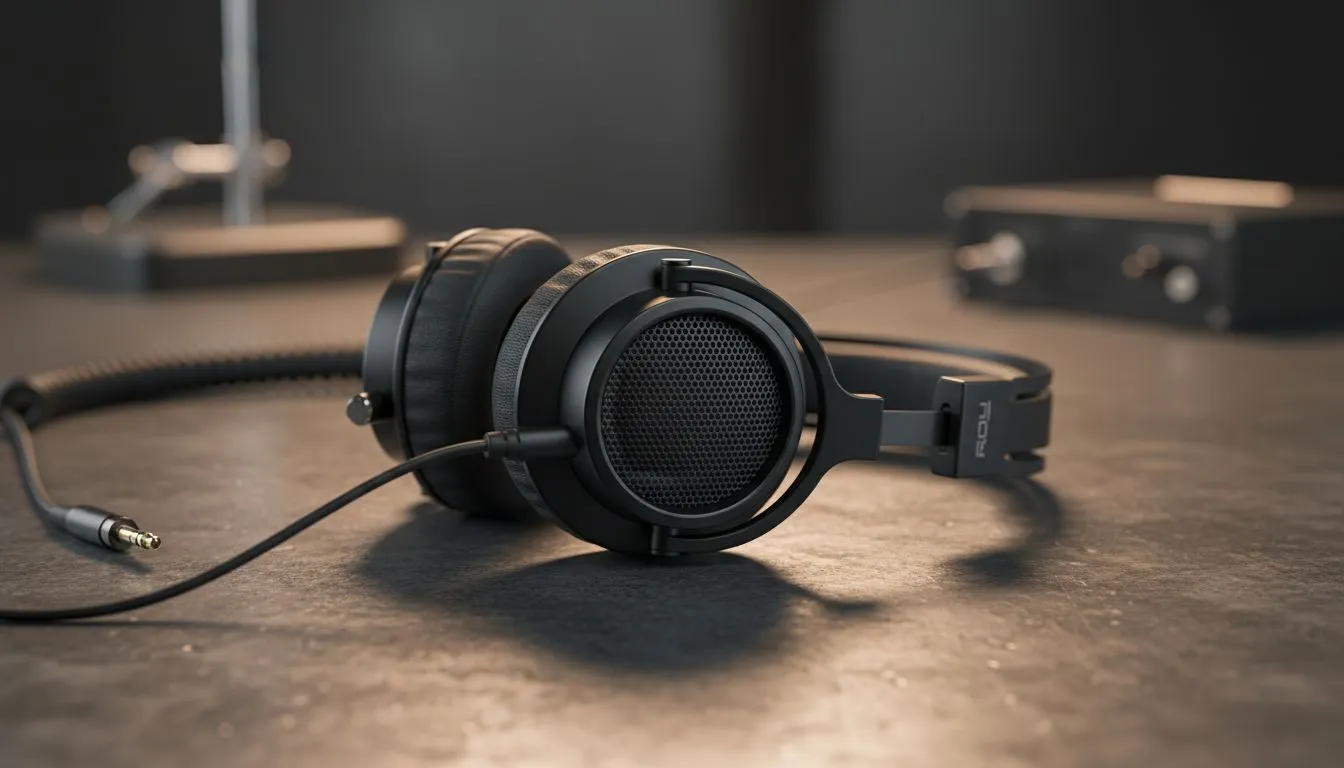
South African gamers, want your wired headset to last across every LAN, long night raid, and commute? Learning how to maintain wired headset gear is the fastest way to avoid sudden mic failures or frayed cables. This short guide gives clear, local-savvy tips that save money and keep sound quality crisp — no jargon, just practical steps you can use tonight.
Treat the cable like a fragile lifeline. Avoid tight knots, sharp bends and coiling your headset around your monitor. When unplugging, grip the plug not the cable. If you game in a small desk setup, use a simple cable clip or a Velcro wrap to prevent tugging. For a reliable modern pick, consider models with detachable cables like the Razer Barracuda X Chroma — check the official product page for detachable-cable specs and current availability. https://www.evetech.co.za/razer-barracuda-x-chroma-wireless-headset-phantom-white/best-deal/24367
Dust and sweat degrade pads and drivers. Use a soft brush or microfiber cloth to remove debris from grills. For foam or leatherette pads, gently wipe with a 50:50 isopropyl alcohol and water solution on a cloth; never soak. Rotate cushions if you have spares — many Razer headset accessories are listed on Evetech, which is handy when searching replacement pads or headbands. https://www.evetech.co.za/PC-Components/razer-headphones-headsets-105
Replace ear cushions every 12–18 months if you use your headset daily. Keep a small zip-lock bag with silica gel near storage to reduce moisture.
Store headsets on a stand or soft pouch to keep shape and protect connectors. If a cable shows intermittent cutouts, twist gently and move along the wire to find the spot; a solder or sleeve repair at that location can save the set. Check manufacturer firmware or driver updates occasionally — these can fix mic or sound profile issues. When shopping for parts or new models, browse Evetech’s headphone category for local stock and South African warranties. https://www.evetech.co.za/components/headphone-headsets-100
Ready to Find Your Perfect Match? The Mac vs Windows debate is complex, but for maximum power, choice, and value in South Africa, Windows is hard to beat. Explore our massive range of laptop specials and find the perfect machine to conquer your world.
Clean earpads and mesh weekly if used daily, and do a deeper clean monthly to maintain wired headset hygiene and sound quality.
Store flat or on a hook, avoid tight wraps, and use a pouch — wired headset storage tips prevent kinks and extend cable life.
Use strain relief, avoid sharp bends, unplug by the plug not the cable, and follow wired headset cable care to prevent damage.
Small breaks can be fixed with soldering or replacement connectors; follow repair broken headset cable guides or seek pro help if unsure.
Yes—removing earwax and dust from drivers and clean wired headset earpads often restores clarity and reduces muffled audio.
Replacing worn earpads restores comfort, seal and sound; it's a cost-effective way to prolong headset durability and comfort.
Replace if multiple failures occur, drivers fail, or repair costs approach new prices; small fixes can still extend wired headset lifespan.
Fix crackling headset fast: step-by-step checks for cables, connectors, drivers, and settings to remove static or distorted audio on wired headsets 🎧⚙️
Read more
Stereo vs mono headsets: learn which delivers clearer calls, better spatial music, or simpler mono voice performance — pick the right headset for meetings, music, or gaming 🎧💬
Read more
- Compare gaming headset vs studio headphones; - Assess comfort, mic and sound; - Recommend best daily picks. Gaming headset vs studio headphones: learn which suits work, music and casual gaming. 🎧⚖️
Read more
- Check pressure points - Compare earcup materials - Adjust clamp and fit Best gaming headsets for glasses: quick guide to reduce temple pressure, pick breathable memory foam earcups, and optimize fit for long sessions 🕹️👓
Read more
Gaming microphone noise reduction: Use beamforming mics, AI noise suppression, and hardware filters to cut background noise and boost in-game voice clarity. 🎧⚙️ Learn setups, settings, and top mic features.
Read more
External DAC for gaming headset explained: learn why USB sound cards outperform onboard audio for clearer sound, lower latency, and immersive gaming 🎧⚡
Read more
Snapdragon X2 NPU Explained: How 80 TOPS Changes. Plain-English explanation of what it means, why it matters & how it affects your buying decisions in SA.

HBM? High Bandwidth Memory Used in GPUs and AI. Plain-English explanation of what it means, why it matters & how it affects your buying decisions in SA.

How much should you spend on sim racing accessories in South Africa for a realistic setup? We break down budgets by quality tiers, so you buy smart gear and avoid overspending 🎮💸

G-Sync and FreeSync? Variable Refresh Rate. Plain-English explanation of what it means, why it matters & how it affects your buying decisions in SA.

AMD Laptop: Value. SA-focused analysis with local pricing data, real-world insights & actionable buying advice.

How MacBook Neo Handles 30+ Chrome Tabs with Only. SA-focused analysis with local pricing data, real-world insights & actionable buying advice.

Why Apple Put 8GB RAM in MacBook Neo: The A18 Pro. SA-focused analysis with local pricing data, real-world insights & actionable buying advice.

Upgrade your work laptop with a New Motherboard. Step-by-step instructions with SA-specific tips, common pitfalls to avoid & expert recommendations.

Glorious Keyboard Switches Explained: Which. Plain-English explanation of what it means, why it matters & how it affects your buying decisions in SA.

Winter Keyboard Buying Guide. Everything you need to know with SA pricing, step-by-step instructions & expert recommendations.

Keyboard Buying Guide. Everything you need to know with SA pricing, step-by-step instructions & expert recommendations.

LGBTQ+ Gamers Keyboard Guide: January Edition. Everything you need to know with SA pricing, step-by-step instructions & expert recommendations.