


Maintain Wired Headset: Tips to Extend Lifespan
Maintain wired headset — Checklist: • inspect cables • clean earpads • store properly 🔧🎧 Practical steps to preserve sound quality and avoid premature replacements.
Read moreExternal DAC for gaming headset explained: learn why USB sound cards outperform onboard audio for clearer sound, lower latency, and immersive gaming 🎧⚡
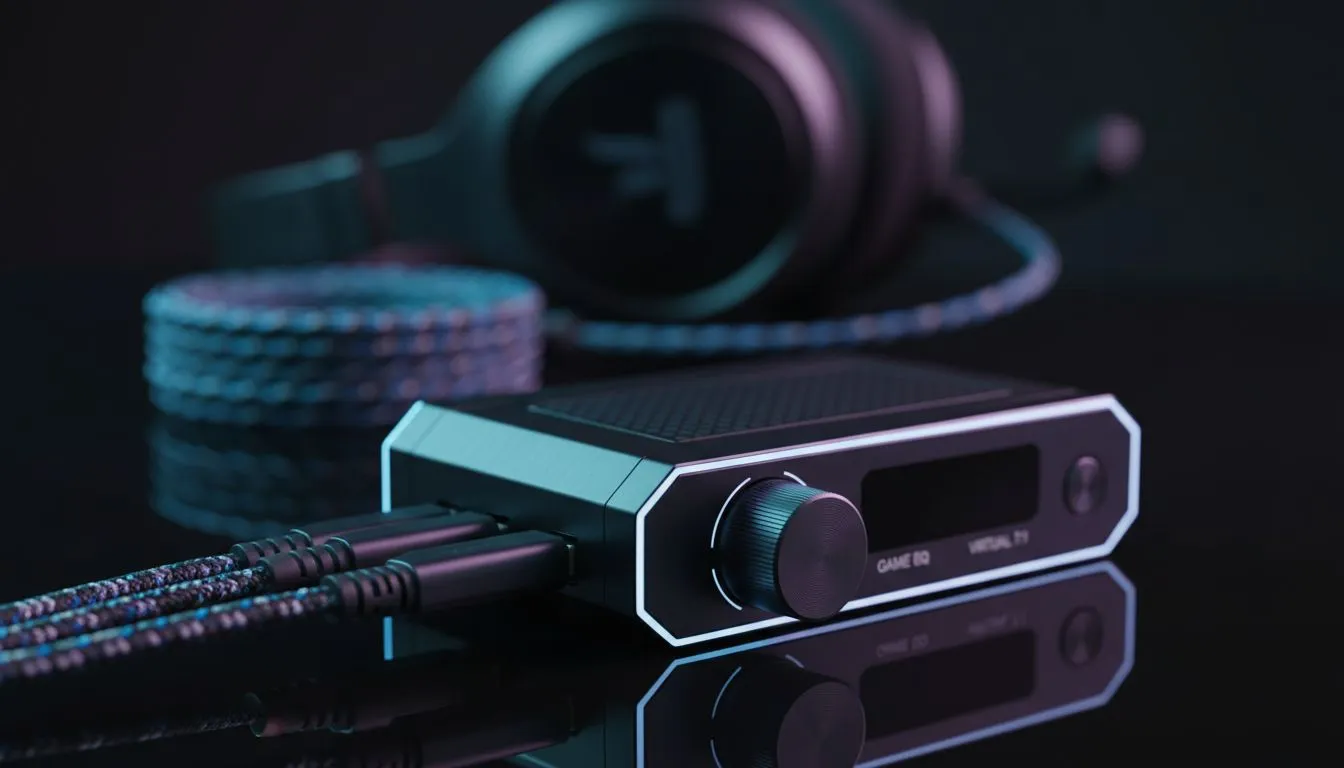
If you’ve ever asked whether an External DAC for Gaming Headset: USB Sound Card vs Onboard Audio really matters for CS:GO, Valorant or a crisp single‑player run, you’re in the right place. This short deep dive cuts through marketing noise and shows when a USB sound card (external DAC) helps, when your motherboard is fine, and how to pick gear that actually improves your game sound and voice chat.
Onboard audio lives on your motherboard and shares power and grounding with the rest of your PC. A USB sound card or external DAC moves the digital‑to‑analogue conversion into its own box, isolating audio from electrical noise and often offering cleaner amplification for demanding headsets. For practical comparisons and real product features, check the Razer Barracuda X Chroma listing for a sense of headset compatibility and specs on Evetech. (Note: product pages list connectivity and feature details.) You’ll find a good selection of brand headsets and their specs in Evetech’s Razer headphones category — useful for matching a DAC to a headset that needs more juice.
Why do players report clearer positional audio with some DACs? Dedicated USB DACs remove motherboard interference and sometimes offer better headphone drive and improved dynamic range — especially noticeable with high‑impedance planar or audiophile cans. Latency for modern USB DACs is typically negligible for gaming, but if you stream or use software monitoring, check driver support and sample rates. For a broad catalogue of headsets and compatibility details, see Evetech’s headphone range which helps you compare wired and USB options.
your headset sounds thin or noisy on PC, try first: plug the headset into a simple USB sound card to see if noise disappears. If it does, a mid‑range external DAC will usually offer better clarity and mic isolation than onboard audio.
Ready to Find Your Perfect Match? The Mac vs Windows debate is complex, but for maximum power, choice, and value in South Africa, Windows is hard to beat. Explore our massive range of laptop specials and find the perfect machine to conquer your world.
Yes. An external DAC for gaming headset bypasses onboard audio, offering clearer sound, better imaging, and a lower noise floor.
Often — USB sound cards include dedicated DACs and amps, reducing interference and latency compared to many motherboard codecs.
Yes, a quality external DAC or USB sound card can lower latency and buffer jitter, improving audio sync in fast-paced games.
Most plug-and-play USB sound cards work without drivers, but high-end DACs may include software for EQ, mic gain, and firmware updates.
They can. External DACs with dedicated preamps and cleaner USB interfaces often provide better mic gain and reduced background noise.
Sometimes — if onboard audio causes hiss or weak volume, a USB DAC can dramatically improve clarity and perceived headset quality.
Compare soundstage, latency, mic performance, and headphone impedance. For competitive or audiophile gaming, opt for an external DAC.
Maintain wired headset — Checklist: • inspect cables • clean earpads • store properly 🔧🎧 Practical steps to preserve sound quality and avoid premature replacements.
Read more
Fix crackling headset fast: step-by-step checks for cables, connectors, drivers, and settings to remove static or distorted audio on wired headsets 🎧⚙️
Read more
Stereo vs mono headsets: learn which delivers clearer calls, better spatial music, or simpler mono voice performance — pick the right headset for meetings, music, or gaming 🎧💬
Read more
- Compare gaming headset vs studio headphones; - Assess comfort, mic and sound; - Recommend best daily picks. Gaming headset vs studio headphones: learn which suits work, music and casual gaming. 🎧⚖️
Read more
- Check pressure points - Compare earcup materials - Adjust clamp and fit Best gaming headsets for glasses: quick guide to reduce temple pressure, pick breathable memory foam earcups, and optimize fit for long sessions 🕹️👓
Read more
Gaming microphone noise reduction: Use beamforming mics, AI noise suppression, and hardware filters to cut background noise and boost in-game voice clarity. 🎧⚙️ Learn setups, settings, and top mic features.
Read more
Snapdragon X2 NPU Explained: How 80 TOPS Changes. Plain-English explanation of what it means, why it matters & how it affects your buying decisions in SA.

HBM? High Bandwidth Memory Used in GPUs and AI. Plain-English explanation of what it means, why it matters & how it affects your buying decisions in SA.

How much should you spend on sim racing accessories in South Africa for a realistic setup? We break down budgets by quality tiers, so you buy smart gear and avoid overspending 🎮💸

G-Sync and FreeSync? Variable Refresh Rate. Plain-English explanation of what it means, why it matters & how it affects your buying decisions in SA.

AMD Laptop: Value. SA-focused analysis with local pricing data, real-world insights & actionable buying advice.

How MacBook Neo Handles 30+ Chrome Tabs with Only. SA-focused analysis with local pricing data, real-world insights & actionable buying advice.

Why Apple Put 8GB RAM in MacBook Neo: The A18 Pro. SA-focused analysis with local pricing data, real-world insights & actionable buying advice.

Upgrade your work laptop with a New Motherboard. Step-by-step instructions with SA-specific tips, common pitfalls to avoid & expert recommendations.

Glorious Keyboard Switches Explained: Which. Plain-English explanation of what it means, why it matters & how it affects your buying decisions in SA.

Winter Keyboard Buying Guide. Everything you need to know with SA pricing, step-by-step instructions & expert recommendations.

Keyboard Buying Guide. Everything you need to know with SA pricing, step-by-step instructions & expert recommendations.

LGBTQ+ Gamers Keyboard Guide: January Edition. Everything you need to know with SA pricing, step-by-step instructions & expert recommendations.