


Maintain Wired Headset: Tips to Extend Lifespan
Maintain wired headset — Checklist: • inspect cables • clean earpads • store properly 🔧🎧 Practical steps to preserve sound quality and avoid premature replacements.
Read moreFix crackling headset fast: step-by-step checks for cables, connectors, drivers, and settings to remove static or distorted audio on wired headsets 🎧⚙️
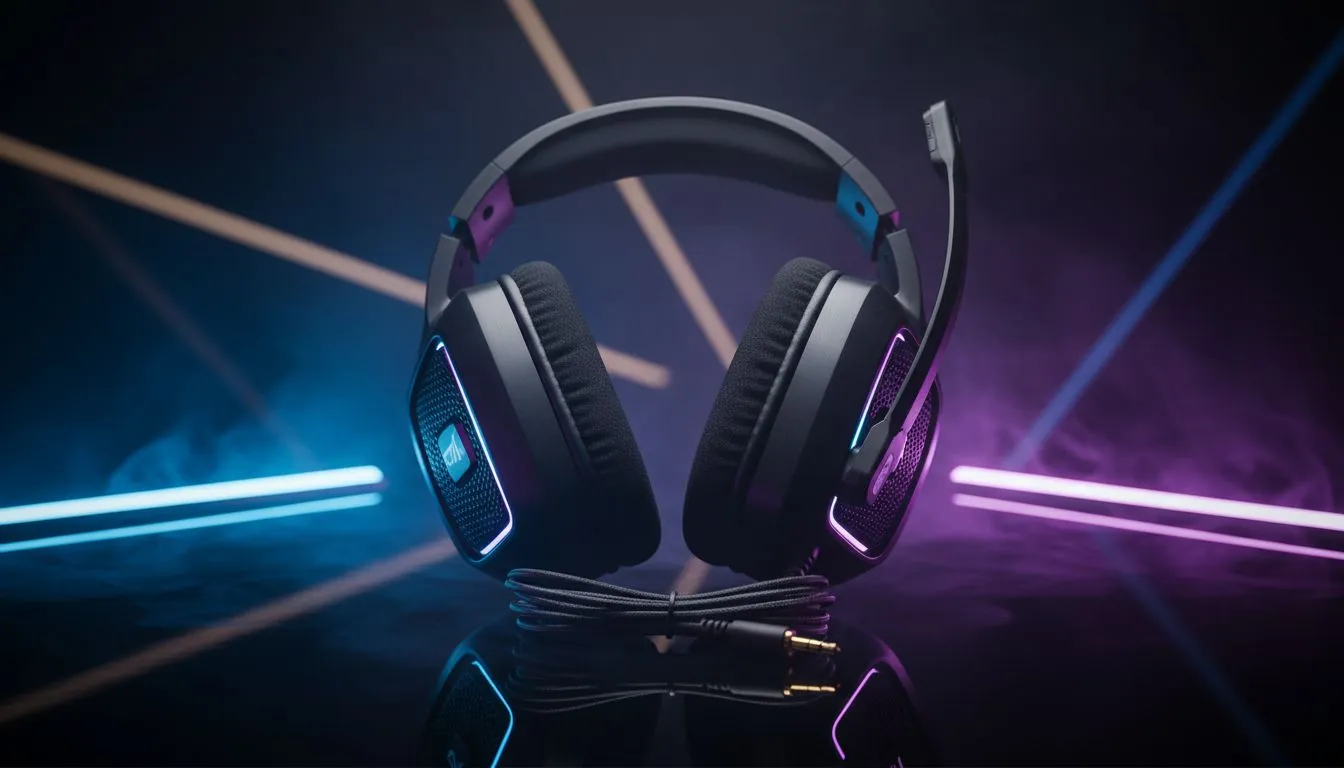
If your headset starts crackling mid-match or during a Discord call, you need fast, local fixes that work in South Africa. This guide strips the guesswork — quick diagnostics, driver checks, and when to swap hardware. Read the checklist, try the easy tweaks, and you could be back in the lobby before the next respawn 🔧⚡
Start simple. Unplug and re-seat the connector, try a different 3.5mm jack or USB port, and test the headset on a phone. Cable wear and loose TRS plugs are the most common culprits. If the crackle moves with the cable, the wire or solder joint is likely damaged. For a modern alternative, consider models with robust detachable cables or USB-C dongles — for example the Razer Barracuda X Chroma shows how multi-platform dongles can simplify connections, especially if you switch between PC and console (see product page for specs).
Find the Razer Barracuda X Chroma here: https://www.evetech.co.za/razer-barracuda-x-chroma-wireless-headset-phantom-white/best-deal/24367
If hardware looks fine, check software. On Windows, open Sound Settings, test different sample rates (44.1 kHz vs 48 kHz), and disable "Allow applications to take exclusive control" in the Advanced properties. For USB headsets, reinstall drivers or remove the device and let Windows redetect it. On Linux, check PulseAudio/ALSA configs and monitor for pops during high CPU usage. For brand-specific guidance and compatible models, browse official Razer headphones and headsets to match features with your system: https://www.evetech.co.za/PC-Components/razer-headphones-headsets-105
Wiggle-test the cable while playing a constant tone or test file. If crackling happens only when you bend the cable near a joint, you can often get a few months of life from a protective heat-shrink sleeve — but plan for a proper repair or replacement.
Deciding to repair or replace depends on age, warranty, and cost. Many local repair shops can resolder a jack or replace a cable for less than a new mid-range headset, but if drivers themselves are damaged, replacement is safer. When shopping, compare build and warranty information, and remember you can browse Evetech’s curated headset category to compare models and prices: https://www.evetech.co.za/components/headphone-headsets-100 🎧
Practical checklist before you buy/repair:
If you need a fast fix: mute/unmute, restart the app, and replug. If the issue persists, document the behaviour (time, app, cable position) — that helps warranty claims or a technician. Want personalised help choosing a replacement with local stock and ZAR pricing? Start with the options above, then use the CTA below to explore broader deals.
Ready to Find Your Perfect Match? The Mac vs Windows debate is complex, but for maximum power, choice, and value in South Africa, Windows is hard to beat. Explore our massive range of laptop specials and find the perfect machine to conquer your world.
Crackling often comes from loose cables, dirty jacks, damaged connectors, or driver issues. Start with a visual cable check and test another device.
Swap the headset to another device and try a different port or cable. If crackling persists on the headset it's the headset; otherwise it's the port or driver.
Yes. Outdated or corrupt drivers can cause distorted audio. Update or reinstall your audio drivers to fix many wired headset crackling issues.
Power off, use compressed air and a cotton swab with isopropyl alcohol to gently clean the jack and plug. Let dry before reconnecting to reduce static.
Yes. Wrong sample rates, codec settings, or sound enhancements can cause distortion. Reset audio settings or disable enhancements to test.
Check microphone and USB interference, update game/communication app settings, and test wired headset crackling fix steps like cables and drivers.
Replace when physical damage, exposed wires, or persistent crackling remain after testing cables, ports, and drivers. Persistent distortion usually indicates hardware failure.
Maintain wired headset — Checklist: • inspect cables • clean earpads • store properly 🔧🎧 Practical steps to preserve sound quality and avoid premature replacements.
Read more
Stereo vs mono headsets: learn which delivers clearer calls, better spatial music, or simpler mono voice performance — pick the right headset for meetings, music, or gaming 🎧💬
Read more
- Compare gaming headset vs studio headphones; - Assess comfort, mic and sound; - Recommend best daily picks. Gaming headset vs studio headphones: learn which suits work, music and casual gaming. 🎧⚖️
Read more
- Check pressure points - Compare earcup materials - Adjust clamp and fit Best gaming headsets for glasses: quick guide to reduce temple pressure, pick breathable memory foam earcups, and optimize fit for long sessions 🕹️👓
Read more
Gaming microphone noise reduction: Use beamforming mics, AI noise suppression, and hardware filters to cut background noise and boost in-game voice clarity. 🎧⚙️ Learn setups, settings, and top mic features.
Read more
External DAC for gaming headset explained: learn why USB sound cards outperform onboard audio for clearer sound, lower latency, and immersive gaming 🎧⚡
Read more
Snapdragon X2 NPU Explained: How 80 TOPS Changes. Plain-English explanation of what it means, why it matters & how it affects your buying decisions in SA.

HBM? High Bandwidth Memory Used in GPUs and AI. Plain-English explanation of what it means, why it matters & how it affects your buying decisions in SA.

How much should you spend on sim racing accessories in South Africa for a realistic setup? We break down budgets by quality tiers, so you buy smart gear and avoid overspending 🎮💸

G-Sync and FreeSync? Variable Refresh Rate. Plain-English explanation of what it means, why it matters & how it affects your buying decisions in SA.

AMD Laptop: Value. SA-focused analysis with local pricing data, real-world insights & actionable buying advice.

How MacBook Neo Handles 30+ Chrome Tabs with Only. SA-focused analysis with local pricing data, real-world insights & actionable buying advice.

Why Apple Put 8GB RAM in MacBook Neo: The A18 Pro. SA-focused analysis with local pricing data, real-world insights & actionable buying advice.

Upgrade your work laptop with a New Motherboard. Step-by-step instructions with SA-specific tips, common pitfalls to avoid & expert recommendations.

Glorious Keyboard Switches Explained: Which. Plain-English explanation of what it means, why it matters & how it affects your buying decisions in SA.

Winter Keyboard Buying Guide. Everything you need to know with SA pricing, step-by-step instructions & expert recommendations.

Keyboard Buying Guide. Everything you need to know with SA pricing, step-by-step instructions & expert recommendations.

LGBTQ+ Gamers Keyboard Guide: January Edition. Everything you need to know with SA pricing, step-by-step instructions & expert recommendations.