


Maintain Wired Headset: Tips to Extend Lifespan
Maintain wired headset — Checklist: • inspect cables • clean earpads • store properly 🔧🎧 Practical steps to preserve sound quality and avoid premature replacements.
Read moreGaming microphone noise reduction: Use beamforming mics, AI noise suppression, and hardware filters to cut background noise and boost in-game voice clarity. 🎧⚙️ Learn setups, settings, and top mic features.
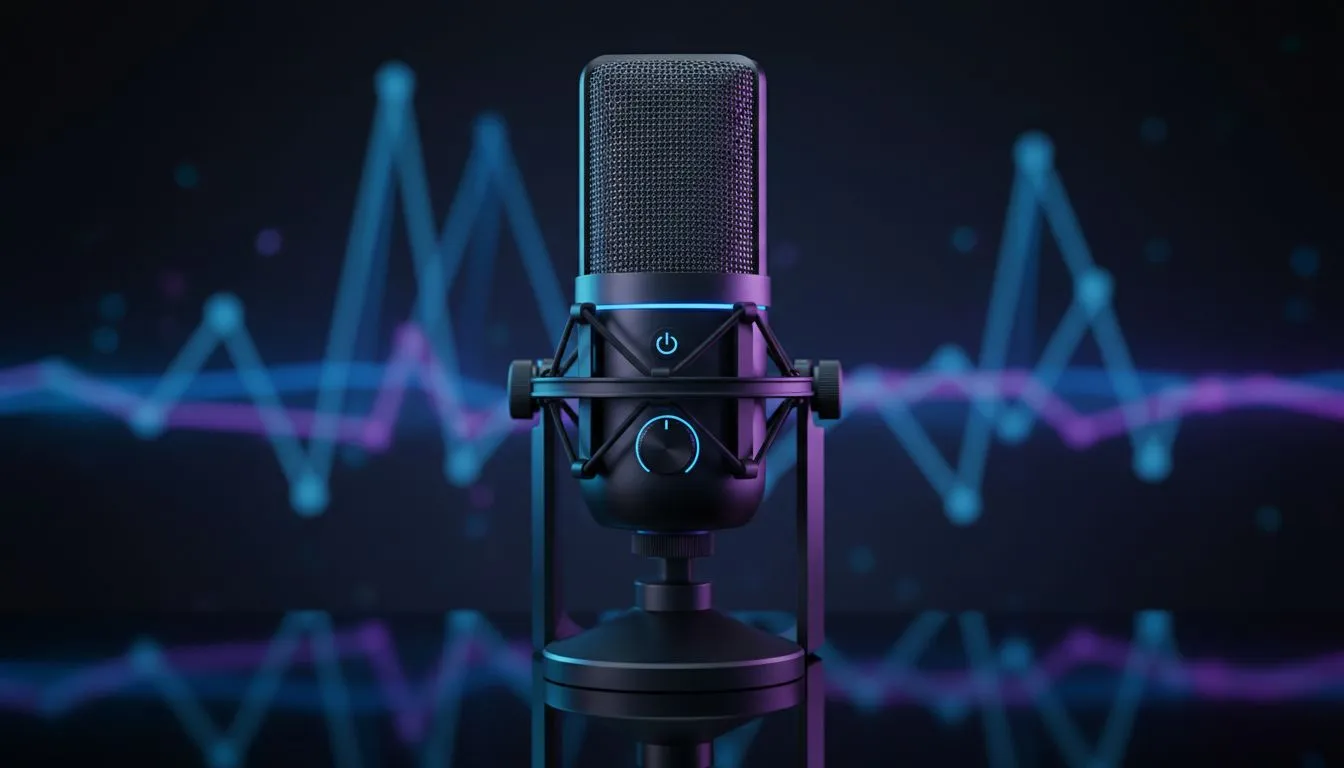
South African gamers, wanting crisp comms without background clutter? Whether you stream from a Cape Town flat or squad up in Johannesburg, clean voice audio matters. This guide breaks down advanced microphone tech and practical settings to cut hiss, room echo and keyboard clatter fast—so your teammates can actually hear the callouts. 🔧✨
Noise reduction on gaming microphones uses hardware and software to separate voice from noise. Hardware-level tech includes directional capsules and onboard DSP; software brings AI denoisers and adaptive filters. For headset buyers, these systems often live inside the microphone module or the headset’s USB dongle. If you want a lightweight wireless headset with solid mic performance, Evetech lists options like the Razer Barracuda X Chroma on its product page for exact specs and ZAR pricing Razer Barracuda X Chroma wireless headset. ⚡
Pick your priority. Hardware solutions include cardioid or hypercardioid patterns that physically reject off-axis sound. Software solutions — real-time AI denoising or spectral gating — remove noise after capture. Many modern headsets combine both for best results.
For headset and mic options across brands, browse Evetech’s headphones and headsets category to compare specs and compatibility in ZAR Razer headphones and headsets.
Position your mic about 3–6 cm from your mouth, slightly off-axis. Use a pop filter or foam windscreen to tame plosives. Toss in a software low-cut filter at 80–120 Hz to reduce desk rumble.
Extra pro tip: run quick A/B tests in Discord or OBS. Record two 15‑second clips: one with suppression off, one on. Listen for breathing artefacts and sibilance. Reduce suppression if voices start to sound hollow.
Prioritise a mic or headset that offers both directional pickup and a reliable software denoiser. If you stream, prefer options with USB or XLR connectivity for cleaner capture. Remember: acoustics matter as much as tech—soft furnishings and a desk mat can do wonders.
Ready to Find Your Perfect Match? The Mac vs Windows debate is complex, but for maximum power, choice, and value in South Africa, Windows is hard to beat. Explore our massive range of laptop specials and find the perfect machine to conquer your world.
Modern systems use directional capsules, beamforming, noise gates and AI noise suppression to separate voice from ambient sounds in real time.
Dynamic uni-directional mics typically reject room noise better than condensers; look for noise-cancelling mics and tight pickup patterns.
Yes. AI noise suppression and plugins can remove fans and chatter; enable app-based filters for instant improvement.
Lower mic gain, enable a noise gate, position mic off-axis, use foam or isolation and enable AI suppression in your voice app.
USB mics with built-in processing can excel at suppression; XLR offers more hardware control but needs an interface or processor.
Prioritize beamforming, cardioid/unidirectional pickup, built-in noise gates, high SPL handling and AI suppression options.
Open Voice settings, enable Noise Suppression or Krisp/AI mode, adjust sensitivity, and test with in-game audio to find the sweet spot.
Maintain wired headset — Checklist: • inspect cables • clean earpads • store properly 🔧🎧 Practical steps to preserve sound quality and avoid premature replacements.
Read more
Fix crackling headset fast: step-by-step checks for cables, connectors, drivers, and settings to remove static or distorted audio on wired headsets 🎧⚙️
Read more
Stereo vs mono headsets: learn which delivers clearer calls, better spatial music, or simpler mono voice performance — pick the right headset for meetings, music, or gaming 🎧💬
Read more
- Compare gaming headset vs studio headphones; - Assess comfort, mic and sound; - Recommend best daily picks. Gaming headset vs studio headphones: learn which suits work, music and casual gaming. 🎧⚖️
Read more
- Check pressure points - Compare earcup materials - Adjust clamp and fit Best gaming headsets for glasses: quick guide to reduce temple pressure, pick breathable memory foam earcups, and optimize fit for long sessions 🕹️👓
Read more
External DAC for gaming headset explained: learn why USB sound cards outperform onboard audio for clearer sound, lower latency, and immersive gaming 🎧⚡
Read more
Snapdragon X2 NPU Explained: How 80 TOPS Changes. Plain-English explanation of what it means, why it matters & how it affects your buying decisions in SA.

HBM? High Bandwidth Memory Used in GPUs and AI. Plain-English explanation of what it means, why it matters & how it affects your buying decisions in SA.

How much should you spend on sim racing accessories in South Africa for a realistic setup? We break down budgets by quality tiers, so you buy smart gear and avoid overspending 🎮💸

G-Sync and FreeSync? Variable Refresh Rate. Plain-English explanation of what it means, why it matters & how it affects your buying decisions in SA.

AMD Laptop: Value. SA-focused analysis with local pricing data, real-world insights & actionable buying advice.

How MacBook Neo Handles 30+ Chrome Tabs with Only. SA-focused analysis with local pricing data, real-world insights & actionable buying advice.

Why Apple Put 8GB RAM in MacBook Neo: The A18 Pro. SA-focused analysis with local pricing data, real-world insights & actionable buying advice.

Upgrade your work laptop with a New Motherboard. Step-by-step instructions with SA-specific tips, common pitfalls to avoid & expert recommendations.

Glorious Keyboard Switches Explained: Which. Plain-English explanation of what it means, why it matters & how it affects your buying decisions in SA.

Winter Keyboard Buying Guide. Everything you need to know with SA pricing, step-by-step instructions & expert recommendations.

Keyboard Buying Guide. Everything you need to know with SA pricing, step-by-step instructions & expert recommendations.

LGBTQ+ Gamers Keyboard Guide: January Edition. Everything you need to know with SA pricing, step-by-step instructions & expert recommendations.