


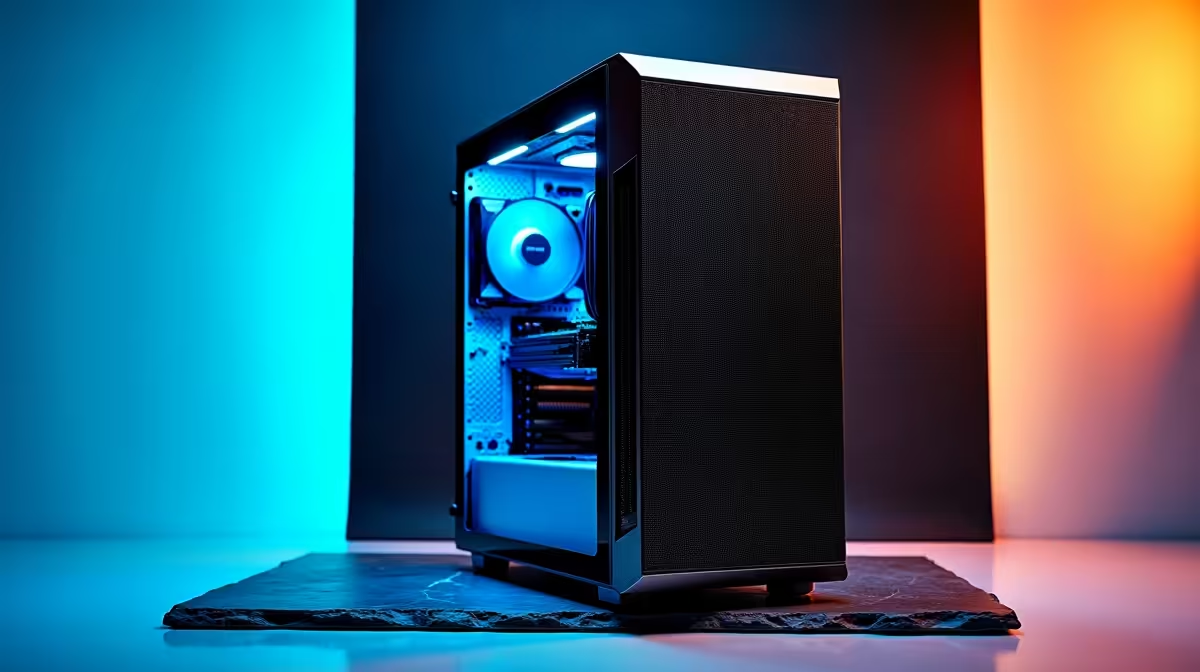
So, you’ve seen what AI like DeepSeek can do. From writing flawless code to crafting entire articles, the power is staggering. But running these powerful models on your own machine feels like a distant dream, right? Wrong. The hardware to tap into this revolution is closer than you think. We’re breaking down exactly what you need to build the best PC for DeepSeek right here in South Africa, so you can stop waiting and start creating. 🚀
Why Your GPU is the Heart of an AI PC
When you're running a large language model (LLM) like DeepSeek, your computer is performing billions of calculations. While your CPU is a general-purpose genius, the GPU (Graphics Processing Unit) is a specialist, designed for parallel processing. Think of it as having thousands of tiny calculators working on a problem all at once. This is exactly what AI workloads need.
The most critical factor for an AI-ready GPU is its Video RAM, or VRAM. This super-fast memory is where the AI model itself is loaded. If you don't have enough VRAM, you simply can't run the model... or you'll be forced to use much slower system RAM, crippling performance. For this reason, NVIDIA's ecosystem, with its CUDA technology and generous VRAM on high-end cards, has become the industry standard for AI development. Many of the most powerful NVIDIA GeForce gaming PCs are perfectly suited to double as incredible AI machines.
Core Components for Your DeepSeek PC
Building the best PC for DeepSeek is about smart choices, not just buying the most expensive parts. It’s a balancing act where the GPU takes centre stage, supported by a capable cast of other components. Let's look at the essentials.
The Graphics Card (GPU): VRAM is Everything
This is where most of your budget should go. The amount of VRAM directly determines the size and complexity of the AI models you can run locally.
- Good Start (Experimenting): An NVIDIA GeForce RTX 4060 with 8GB of VRAM is a solid entry point. You'll be able to run smaller models and get a real feel for local AI.
- The Sweet Spot (Serious Hobbyist): The RTX 4070 Ti SUPER with 16GB of VRAM is a fantastic choice. It offers enough memory for more capable versions of DeepSeek and other models without completely breaking the bank.
- The Ultimate Choice (Pro-Level): For zero compromises, the RTX 4090 with its massive 24GB of VRAM is the undisputed champion. It can handle massive models and complex tasks, making it the ultimate hardware for any AI enthusiast or developer.
CPU, RAM, and Storage: The Supporting Cast
While the GPU does the heavy lifting, the rest of your system needs to keep up.
- CPU (Processor): You don't need a top-of-the-line processor, but a modern one is important. A recent Intel Core i5/i7 or AMD Ryzen 5/7 with at least 6 cores will ensure there are no bottlenecks feeding data to your powerful GPU. A well-balanced machine, like many modern AMD Radeon gaming PCs, highlights the importance of a strong CPU and GPU pairing.
- RAM (System Memory): 32GB of fast DDR5 RAM should be your minimum. While the model runs on VRAM, all the surrounding applications and the operating system need system RAM. 64GB is even better if you plan on multitasking heavily.
- Storage: Speed is key. A fast NVMe SSD (at least 1TB) is non-negotiable. It dramatically reduces the time it takes to load large AI models and datasets, getting you to work faster. ✨
Check the Model Size First! 🔧
Before you buy a GPU, look up the VRAM requirements for the specific version of the DeepSeek model you want to run. Model hosting sites like Hugging Face often list the 'quantised' (compressed) versions and their VRAM needs. This ensures you buy a card that can actually handle your target workload.
Gaming PC vs. Workstation: Which is Right for You?
So, where do you find this AI-ready hardware? For most South Africans, a high-end gaming PC is the most cost-effective and powerful option. These machines are already built with powerful GPUs, fast RAM, and excellent cooling needed for demanding tasks.
However, if your work involves AI professionally and demands certified drivers, maximum stability, and 24/7 reliability, then investing in one of our professional workstation PCs is the smarter long-term choice. They are purpose-built and tested for sustained, mission-critical workloads. For everyone else, a beastly gaming rig is the perfect gateway to your local AI journey.
Ready to Build Your AI Powerhouse? Running models like DeepSeek locally is the next frontier for creators and developers. Don't get left behind. Explore our range of AI-ready NVIDIA PCs and configure the perfect machine to bring your ideas to life.










