


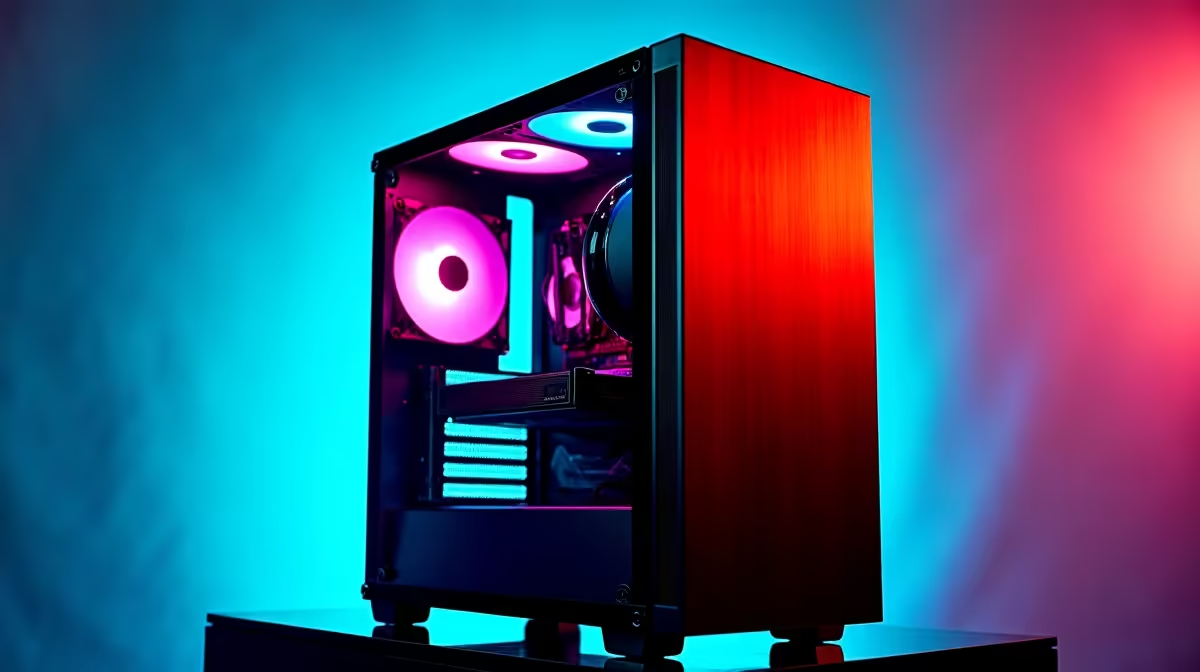
The AI revolution is here, and powerful coding assistants like DeepSeek are changing how we work and create. Forget waiting on slow cloud services… running these models locally on your own machine gives you ultimate speed, privacy, and control. But what hardware do you actually need? This guide breaks down how to configure the best PC for DeepSeek right here in South Africa, ensuring you get maximum performance for every Rand you spend. Let's get building. 🚀
What Makes a PC Great for DeepSeek?
Running a large language model (LLM) like DeepSeek isn't like running a game or a spreadsheet. It's a unique workload that hammers specific components. While a powerful CPU and fast RAM are important, the single most critical component is the Graphics Processing Unit (GPU), specifically its video memory (VRAM).
The entire AI model needs to be loaded into the GPU's VRAM to run at high speed. If the model is too big for your VRAM, your PC will be forced to use slower system RAM or even your SSD, causing performance to drop dramatically. In short: for AI, VRAM is king.
Core Hardware for Your DeepSeek PC Build
Building the best PC for DeepSeek means prioritising your budget correctly. Focus your spending on the GPU first, followed by RAM and CPU.
The GPU: Your AI Powerhouse ⚡
This is where the magic happens. The more VRAM you have, the larger and more complex the models you can run efficiently.
- Entry-Level (12GB VRAM): An NVIDIA GeForce RTX 3060 12GB is a fantastic starting point. It provides enough VRAM to run many popular models, including variants of DeepSeek, without issues.
- Mid-Range (16GB VRAM): Stepping up to a GPU like the RTX 4070 SUPER or RTX 4080 SUPER gives you 16GB of VRAM. This is the sweet spot for most developers and enthusiasts, offering breathing room for more demanding tasks and future models. For Team Green loyalists, these powerful NVIDIA GeForce gaming PCs are pre-configured for exactly this kind of workload.
- High-End (24GB VRAM): For serious AI development, the GeForce RTX 4090 with its massive 24GB of VRAM is the undisputed champion. While NVIDIA's CUDA platform is the industry standard for AI, AMD is making strides. If you're also a keen gamer, exploring AMD Radeon gaming PCs can offer excellent price-to-performance value.
CPU and System RAM
While the GPU does the heavy lifting, the CPU (Central Processing Unit) and RAM (Random Access Memory) play crucial supporting roles.
- CPU: A modern processor with at least 6-8 cores, like an AMD Ryzen 5 or Intel Core i5, is sufficient. The CPU handles data preparation and keeps the whole system responsive while the GPU is working.
- RAM: We recommend a minimum of 32GB of fast DDR4 or DDR5 RAM. This ensures your operating system and other applications have enough memory to run smoothly without interfering with the resources needed for your AI model.
Check Your VRAM Usage 🔧
On Windows with an NVIDIA GPU, you can easily monitor your VRAM usage. Open the Command Prompt and type nvidia-smi -l 1. This command will refresh every second, showing you exactly how much VRAM is being used. It's the best way to see if your GPU is the bottleneck when running a large model.
Is a Gaming PC the Best Option?
Absolutely. The hardware that makes for a phenomenal gaming experience—a top-tier GPU, a fast CPU, and plenty of RAM—is almost identical to what you need for local AI. A high-performance gaming rig is one of the most cost-effective ways to get a machine that excels at both work and play.
For those who need certified drivers and enterprise-grade stability for mission-critical AI tasks, investing in one of our dedicated workstation PCs is the ultimate choice, offering unparalleled reliability and performance. ✨
Ready to Build Your AI Future? Whether you're a developer, a writer, or just an enthusiast exploring the edge of technology, having the right hardware is key. A powerful PC is your ticket to harnessing AI locally. Explore our custom PC builder and configure the perfect machine to conquer your world.










