


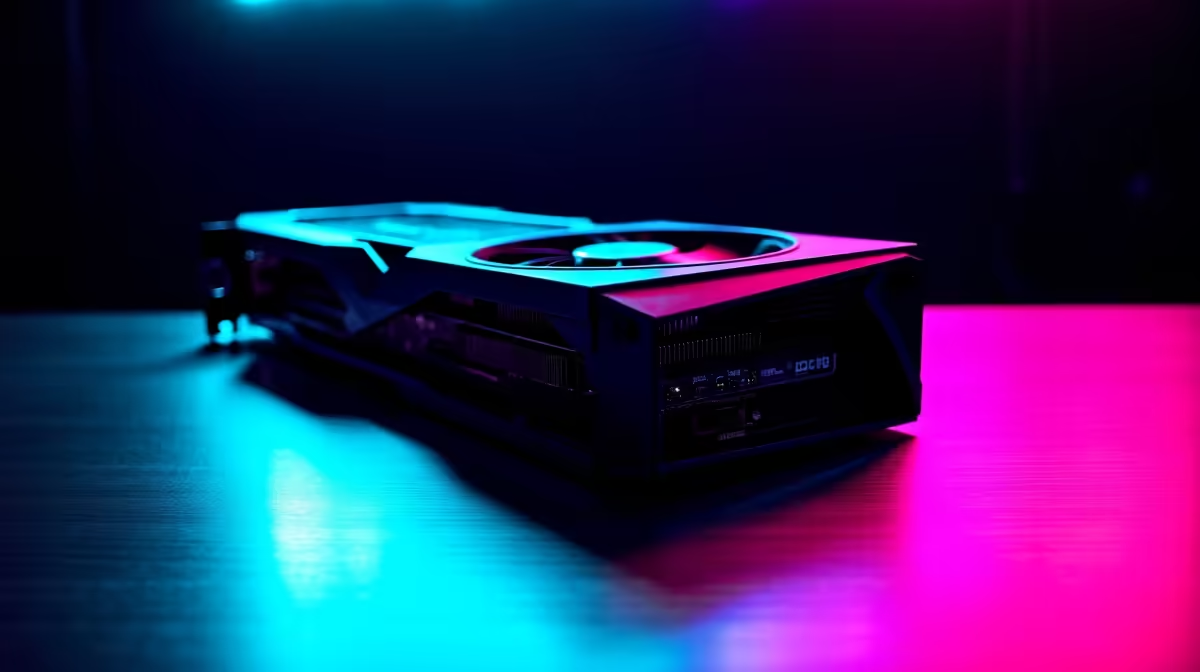
Thinking about diving into the AI gold rush? That epic gaming rig you built might crush 4K graphics, but training a Large Language Model (LLM) is a different beast entirely. It demands colossal power, memory, and a specific kind of architecture. If you're in South Africa and serious about AI, you need to know what goes into the best PC for LLM development. This guide breaks down the essential hardware for your next high-end workstation.
Why Your Gaming Rig Needs an Upgrade for LLM Development
While top-tier gaming PCs and AI workstations share a need for powerful GPUs, their jobs are fundamentally different. Gaming is about real-time rendering; LLM development is about processing massive datasets and model parameters. The biggest bottleneck? VRAM.
A game might use 10-16GB of VRAM for textures. An LLM, however, needs to load its entire model into VRAM to run efficiently. Even a "small" 7-billion parameter model can require over 14GB of VRAM just to get started, and training demands even more. This is where a gaming PC often falls short, making a purpose-built machine the smart choice for anyone serious about building the best PC for LLM development.
Core Components for Your LLM Development PC
Building the ultimate AI rig means focusing on a few key areas where compromise isn't an option. It’s less about flashy RGB and more about raw, sustained performance. 🔧
The GPU: VRAM is King 👑
For LLM work, the GPU is the heart of your operation. While raw speed (measured in TFLOPs) is important, the single most critical specification is VRAM. The more you have, the larger and more complex the models you can train and run locally.
Currently, NVIDIA is the undisputed leader in the AI space due to its CUDA (Compute Unified Device Architecture) platform, which is the industry standard for machine learning frameworks like PyTorch and TensorFlow. For this reason, considering one of Evetech's high-end NVIDIA GeForce PCs is your best starting point. An RTX 4090 with 24GB of VRAM is the consumer champion, offering an incredible entry point into serious local LLM development.
VRAM Calculation Quick Tip 🧠
Before you buy a GPU, check the size of the models you want to run on a platform like Hugging Face. A simple rule of thumb for inference is to have at least twice the model's file size in VRAM. For example, a 7-billion parameter model saved in 16-bit precision is about 14GB, so you'd want a GPU with more than 14GB of VRAM for comfortable operation.
CPU & RAM: The Unsung Heroes
While the GPU handles the heavy lifting, the CPU and system RAM are crucial support components. The CPU is responsible for data loading, pre-processing, and keeping the entire system responsive. A multi-core processor from Intel's Core i7/i9 range or AMD's Ryzen 7/9 series is essential to prevent bottlenecks. You'll find excellent options in these powerful AMD-based systems that balance core count and clock speed perfectly.
System RAM is just as important. You'll be handling massive datasets that need to be loaded quickly. 32GB is the absolute minimum, but 64GB or even 128GB of fast DDR5 RAM is highly recommended for a smooth workflow.
Storage & Power: The Foundation
Don't overlook the basics. Your storage needs to be incredibly fast to feed data to your RAM and GPU. A high-speed NVMe Gen4 or Gen5 SSD is non-negotiable. A 2TB drive is a great starting point for your OS, apps, and current projects, with options to add more storage later. Finally, a powerful GPU and CPU need a stable, high-quality Power Supply Unit (PSU). A Gold-rated 1000W+ PSU is a wise investment to protect your expensive components.
Pre-Built vs. Custom: The Workstation Advantage ✨
Building a PC is rewarding, but for a mission-critical task like LLM development, a professionally assembled and tested machine offers peace of mind. These systems are designed for stability under extreme, prolonged loads—something a standard gaming build might not handle. Investing in one of Evetech's professional-grade workstation PCs ensures every component is validated to work together, backed by a solid warranty, letting you focus on coding, not troubleshooting.
Ready to Build Your AI Future? 🚀 Building the best PC for LLM development is an investment in serious computational power. Whether you're fine-tuning models or training from scratch, having the right hardware is everything. Explore our range of high-performance workstation PCs and find the perfect machine to bring your AI ambitions to life.










