


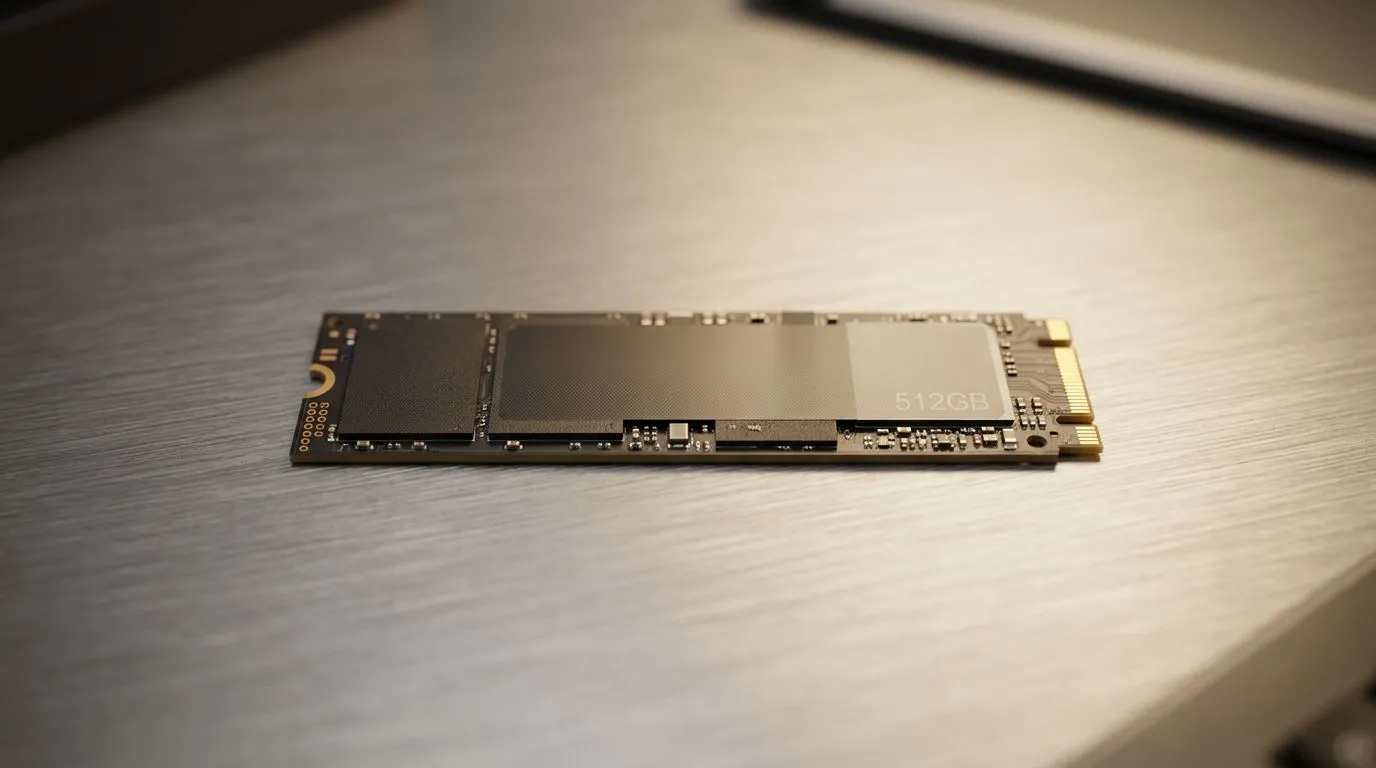
512GB SSD Capacity: What You Can Store and Fit for South African Gamers
So you’re shopping around and you keep seeing “512GB”. Sounds big… until you start counting installs for Warzone, Cyberpunk, and your backlog. Then suddenly you’re juggling updates, shaders, and storage warnings at 2am. 😅 If you game on a PC or want your laptop to feel snappy for years, understanding 512GB SSD Capacity: What You Can Store and Fit will save you money and stress. Let’s break it down in a practical, local way. 🚀
512GB SSD Capacity: What You Can Store and Fit (Realistic Usage Breakdown)
A 512GB SSD is not exactly 512GB “usable”. Formatting, the SSD controller, and some reserved space reduce what your system sees. Still, it’s a strong mid-size option for most gamers who want fast load times without going straight to 1TB.
Here’s a helpful way to think about it:
- Windows + drivers: often ~20–30GB depending on your version and installed features (plus updates over time).
- Core apps (Discord, browsers, launchers): can land around 10–30GB.
- Game library: varies wildly based on title and patches.
To keep things grounded, use the “typical install” reality: modern games routinely sit between 50GB and 150GB+ once you include updates and DLC. A 512GB drive can feel “full” faster than expected if you install several large titles at once.
Quick cheat sheet: common scenarios
- 2 big AAA games + Windows + essentials: usually doable with careful management.
- 4–6 smaller games: very doable, especially if they’re older or lighter.
- Always-on patching: plan to reserve space for updates, or you’ll be forced to delete at the worst time.
512GB SSD Capacity: What You Can Store and Fit (What Fits by Form Factor)
Not all SSDs fit the same way. If you’re upgrading a desktop, you might be choosing between SATA and M.2. If you’re upgrading a laptop, it’s usually about the M.2 slot and size.
If you’re shopping, consider:
- M.2 2280 for many modern builds (common standard in gaming PCs)
- newer Gen versions that can improve speeds (useful for installs and large file transfers, even if game load times don’t always scale 1:1)
Here’s where to browse compatible drives locally before you buy:
- Start with solid-state options in general: buy solid state drives
- If you have a brand in mind, here’s ADATA SSDs
- Prefer Kingston? Check Kingston SSDs
- Need a specific size? Filter for M.2 2280 form factor
- Want to compare newer performance classes? Browse Gen 5 (NVM… interface options)
512GB SSD Capacity: What You Can Store and Fit (A painless upgrade checklist) 🔧
Before you spend, do this:
- Check your motherboard or laptop model for M.2 support and whether it supports the right key and length.
- Measure current free space on your drive. If you’re already under 20%, 512GB might feel tight soon.
- Plan for updates. Leave headroom so you’re not reinstalling mid-season.
Productivity Pro Tip ✨
On PC, keep your launcher library organised by moving “ready-to-play” games to the SSD and archiving older installs elsewhere. On Windows, use Storage Sense to automatically clean temporary files, which helps prevent the slow creep toward full capacity.
512GB SSD Capacity: What You Can Store and Fit (Gaming Performance Reality) ⚡
Will 512GB instantly make your games run “faster”? Not exactly. Your SSD helps with load times, texture streaming, and update installs. But in most cases, the biggest gains come from having a healthy SSD and keeping it from being overly full.
A full drive can slow down operations due to less available space for the SSD’s internal management. You don’t need to be obsessive. Just avoid letting it hit “red zone” regularly.
And if you’re building a future-proof rig for South African gaming hours, the smartest move is often pairing a 512GB SSD with:
- a second storage drive for bulk (optional, but ideal)
- smart game rotation (e.g., install what you’ll play this month)
That way, you get the speed now… without buying again too soon. 😄
Ready to Find Your Perfect Match? The Mac vs Windows debate is complex, but for maximum power, choice, and value in South Africa, Windows is hard to beat. Explore our massive range of laptop specials and find the perfect machine to conquer your world.











