


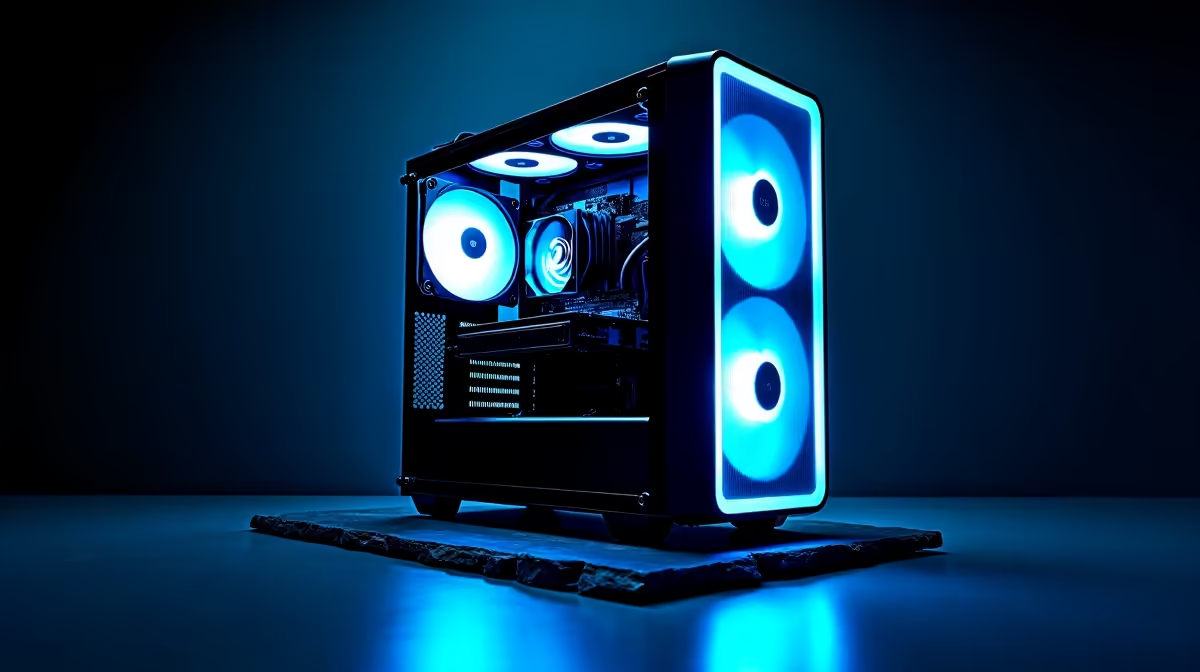
Tired of paying for cloud AI credits and worrying about data privacy? The power to run your own private AI is closer than you think. Building a PC capable of running Large Language Models (LLMs) locally is no longer just for massive corporations. For South African developers, creators, and tech enthusiasts, this means offline access, endless customisation, and complete control. Let's dive into the hardware you need for the best PCs for running LLMs locally in South Africa.
Why Run an LLM Locally Anyway?
Before we get into the nuts and bolts, why even bother building a dedicated AI machine? The answer is simple: control and cost. Cloud services are convenient, but the bills can add up quickly, especially with heavy use. Running models like Llama 3 or Mistral on your own hardware means:
- Total Privacy: Your data and prompts never leave your machine.
- No Internet Needed: Your AI works even during an unexpected outage or internet outages.
- Zero Subscriptions: After the initial hardware investment, the processing is free.
- Deep Customisation: Fine-tune models on your own datasets for specific tasks.
This is the ultimate setup for anyone serious about harnessing AI power on their own terms.
Core Components for Your Local AI Powerhouse
Building a PC for local AI is a bit different from a standard gaming rig. While there's a lot of overlap, the priority of components shifts dramatically. Here’s what to focus on.
The GPU: Your AI Engine 🚀
The Graphics Processing Unit (GPU) is, without a doubt, the single most important component. LLMs rely on massive parallel calculations, which is exactly what modern GPUs are designed for.
The key metric here isn't just raw speed... it's VRAM (Video RAM). Think of VRAM as the GPU's dedicated workspace. The larger the LLM, the more VRAM you need to load and run it efficiently.
- 12GB-16GB VRAM: A great starting point for hobbyists. You can comfortably run popular 7-billion to 13-billion parameter models. Many of the latest custom-built NVIDIA GeForce gaming PCs with RTX 4070 SUPER or 4080 SUPER cards fit perfectly in this bracket.
- 24GB+ VRAM: This is pro-level territory, essential for running larger 70-billion parameter models or fine-tuning smaller ones. The NVIDIA RTX 4090 is the current consumer champion here.
While NVIDIA's CUDA platform has historically dominated the AI space, AMD is making significant strides. For those looking for alternatives, exploring powerful AMD Radeon gaming PCs with top-tier cards like the RX 7900 XTX can offer compelling performance for the price.
Easy AI Setup Tip ⚡
Getting started with local LLMs is easier than ever. Tools like Ollama or LM Studio provide a simple, clean interface to download and run various open-source models with just a few clicks. You can be chatting with your own private AI in under 15 minutes!
RAM, Storage, and CPU: The Unsung Heroes
While the GPU does the heavy lifting, the rest of your system needs to keep up.
- System RAM: Don't confuse this with VRAM. You'll need at least 32GB of fast DDR5 RAM to prevent bottlenecks when loading models and managing data. For serious work, 64GB is a safer bet.
- Storage: A fast NVMe SSD is non-negotiable. Models can be huge (often 5GB to 100GB+), and loading them from a slow hard drive is painful. A 1TB or 2TB NVMe drive is a solid starting point.
- CPU: Your processor is less critical for running the model but important for data preparation and general system responsiveness. A modern 6 or 8-core CPU from Intel or AMD is more than sufficient.
Gaming PC vs. Workstation: Which is the Best PC for Local AI?
So, do you need a beastly gaming rig or a specialised workstation? For most people starting out, a high-end gaming PC is the most cost-effective and powerful option. They already pack the powerful GPUs and fast components needed for running LLMs.
However, if your work involves scientific research, handling critical data, or running multiple GPUs for maximum performance, a dedicated workstation becomes a compelling choice. These machines often feature ECC (Error Correcting Code) RAM for stability and are certified for professional applications. You can explore our range of professional workstation PCs designed for sustained, heavy workloads. ✨
Ultimately, the best PC for running LLMs locally in South Africa is one that matches your ambition and budget. Whether you're a gamer exploring a new tech frontier or a developer building the next great AI application, the hardware to do it is more accessible than ever.
Ready to Build Your AI Future? The right hardware is your first step into the exciting world of local AI. Whether you need a powerful gaming rig or a certified workstation, we've got you covered. Explore our massive range of custom-built PCs and configure the perfect machine to power your projects.









