

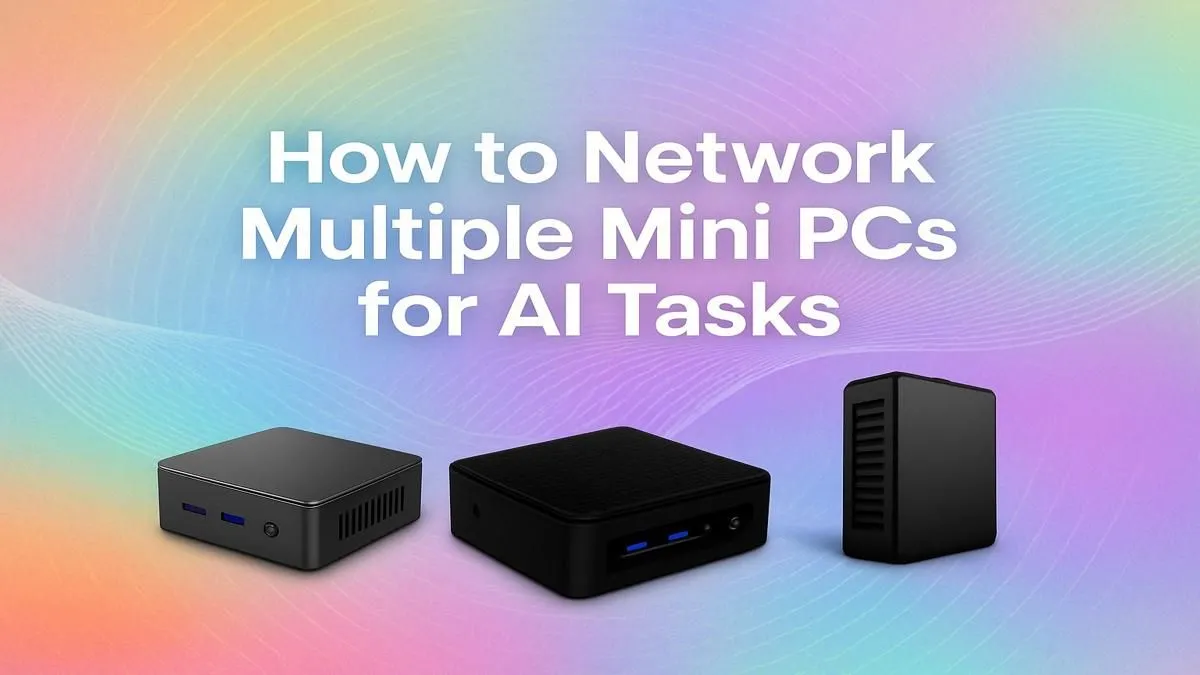
Thinking of running your own AI models locally? Cloud computing costs can sting, but there’s a powerful, cost-effective solution you can build right here in South Africa. A Mini PC cluster for AI combines several compact machines into a single, formidable unit. It’s perfect for developers, data scientists, and tech enthusiasts who want serious performance without renting server time. This guide will show you exactly how to network them together. 🚀
Why Build a Mini PC Cluster for AI?
Before we plug anything in, let's talk about the why. A home AI cluster offers three massive advantages over relying on cloud services:
- Cost-Effectiveness: While there's an upfront hardware cost, you avoid the relentless monthly subscription fees of cloud platforms. Over time, running your own hardware for frequent AI tasks is often much cheaper.
- Data Privacy & Control: Your data stays with you. When you process sensitive information, a local cluster means you're not uploading it to a third-party server, giving you complete control and privacy.
- Unbeatable Learning Experience: Building and managing your own Mini PC cluster for AI is an incredible way to learn about networking, distributed computing, and MLOps. The skills you gain are invaluable.
Modern compact systems pack a serious punch, making them ideal for creating a powerful, energy-efficient cluster. You can start small with two or three nodes and scale up as your needs grow. Take a look at our incredible selection of mini PCs to see the kind of power available in these small form factors.
Your Hardware Shopping List 🔧
Getting your AI cluster online is simpler than you might think. You don't need a server rack or specialised cooling... just a few key components.
- Mini PCs (2 or more): The heart of your cluster. Look for models with decent CPUs, at least 16GB of RAM (32GB is better), and fast NVMe storage. For AI, models with strong integrated graphics or the ability to connect an eGPU are a huge plus. You can find powerful options from brands like Minisforum that are perfect for the job.
- A Network Switch: This is the central hub that connects all your Mini PCs. A simple unmanaged Gigabit switch is perfect to start. Ensure it has enough Ethernet ports for all your planned nodes, plus one for your router.
- Ethernet Cables: You'll need one cable for each Mini PC to connect it to the switch.
That's it! This basic setup forms the physical foundation of your powerful home AI cluster.
Network Speed Matters ⚡
While a 1-Gigabit switch is fine for many tasks, consider a 2.5-Gigabit switch if your Mini PCs support it. Faster networking significantly speeds up tasks that require moving large datasets or models between nodes, giving your Mini PC cluster for AI a noticeable performance boost.
Step-by-Step Networking Guide
With your hardware ready, it's time to bring your Mini PC cluster for AI to life. We'll use a Linux-based OS like Ubuntu Server for this guide, as it's the standard for AI and data science work.
Step 1: Physical Connections
This is the easy part.
- Plug each Mini PC into your network switch using an Ethernet cable.
- Connect the network switch to your main home router.
- Power on all your Mini PCs.
Step 2: Configure Static IP Addresses
For your PCs to reliably communicate, they need fixed addresses. A static IP ensures a node's address doesn't change every time it reboots.
On each Mini PC, you'll need to edit the netplan configuration file.
- Open a terminal and type:
sudo nano /etc/netplan/01-network-manager-all.yaml - Modify the file to look something like this, changing the IP address for each machine (
192.168.1.101,192.168.1.102, etc.).
network: version: 2 renderer: networkd ethernets: eno1: # Note: your interface name might be different! dhcp4: no addresses:
- 192.168.1.101/24 gateway4: 192.168.1.1 nameservers: addresses: [8.8.8.8, 1.1.1.1]
- Save the file (Ctrl+O) and apply the changes with
sudo netplan apply.
Step 3: Set Up Passwordless SSH
To manage your cluster efficiently, you need to be able to log into any node from any other node without typing a password every time.
- On your main (or "master") node, generate an SSH key:
ssh-keygen -t rsa(Just press Enter through all the prompts). - Copy this key to your other nodes (we'll call them "worker" nodes). Replace
userandworker-ip-addresswith your details.
ssh-copy-id user@worker-ip-address
Repeat this for every worker node. Now you can seamlessly SSH from your master node to any worker, which is essential for deploying AI workloads across your Mini PC cluster.
Step 4: Test Your Connections ✨
From your master node, try to ping a worker node:
ping 192.168.1.102
You should see a successful reply. Now, try to SSH in:
ssh [email protected]
If it connects without asking for a password, your network is set up perfectly. Congratulations! You now have a functional, networked foundation for your home AI lab. From here, you can install tools like Docker Swarm or K3s to manage your applications and start running large language models or data processing jobs.
Ready to Build Your Own AI Powerhouse? Cloud AI costs can stack up fast. Building your own Mini PC cluster for AI gives you ultimate control, privacy, and power right here in South Africa. Explore our massive range of Mini PCs and find the perfect building blocks for your local AI revolution.











