

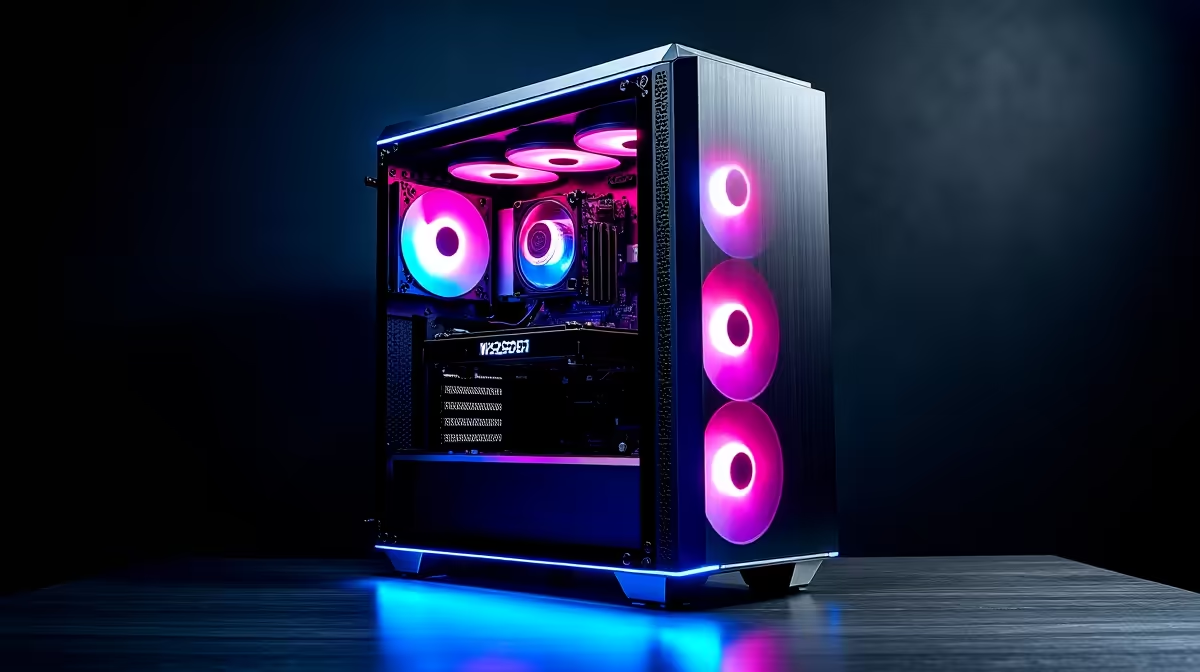
So, you're diving into the world of local AI with tools like DeepSeek? Lekker! The power to run large language models on your own machine is incredible. But building the right PC for DeepSeek isn't like assembling a standard gaming rig. A few wrong choices can lead to a slow, frustrating experience and wasted cash.
Before you start planning your build, it’s worth remembering that many of the best gaming PC deals can be a great starting point, but they often need tweaks for serious AI work. Let's explore the seven most common mistakes we see people make... and how you can avoid them.
Why Your Gaming PC Might Stumble with AI
Gaming is a sprint; AI model training or inference is a marathon. Games need high clock speeds for a few cores and fast asset loading. A PC for DeepSeek, however, needs sustained parallel processing power and, most importantly, massive amounts of memory bandwidth and capacity. This fundamental difference is where many first-time builders get tripped up.
The 7 Common Mistakes When Building a PC for DeepSeek
Getting your hardware combination right from the start will save you a world of headaches. Here’s what to watch out for.
1. Skimping on VRAM
This is the number one mistake. Large language models (LLMs) are... well, large. The model's parameters must be loaded directly into your GPU's video memory (VRAM). If you don't have enough, performance plummets as the system resorts to using slower system RAM. For serious DeepSeek work, 8GB of VRAM is the absolute minimum, 12GB is better, and 16GB+ is ideal.
A powerful GPU is the heart of any AI machine. High-end NVIDIA GeForce gaming PCs with cards like the RTX 4080 (16GB) or RTX 4090 (24GB) are popular choices for a reason.
2. Choosing the Wrong CPU
While the GPU does the heavy lifting, the CPU is far from a passenger. It's responsible for data preparation, loading the model, and managing the entire workflow. A slow CPU will bottleneck your expensive GPU. Don't just look at clock speed; consider core count and platform features like PCIe lanes, which affect how fast your GPU and storage can communicate.
Many modern Intel PC deals offer a fantastic balance of single-threaded and multi-threaded performance, making them excellent for a versatile AI build.
3. Underestimating System RAM
Your PC needs two types of memory for AI: VRAM (on the GPU) and RAM (on the motherboard). While the model runs in VRAM, the datasets and operating system live in system RAM. 16GB is a thing of the past for these tasks. We recommend a minimum of 32GB of fast DDR4 or DDR5 RAM, with 64GB being a much safer bet for larger projects. This ensures you have enough headroom for multitasking without slowing down your AI workload. Many powerful AMD Ryzen PC deals are built on platforms that support high RAM capacities.
Spot Your Bottleneck ⚡
Use tools like Task Manager (in Windows) or htop and nvidia-smi (in Linux) while running a model. Is your VRAM maxed out? Is one CPU core at 100% while others are idle? This data is gold. It tells you exactly where your PC for DeepSeek is struggling and what to upgrade first.
4. Ignoring Storage Speed
You could have the fastest GPU in the world, but if it's waiting around for data to be loaded from a slow hard drive, you're losing performance. A high-speed NVMe SSD is non-negotiable for a DeepSeek PC build. It dramatically reduces load times for models and datasets, getting you to work faster. For your OS and primary applications, an NVMe drive is essential. For even more performance, look at systems like those found in our AMD Radeon gaming PCs category, which are often built with speed in mind.
5. Neglecting the Power Supply (PSU) 🔋
An AI workload can push your CPU and GPU to 100% utilisation for hours on end. This sustained power draw is much more demanding than gaming. A cheap or underpowered PSU can lead to instability, crashes, or even component damage. Don't cut corners here. Invest in a quality power supply from a reputable brand with an 80+ Gold rating or higher, and ensure it has enough wattage for your components plus 20-30% headroom. This is one area where trying to save money by opting for components from cheap budget gaming PCs can be a critical error for an AI build.
6. Forgetting About Cooling 💨
All that power generates a serious amount of heat. If your components get too hot, they will "throttle" – automatically reducing their speed to prevent damage. This kills performance. A proper cooling solution is vital. This means a case with excellent airflow, and a high-performance CPU cooler (either a large air cooler or an All-in-One liquid cooler). Ensuring your system stays cool under pressure is key to getting consistent results from your hardware, a principle applied even in builds like our Intel Arc gaming PCs.
7. Thinking a Pre-Built PC is a Compromise
Building a PC is fun, but for a specialised task like AI, ensuring every component works perfectly together can be a challenge. Compatibility issues, BIOS settings, and driver conflicts can turn your exciting project into a nightmare. Professionally assembled pre-built PC deals are tested and optimised for stability and performance right out of the box. You get a warranty on the entire system, saving you time and potential stress.
Putting It All Together: Your DeepSeek PC Blueprint
Building the ultimate PC for DeepSeek comes down to balance. Prioritise a GPU with the most VRAM you can afford, support it with a capable CPU, at least 32GB of fast RAM, and a speedy NVMe SSD. House it all in a well-cooled case powered by a reliable PSU.
For those who want maximum performance without the hassle of building, exploring dedicated workstation PCs is a brilliant move. These machines are engineered from the ground up for the kind of sustained, heavy-duty workloads that AI demands.
Ready to Build Your AI Powerhouse? Building a PC for DeepSeek is a rewarding challenge, but avoiding these mistakes is key. Whether you need a specific component or a fully optimised rig, we've got you covered. Explore our range of pre-built PC deals and find a machine engineered for performance.











