

You’ve heard the buzz. Powerful AI models like DeepSeek are no longer just for massive data centres. The real excitement for South African developers and tech enthusiasts is running them right here, on your own machine. But this raises a critical question: what are the actual DeepSeek hardware requirements? Forget cloud costs and privacy concerns... let's dive into the gear you need for optimal AI performance and unlock the power of local AI. 🚀
Unpacking the Core Hardware Requirements for DeepSeek
Running a large language model (LLM) locally is a different beast to gaming. While a good gaming PC is a great starting point, the priority shifts from raw frame rates to specialised processing power and memory. Understanding the specific hardware requirements for DeepSeek will save you time, money, and a lot of frustration.
The GPU: Your AI Workhorse
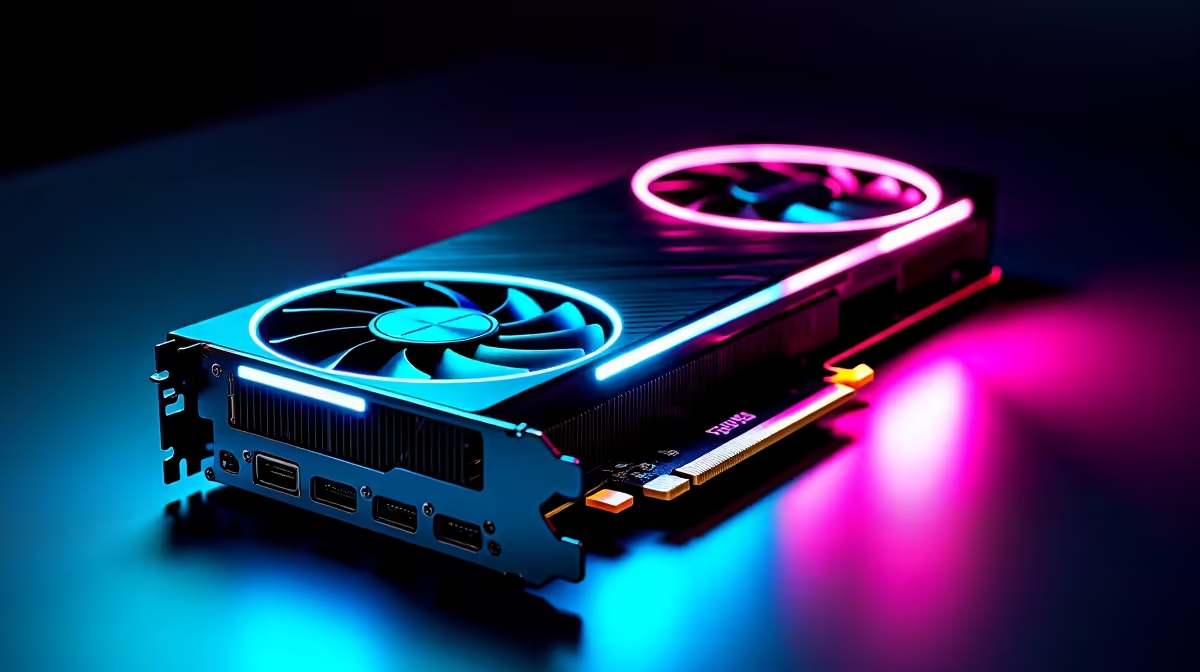
This is the single most important component. For AI, the GPU's Video RAM (VRAM) is king. It determines the size and complexity of the models you can load and run efficiently.
- NVIDIA is the Standard: Thanks to its mature CUDA software ecosystem, NVIDIA is the go-to choice. An RTX 3060 with 12GB of VRAM is a fantastic entry point, while the RTX 40-series offers superior performance for more demanding tasks. Many of our NVIDIA GeForce gaming PCs are perfectly configured for this.
- AMD is Catching Up: While the software support isn't as seamless as NVIDIA's, AMD's ROCm platform is improving. High-VRAM cards like the RX 7900 XTX can be powerful options for those willing to tinker. You can explore various builds in our range of AMD Radeon gaming PCs.
- Intel's New Contender: Intel is also entering the ring. For enthusiasts on the bleeding edge, exploring what's possible on the latest hardware can be part of the fun. Keep an eye on our Intel Arc gaming PCs as the ecosystem develops.
CPU and System RAM: The Supporting Cast
While the GPU does the heavy lifting, the rest of your system can't be a bottleneck. A sluggish CPU or insufficient RAM will cripple your workflow.
Your CPU manages the whole show, preparing data and keeping everything running smoothly. You don't need the absolute top-of-the-line model, but a modern multi-core processor is essential for a good experience. Whether you choose a powerful Intel Core CPU or an equivalent AMD Ryzen processor, aim for at least 6 cores to ensure optimal AI performance.
System RAM is just as important. 32GB of fast DDR4 or DDR5 RAM should be your minimum target. This gives your operating system and the AI model enough breathing room to operate without constantly swapping data to your drive. ✨
VRAM vs. RAM: What's the Difference? 🔧
Think of GPU VRAM as a specialist's super-fast workbench, holding only the AI model itself. System RAM is the general warehouse, holding the operating system, your code, and other data. For LLMs, the "workbench" (VRAM) is the most critical resource, as the entire model needs to fit on it for the best speed.
Storage: Speed is Key
Loading multi-gigabyte AI models from a slow hard drive is a painful experience. A fast NVMe SSD is non-negotiable. It drastically cuts down on loading times, letting you experiment and iterate much faster. This is a standard feature on most of the best gaming PC deals available today.
Finding Your Perfect AI Rig in South Africa
Matching your budget to the DeepSeek hardware requirements doesn't have to be complicated. Here’s a quick guide to help you choose the right setup from our range.
- The AI Explorer (Entry-Level): If you're just starting out, you can get your feet wet with smaller models. Look for a system with an RTX 3060 12GB and 32GB of RAM. Our entry-level budget gaming PCs offer incredible value and a great starting point.
- The Serious Hobbyist (Mid-Range): For running larger, more capable models without lag, an RTX 4070 SUPER or RTX 4080 SUPER with 16GB of VRAM is the sweet spot. You'll find fantastic, well-balanced options among our excellent pre-built PC deals.
- The AI Professional (High-End): If you're fine-tuning models or need maximum performance for complex tasks, you'll need serious hardware. This means looking at an RTX 4090 with 24GB of VRAM, 64GB+ of system RAM, and a top-tier CPU. Our dedicated workstation PCs are built for exactly this kind of demanding workload.
Ultimately, the right hardware for DeepSeek depends on your ambition. By focusing on VRAM first and ensuring the rest of your system is balanced, you'll be well-equipped to explore the incredible world of local AI.
Ready to Build Your AI Powerhouse? Understanding the DeepSeek hardware requirements is the first step. The next is getting the right rig. Whether you're a curious hobbyist or a professional developer, we have the perfect machine to bring your AI ambitions to life. Explore our massive range of custom-built PCs and start your local AI journey today.











