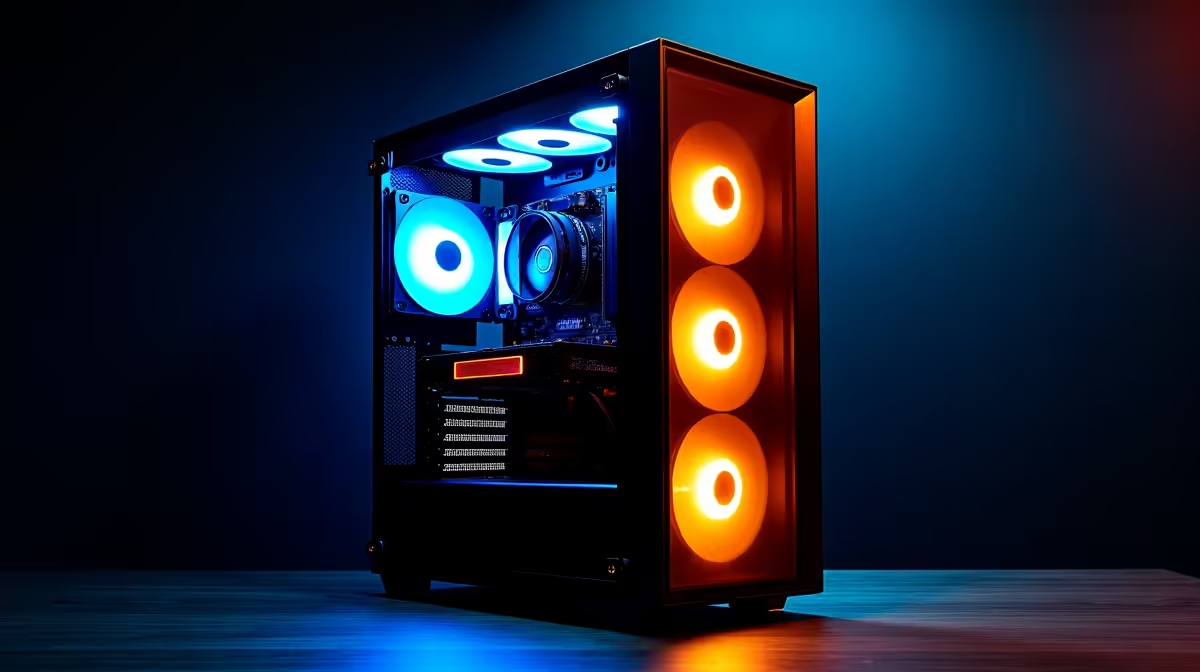
The AI buzz is massive, but what if you could run a powerful model like DeepSeek right on your own PC in South Africa? No subscriptions, no internet lag… just pure, local AI power. But here’s the big question: what are the actual DeepSeek PC requirements, and can your current rig handle the load? Let’s break down the hardware you need to run DeepSeek locally, with no confusing jargon. ⚡
Understanding the Core DeepSeek PC Requirements
Before we talk specs, let's be clear: DeepSeek isn't a game. It's a family of powerful open-source AI models, especially brilliant at coding and language tasks. Running it "locally" means the AI operates entirely on your machine. This is amazing for privacy, offline work, and avoiding monthly fees.
The single most important factor for running AI models is your graphics card's Video RAM, or VRAM. Think of VRAM as the AI's short-term memory and workspace. The bigger the model, the more VRAM it needs to "live" in. Everything else—CPU, RAM, storage—is important, but VRAM is king.
Minimum vs. Recommended Specs for DeepSeek
The hardware needed to run DeepSeek locally depends entirely on which version of the model you want to use. They come in different sizes, measured in "billions of parameters." More parameters mean a smarter model, but also higher VRAM needs.
### The "AI Curious" Rig (Entry-Level)
For experimenting with smaller, optimised DeepSeek models (like the 7B parameter versions), you don't need a supercomputer. The goal here is at least 12GB of VRAM. This allows you to run the models smoothly for coding assistance or creative writing without breaking the bank.
- GPU: NVIDIA GeForce RTX 3060 (12GB) or AMD Radeon RX 6700 XT (12GB)
- System RAM: 16GB is the absolute minimum, but 32GB is much safer.
- Storage: A fast NVMe SSD (at least 1TB).
Many modern NVIDIA GeForce gaming PCs are perfectly suited for this starting point, offering a great balance of gaming and AI power.
### The "Serious Coder" Setup (Mid-Range)
If you're a developer wanting to integrate AI deeply into your workflow or run larger models (like the 33B versions), you'll need more firepower. Here, 16GB of VRAM is the sweet spot, delivering faster response times and the ability to handle more complex tasks.
- GPU: NVIDIA GeForce RTX 4080 SUPER (16GB) or AMD Radeon RX 7900 XT (20GB)
- System RAM: 32GB DDR5 is highly recommended.
- Storage: A 2TB Gen4 NVMe SSD for models and projects.
For this level of performance, looking at the latest AMD Radeon gaming PCs is a smart move, as they often provide excellent VRAM for their price point.
### The "AI Power User" Build (High-End) 🚀
For those wanting to run the largest DeepSeek models (67B+), fine-tune your own models, or achieve the absolute fastest performance, you need a beast of a machine. This is where 24GB of VRAM becomes essential.
- GPU: NVIDIA GeForce RTX 4090 (24GB)
- System RAM: 64GB DDR5 or more.
- Storage: 2TB+ Gen4 or even Gen5 NVMe SSD.
At this tier, you're stepping into the territory of high-performance workstation PCs, which are designed for sustained, heavy workloads just like this.
Beyond the GPU: Other Key Components
While VRAM gets the spotlight, don't forget the supporting cast. The right specs for DeepSeek involve a balanced system.
- System RAM: If a model is too big for your VRAM, some parts can be offloaded to your system RAM. It's much slower, but having 32GB or 64GB can be a lifeline.
- CPU: A modern processor like an Intel Core i5-13600K or AMD Ryzen 7 7700X is crucial for feeding data to the GPU efficiently and preventing bottlenecks.
- Storage: AI models are huge files. A fast NVMe SSD will drastically reduce load times, getting you up and running in seconds instead of minutes.
Check Your VRAM 🔧
Not sure how much VRAM your graphics card has? On Windows, press Ctrl+Shift+Esc to open Task Manager, click the 'Performance' tab, and select your GPU. The 'Dedicated GPU Memory' value is what you're looking for. This number is the most important factor for determining which DeepSeek models you can run!
Is Your Current Rig Ready for the AI Edge?
So, can your PC run DeepSeek? Check your VRAM first. If you have a card with 12GB or more, you're ready to start experimenting. If you're running on an older card with less VRAM, you might struggle with all but the smallest models.
The world of local AI is just getting started, and it represents a massive shift in personal computing. Having the right hardware is your ticket to being part of this exciting new frontier. ✨
Ready to Build Your Local AI Powerhouse?
Running AI locally is the next frontier for tech enthusiasts. If your current machine isn't quite ready for the challenge, we've got the hardware to bring your AI ambitions to life. Explore our range of custom-built PCs and configure the perfect rig for DeepSeek today.