


You’ve seen what ChatGPT can do. You’ve messed around with AI art generators. Now, the next wave is here: powerful AI models like DeepSeek that run right on your own machine. No subscriptions, no lag… just pure, local AI power. But this raises a lekker big question for every South African gamer and creator: is your PC actually up to the task? Forget gaming benchmarks; this is a whole new performance challenge. Let's build a mental DeepSeek performance calculator and see if your rig makes the cut. 🚀
What a Real AI Performance Calculator Would Measure
Unlike a game that mainly hammers your graphics card for a high framerate, running a large language model (LLM) like DeepSeek is a different beast. It’s a full-system workout that stresses components in new ways, making a specialised AI performance check essential. Here’s the breakdown of what truly matters for running AI locally.
GPU VRAM: The New King of Specs
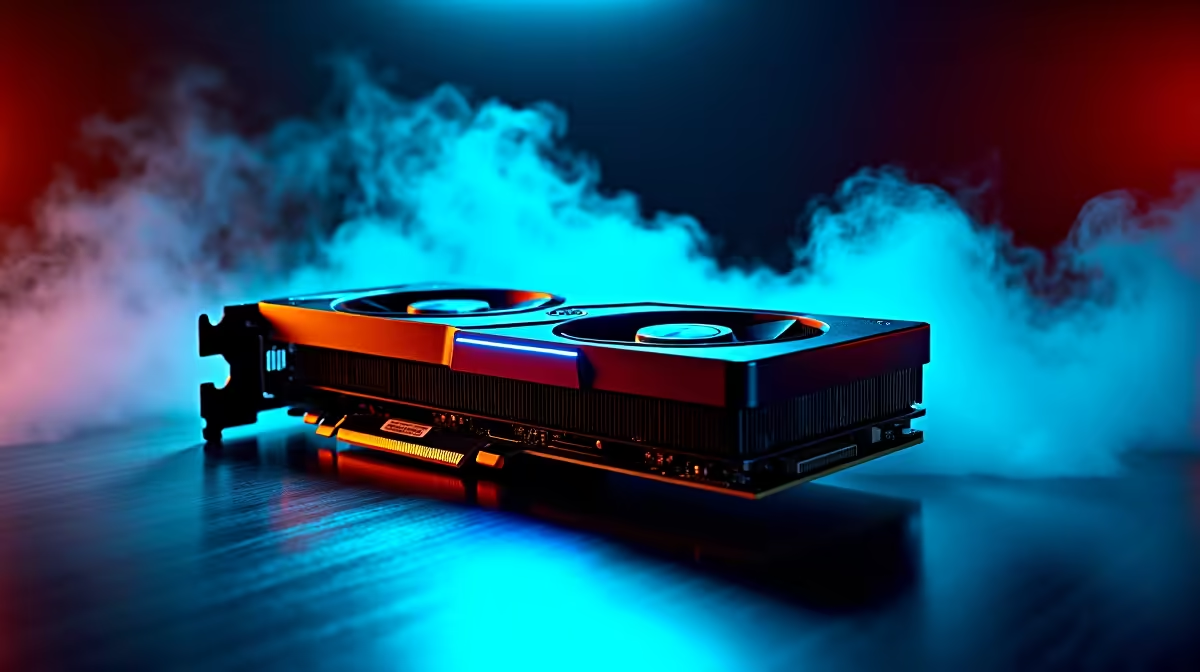
This is the big one. An AI model needs to be loaded into your GPU's video memory (VRAM) to run efficiently. If you don't have enough, performance falls off a cliff. For serious AI work, 8GB of VRAM is the absolute minimum, with 12GB or more being ideal. This is where the CUDA cores on NVIDIA GeForce gaming PCs really shine, offering mature software support for AI tasks. However, for sheer VRAM value, many of the latest AMD Radeon gaming PCs in South Africa offer incredible capacity for their price.
Checking Your System's AI Readiness 🔧
So, how does your machine stack up against the demands of local AI? Let's go through the other core components that our conceptual DeepSeek performance calculator would analyse to find potential bottlenecks in your setup.
CPU and System RAM: The Unsung Heroes
While the GPU does the heavy lifting, your CPU is the manager, preparing data and keeping everything running smoothly. A modern processor with multiple cores is essential. The multi-threaded power found in our all-AMD Ryzen PC deals is fantastic for juggling these complex tasks. Equally, the strong single-core speed of the machines in our all-Intel PC deals ensures the system remains responsive. Don't forget system RAM, either—32GB is a comfortable spot for running an OS, other apps, and the AI model without issues. For heavy-duty model training, exploring dedicated workstation PCs with 64GB or more is a wise move.
Check Your VRAM in Seconds ⚡
On Windows 11 10, just press Ctrl + Shift + Esc to open Task Manager. Go to the 'Performance' tab and click on your GPU. Look for 'Dedicated GPU Memory'—that's your VRAM total. This simple check is the first step in any AI performance calculator.
The Verdict: Can Your PC Run DeepSeek?
So, what's the final score from our unofficial DeepSeek performance calculator?
- Ready for Anything: You have a recent NVIDIA RTX 30/40 series or AMD RX 6000/7000 series GPU with 12GB+ VRAM, a 6+ core CPU, and 32GB+ RAM. Your machine is a beast. Check out the best gaming PC deals to see what the top tier looks like.
- Good to Experiment: You're running with 8GB of VRAM, a solid quad-core CPU, and 16GB of RAM. You can definitely run smaller models and get a feel for local AI. Many of our pre-built PC deals fall into this sweet spot.
- Might Struggle: Less than 8GB of VRAM will be a major bottleneck. While you might get some things to run, the experience will be slow. It might be time to look at an upgrade, and even our budget gaming PCs now offer impressive specs for getting started.
The landscape is always changing, with exciting new hardware like the options in our Intel Arc gaming PCs range bringing more competition and features to the market. The key takeaway is that a great gaming PC is often a great AI PC… you just need to prioritise the right specs.
Ready to Step into the AI Future? Whether you're a coder, creator, or just curious, running AI locally is the next frontier. If our DeepSeek performance calculator showed some gaps in your setup, don't stress. Explore our massive range of custom-built PCs and find the perfect machine to conquer the AI revolution.










