


Trying to use the powerful DeepSeek AI model from South Africa, but feeling like you're stuck in digital molasses? You're not alone. High latency can turn a brilliant tool into a frustrating roadblock. But don't worry, there are several ways to tackle DeepSeek slow performance right here in SA. Let's get your AI workflow running at full speed. 🚀
Understanding the Cause of Slow DeepSeek Performance in South Africa
Before we dive into the fixes, it helps to understand the problem. The primary reason you're experiencing DeepSeek slow performance is simple geography. The AI servers that process your requests are likely located thousands of kilometres away in Europe, North America, or Asia.
Every query you send has to travel across undersea cables, hop through multiple network hubs, get processed, and then make the long journey back. This round-trip time is called latency, and it's the main culprit behind that frustrating delay between your prompt and the AI's response.
Software & Network Tweaks to Speed Things Up 🔧
While you can't move South Africa closer to the servers, you can optimise the path your data takes. Here are a few things to try before considering a hardware upgrade.
Optimise Your Local Connection
First, rule out any issues on your end. If you're using Wi-Fi, try switching to a wired Ethernet connection for a more stable and often faster link to your router. Run a speed test to ensure you're getting the performance you're paying for from your ISP. Sometimes, a simple router restart can clear up network congestion and improve your connection's responsiveness.
Consider Running Models Locally
For the ultimate fix, the solution is to eliminate the network latency entirely. How? By running AI models directly on your own machine. Modern hardware has become incredibly powerful, making it possible to run sophisticated models locally for near-instantaneous results. This not only solves performance issues but also gives you total privacy over your data.
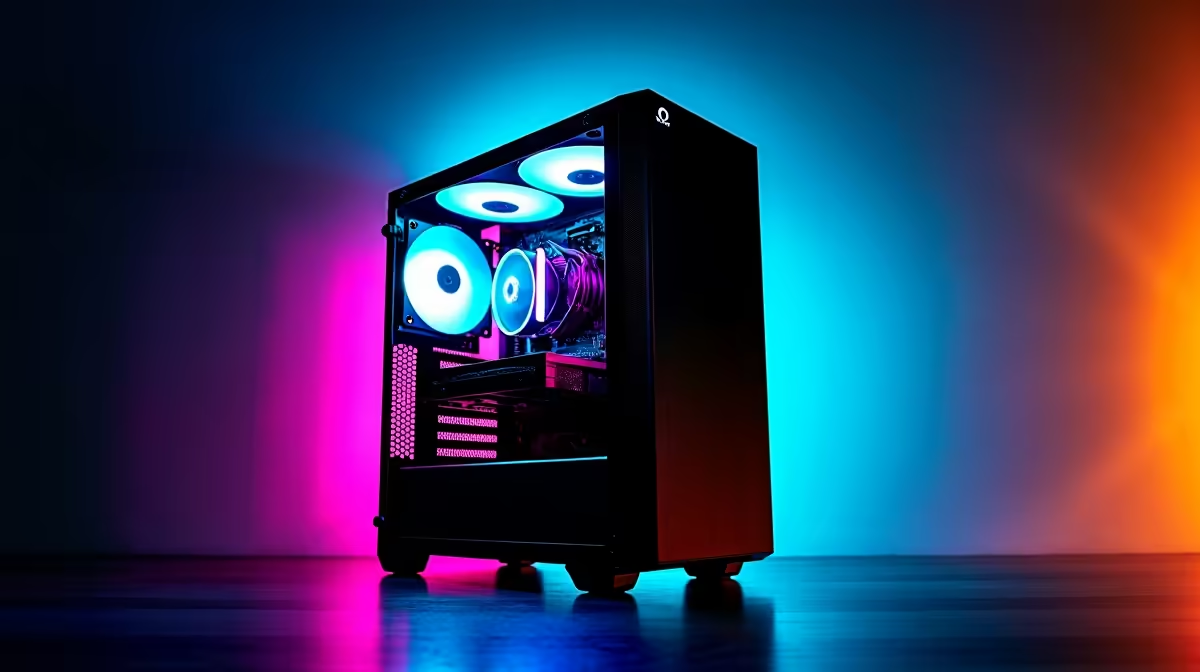
To do this, you'll need a PC with a strong graphics card (GPU) with plenty of VRAM. For many open-source models, a rig built around a modern GPU is more than enough. The latest powerful NVIDIA GeForce gaming PCs are exceptionally good at AI tasks thanks to their dedicated Tensor Cores.
Check Your VRAM! 🧠
When choosing a GPU for local AI, Video RAM (VRAM) is king. Larger models require more VRAM to load and run efficiently. A card with 12GB of VRAM is a great starting point, but 16GB or even 24GB will give you the freedom to experiment with the most powerful open-source models available today.
Of course, NVIDIA isn't the only option. The latest generation of capable AMD Radeon gaming rigs offer incredible performance-per-rand and are becoming increasingly viable for local AI workloads as the software ecosystem matures.
For those doing heavy-duty AI development, fine-tuning models, or running multiple complex tasks simultaneously, stepping up to dedicated hardware is the logical next step. Investing in professional-grade workstation PCs ensures you have the certified drivers, robust cooling, and raw power needed for mission-critical AI work without compromise. ✨
The Verdict: Local Power is the Ultimate Fix
While network optimisations can help, they are often just a plaster on the larger problem of distance. If you're serious about using AI tools without the frustrating lag, investing in a powerful local machine is the most effective and reliable solution. You get instant responses, complete data privacy, and freedom from API fees.
Ready to Ditch the Lag and Unleash AI? Waiting for an overseas server is frustrating. For instant, private, and powerful AI performance in South Africa, nothing beats local hardware. Stop battling DeepSeek slow performance and start creating. Build your own custom AI-ready PC with Evetech and take control of your workflow today.









