


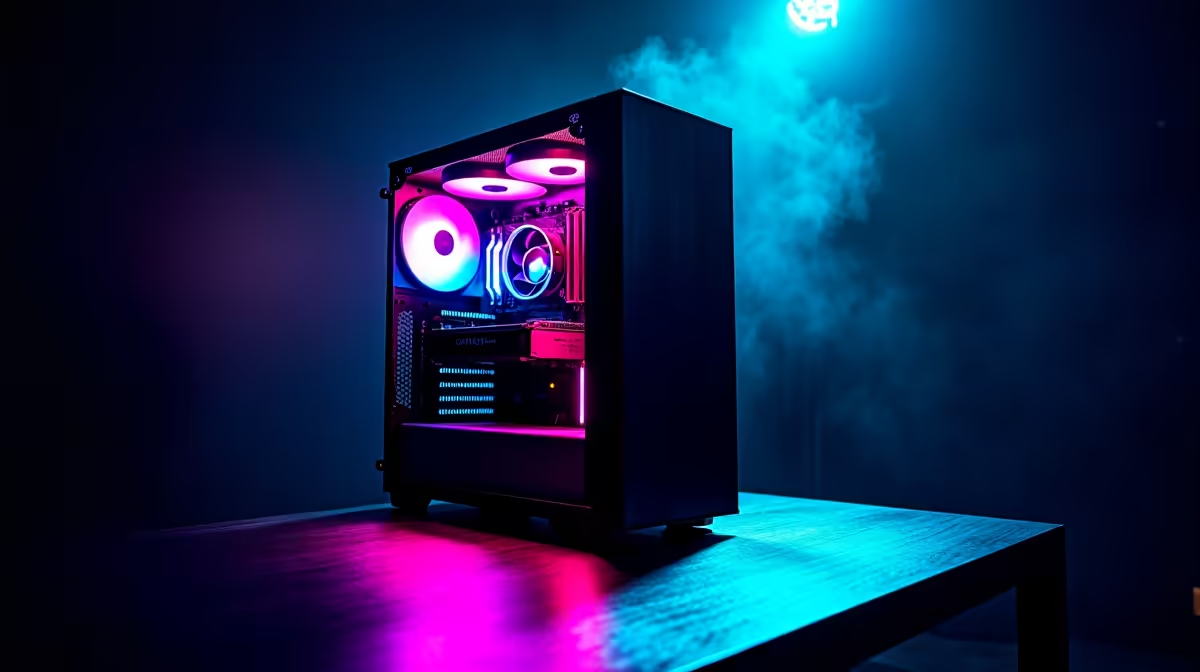
Ever wondered if your gaming rig could do more than just dominate in Helldivers 2? What if it could write code, generate ideas, or even help you build the next big thing... right here in South Africa? DeepSeek's powerful AI models can run locally on your machine, and understanding the DeepSeek system requirements is the first step. Let's dive in and see if your PC has what it takes to join the AI revolution. 🚀
What is DeepSeek and Why Should You Care?
Before we get into the hardware nitty-gritty, what exactly is DeepSeek? It's a family of powerful, open-source AI models, particularly brilliant at coding and language tasks. Unlike cloud-based services like ChatGPT, you can run DeepSeek entirely on your own PC.
For South Africans, this is huge. It means:
- No Subscriptions: Once you have the hardware, the software is free.
- Total Privacy: Your data and projects stay on your machine.
- Offline Capability: No internet? No problem. Your AI co-pilot still works.
This opens up a world of possibilities for local developers, writers, and creators who want cutting-edge tools without the recurring costs or privacy concerns.
Breaking Down the Core DeepSeek System Requirements
Running a large language model (LLM) isn't like running a game. While a fast CPU and SSD are important, the single most critical component is your graphics card's Video RAM (VRAM). Let's break down the PC requirements for DeepSeek.
The GPU: VRAM is King 👑
The entire AI model needs to be loaded into your GPU's memory to run at a decent speed. If you don't have enough VRAM, the process will be painfully slow or won't work at all.
Here’s a rough guide based on model size:
- Small Models (e.g., DeepSeek-Coder-7B): Requires at least 8GB of VRAM. Most modern gaming cards, like the NVIDIA GeForce RTX 4060, are perfect for this. A solid NVIDIA GeForce gaming PC is your best starting point for exploring local AI.
- Medium Models (e.g., DeepSeek-LLM-34B): You'll need significantly more headroom. Aim for a GPU with 16GB to 24GB of VRAM. Cards like the RTX 4070 Ti SUPER or RTX 4080 SUPER are ideal. Likewise, a modern AMD Radeon gaming PC with a high-VRAM card like the RX 7900 XTX can also get the job done.
- Large Models & Fine-Tuning (e.g., DeepSeek-LLM-67B): This is where things get serious. You'll want 24GB of VRAM as a minimum, and even more for tasks like training or fine-tuning your own models.
Check Your VRAM 💡
Not sure how much VRAM your GPU has? On Windows, just open Task Manager (Ctrl+Shift+Esc), go to the 'Performance' tab, and select your GPU. You'll see 'Dedicated GPU Memory' listed—that's the number that matters most for meeting DeepSeek system requirements!
System RAM and Storage: The Supporting Cast
While the GPU does the heavy lifting, the rest of your system needs to keep up.
- System RAM: 16GB is the absolute minimum, but 32GB is strongly recommended. This gives your operating system and other applications enough breathing room while the model is loaded.
- Storage: The models themselves can be quite large (from 15GB to over 100GB). A fast NVMe SSD is essential for loading them quickly. You don't want to be waiting minutes just to get started!
Is Your PC Ready for Local AI? ✨
So, can your current rig handle it? The good news is that if you have a decent gaming PC from the last few years, you can probably start experimenting with smaller models right away. The specific DeepSeek system requirements depend entirely on which model you want to run.
For those looking to get serious about local AI development, content creation, or running the largest models at top speed, a purpose-built machine is the way to go. For this level of work, you're moving beyond standard gaming rigs and into the realm of dedicated workstation PCs, which are designed for sustained, heavy workloads and often feature high-VRAM professional GPUs.
Ultimately, building a PC for AI is an investment in a powerful and versatile tool that will only become more essential in the years to come.
Ready to Unleash Your AI Potential? Running powerful models like DeepSeek locally is no longer science fiction. It's the new frontier for creators, developers, and gamers in South Africa. Build your custom AI-ready PC today and find the perfect machine to build your future.










