


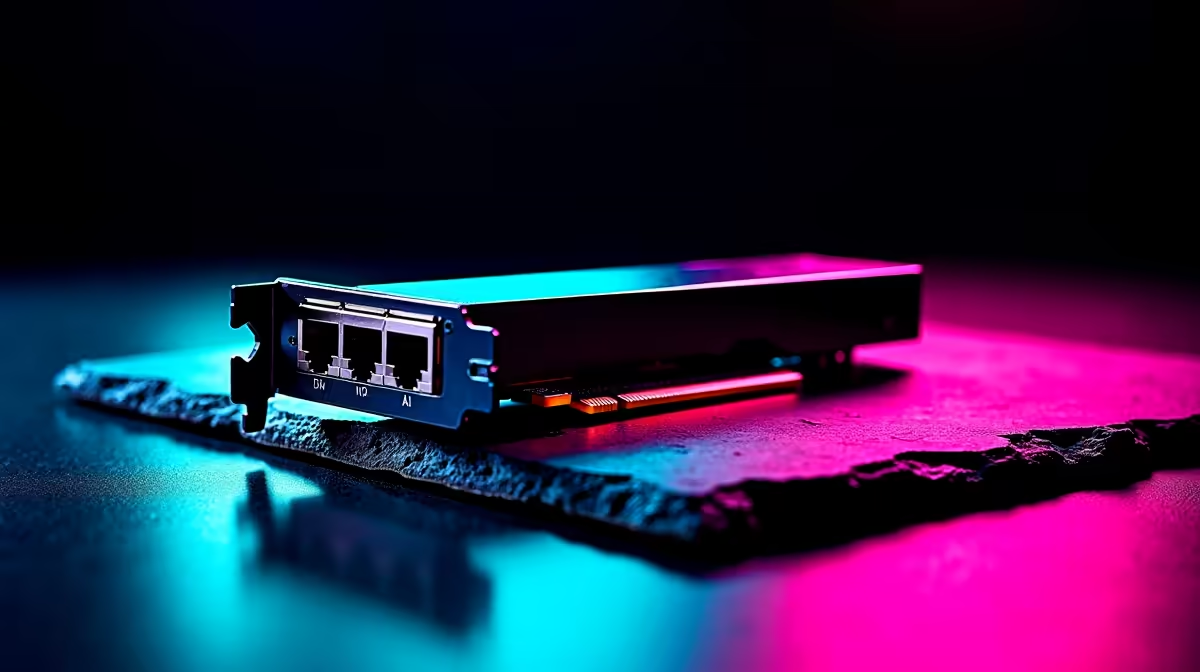
You’ve just unboxed a beast of a GPU... an RTX 40-series monster ready to crush games and power through AI tasks. But what if the slowest part of your R30,000+ rig isn't the processor or RAM... but that old network cable? In the new era of local AI processing, slow networking can cripple your performance. For anyone serious about fast Ethernet for AI in South Africa, it's time for a network reality check.
Why Your Network Is the New AI Battleground
For years, "internet speed" was all that mattered. But with the rise of powerful AI tools running locally on your machine, your Local Area Network (LAN) speed is suddenly in the spotlight. Think about it: you're working with massive datasets for machine learning, transferring huge video files for AI-powered editing, or running local language models. These tasks shuttle gigabytes of data between your PC, your Network Attached Storage (NAS), and other devices.
A slow connection here acts like a traffic jam on the N1. Your GPU is revving its engine, ready to go... but it’s stuck waiting for data to arrive. This is where investing in a balanced system pays off. The powerful components inside high-end NVIDIA GeForce gaming PCs are designed to work in harmony, and your network is a crucial part of that ecosystem.
The Sneaky Signs of a Network Bottleneck ⚡
A network bottleneck doesn't always show up as a buffering video. In the world of AI and high-performance computing, the symptoms are more frustrating.
Imagine you're training a Stable Diffusion model. You're feeding it a 50GB dataset of images from your home server. With a modern Gigabit connection, this transfer takes minutes. With an old 100 Mbps connection... you might as well go do your weekly shopping at Checkers.
Here are the tell-tale signs you're being held back:
- Painfully Slow File Transfers: Moving large project files between PCs on your network takes forever.
- AI Tool Lag: Creative apps that pull assets from a network drive feel sluggish or unresponsive.
- Wasted GPU Potential: Your graphics card sits idle for long periods, waiting for the network to feed it the next chunk of data.
This performance hit affects everyone, whether you're running on bleeding-edge AMD Radeon gaming rigs or a custom-built AI powerhouse.
Check Your Real Speed 🔧
Not sure what you have? On Windows, go to Settings > Network & Internet > Ethernet. Click your connection and look for "Link speed". If it says 100 100 (Mbps), you have a major bottleneck. For any serious AI or gaming workload, you want to see at least 1000 1000 (Mbps), which is 1 Gigabit.
Stepping Up: What is Truly "Fast" Ethernet for AI?
Here’s a quick but crucial tech lesson. The term "Fast Ethernet," which you might see on older hardware, ironically refers to the now-ancient 100 Mbps standard. The modern baseline is Gigabit Ethernet, which runs 10 times faster at 1,000 Mbps.
For South African tech enthusiasts diving into AI, 1Gbps should be your absolute minimum. 🚀
However, the new gold standards are 2.5Gbps and 10Gbps Ethernet. The good news? You don't need a corporate budget to access this speed. Many of the latest motherboards and networking accessories support 2.5Gbps right out of the box. These speeds are becoming standard on high-end gaming rigs and are essential for purpose-built workstation PCs that handle constant, heavy data loads. Upgrading your network infrastructure is one of the most impactful ways to optimise your entire workflow and ensure you're getting every drop of performance you paid for.
Ready to Un-BottleNeck Your Rig? Your high-end GPU deserves a system that can keep up. From lightning-fast networking to perfectly matched components, a balanced build is crucial for AI and gaming dominance. Explore our custom-built PCs and design a machine with no weak links.









