


Staring at a blinking cursor while your local Large Language Model (LLM) takes forever to generate a response? We've all been there. That frustrating lag can kill your creative flow and turn exciting AI projects into a slog. For developers and tech enthusiasts across South Africa, slow LLM performance is a common headache. But here’s the good news: you don’t need a supercomputer to fix it. Let's get into the practical steps for boosting your AI speed.
Understanding Why Your LLM Performance is Slow
Before you can fix slow LLM performance, you need to know what’s causing the bottleneck. Running models like Llama or Stable Diffusion locally is incredibly demanding. It's not like running a game; it's a unique kind of workload that hammers specific parts of your PC. The three main culprits are almost always:
- VRAM (Video RAM): This is the single most important factor. LLMs are massive, and the entire model needs to be loaded into your GPU's dedicated memory (VRAM) to run quickly. If you don't have enough, your system will use slower system RAM or even your SSD, causing performance to plummet.
- GPU Compute Power: The number of CUDA cores (on NVIDIA) or Compute Units (on AMD) and the GPU's clock speed determine how fast it can process the complex maths behind the AI's "thinking".
- Memory Bandwidth: This is how fast your GPU can access its own VRAM. Higher bandwidth means faster data processing, which is crucial for the constant data shuffling an LLM performs.
Hardware Fixes for Boosting AI Speed
Software tweaks can help, but hardware is where you'll see the biggest gains. If you're serious about running LLMs locally, your PC's components are the first place to look.
The GPU: Your AI Powerhouse 🚀
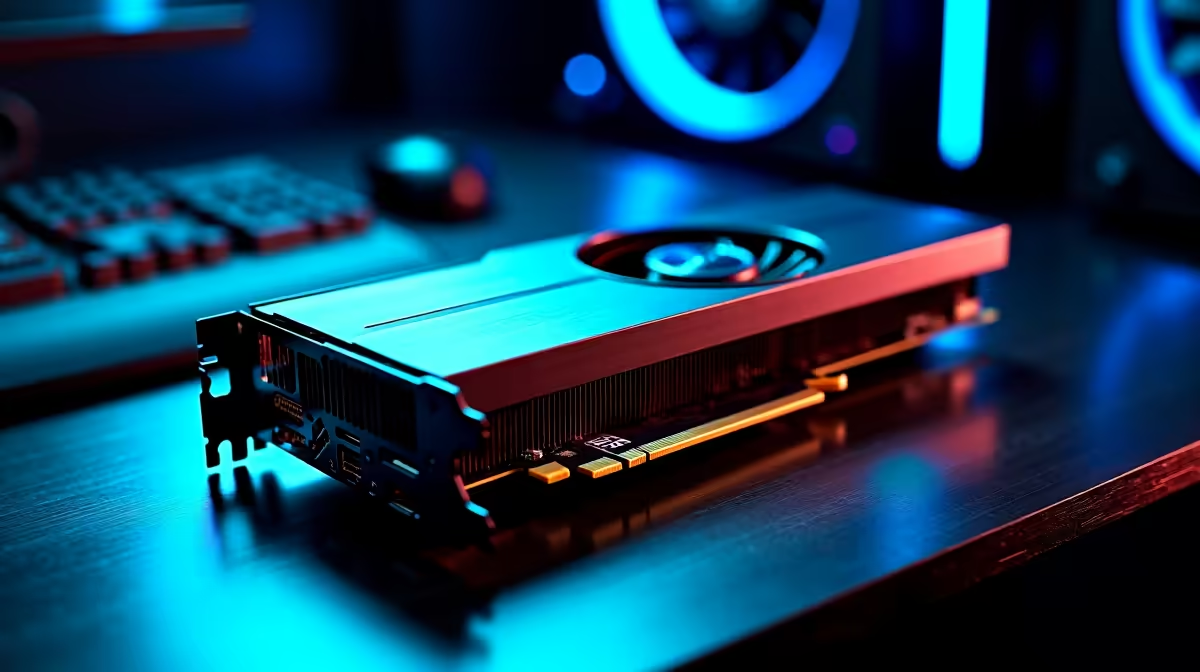
Your Graphics Processing Unit (GPU) does all the heavy lifting. For AI, VRAM is king. Aim for a card with at least 12GB of VRAM, with 16GB or more being ideal for larger, more capable models.
NVIDIA cards are often favoured for their mature CUDA software ecosystem, which many AI tools are built on. A powerful rig from our range of NVIDIA GeForce gaming PCs can be a fantastic and cost-effective starting point for both gaming and AI development. However, don't count AMD out. Modern Radeon cards offer incredible performance-per-rand and are rapidly improving their AI software support, making an AMD Radeon gaming PC a very compelling option.
Check Your VRAM Usage 🔧
While running your LLM, open a monitoring tool like Task Manager (on the Performance tab) or GPU-Z. If your 'Dedicated GPU memory usage' is maxed out, you've found your primary bottleneck. This is a clear sign that a GPU with more VRAM is the most effective way to fix your slow LLM performance.
System RAM and Storage
While the GPU is the star, other components play a vital supporting role. You'll want at least 32GB of fast system RAM to ensure your operating system and other apps run smoothly while the GPU is under load. Furthermore, loading models from a fast NVMe SSD instead of a hard drive will dramatically cut down your initial startup times.
Software Tweaks to Improve AI Speed
Don't have the budget for a new GPU just yet? You can still squeeze more performance out of your current setup with a few software optimisations.
- Use Quantized Models: Many popular LLMs are available in "quantized" versions (e.g., 4-bit, 8-bit). These are slightly less precise but use significantly less VRAM and run much faster. For many tasks, the difference in output quality is negligible.
- Optimise Your Code: Ensure you're using up-to-date libraries and drivers. Frameworks like PyTorch 2.0 include built-in optimisations that can provide a noticeable speed boost without any hardware changes.
- Adjust Batch Sizes: Experiment with the batch size in your settings. A smaller batch size uses less VRAM but might process slower overall. Finding the sweet spot for your specific GPU can make a real difference.
When to Upgrade to a Dedicated AI Machine ✨
Gaming PCs are excellent entry points, but what if AI is your job, not just a hobby? If you're running models for hours every day, training your own models, or working with massive datasets, the constant strain can wear on consumer hardware.
This is where a purpose-built machine comes in. A dedicated system from our Workstation PCs category offers components designed for sustained, 24/7 workloads. They often feature GPUs with even more VRAM (like the RTX 4090 with 24GB), more robust power delivery, and better cooling to ensure stability during those marathon processing sessions. Investing in a workstation is the ultimate way to fix slow LLM performance for good.
Ready to Stop Waiting and Start Creating? 🚀 Slow LLM performance isn't something you have to live with. The right hardware is the ultimate fix. Whether you're upgrading your GPU or building a dedicated AI powerhouse from scratch, Evetech has the gear to bring your projects to life. Explore our range of high-VRAM GPUs and start boosting your AI speed today.











