


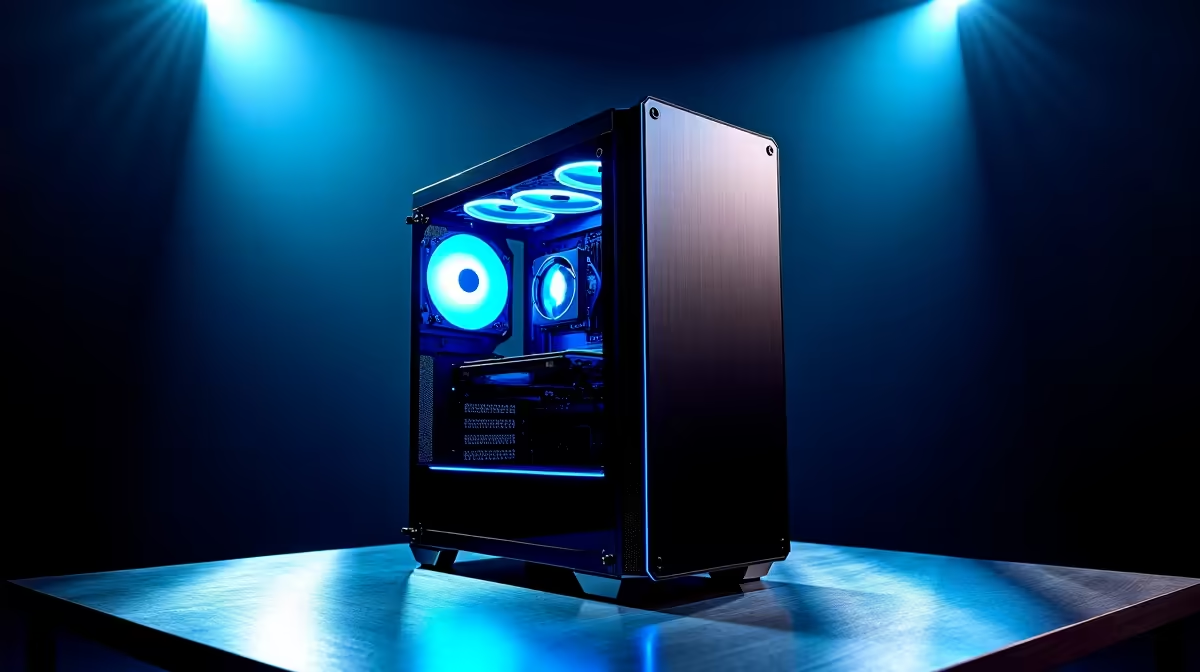
You've spent years optimising your gaming rig for max frames per second, but what if that same machine could write code, generate art, or analyse complex data? The future of PCs for AI is not some far-off concept... it's happening right now in South Africa. With models like DeepSeek becoming more accessible, the powerful hardware in your gaming PC is your ticket to the front lines of the AI revolution. Ready to unlock its true potential? 🚀
The GPU: Your AI Engine
When it comes to the right hardware for AI, the conversation starts and ends with the Graphics Processing Unit (GPU). While your CPU is the brain of your PC, the GPU is its soul, capable of performing thousands of calculations simultaneously. This parallel processing power, designed for rendering complex game worlds, is perfect for training and running AI models.
The single most important specification is VRAM (Video RAM). Think of it as the GPU's personal workspace. The bigger the AI model (like DeepSeek), the more VRAM you need to load it. For serious local AI work, an NVIDIA RTX card with at least 12GB of VRAM is a fantastic starting point, giving you the power to experiment without constant bottlenecks. Many of the most powerful NVIDIA GeForce gaming PCs already pack the VRAM needed for entry-level AI tasks.
Beyond the GPU: Building a Balanced AI PC
While the GPU does the heavy lifting, it can't work alone. The supporting cast of components is crucial for a smooth and efficient workflow. The future of PCs for AI depends on a holistic system, not just one powerful part.
CPU, System RAM, and Storage
- CPU (Central Processing Unit): Your processor handles data preparation, system operations, and parts of the AI pipeline that aren't suited for the GPU. A modern multi-core CPU from Intel or AMD ensures your GPU is never left waiting for data.
- RAM (System Memory): Don't confuse this with VRAM! You'll need at least 32GB of fast system RAM to manage large datasets and run multiple applications alongside your AI tools.
- Storage: AI models and their datasets are massive. A speedy NVMe SSD is non-negotiable. It drastically cuts down loading times, getting you from idea to result much faster. A well-configured system, like many of the well-balanced AMD Radeon gaming PCs, provides a solid foundation with a strong CPU and fast storage.
Check Your VRAM Usage 💡
To see how much VRAM an AI model is using, open the Windows Task Manager (Ctrl+Shift+Esc), go to the "Performance" tab, and select your GPU. The "Dedicated GPU memory usage" chart will show you exactly how much space your model occupies. This is key for knowing if you can run larger, more complex models.
Future-Proofing: From Gaming to a Dedicated Workstation
For those looking to move beyond hobbyist experimentation and into serious development, the hardware requirements scale up. This is where the line between a high-end gaming rig and a dedicated workstation begins to blur. The ultimate hardware for AI often involves more specialised components. 🔧
Running multiple models, training custom datasets, or working with massive language models like those that power DeepSeek requires a PC built for endurance and raw power. This could mean stepping up to a system with multiple GPUs, 64GB or even 128GB of RAM, and a power supply and cooling solution designed for 24/7 operation. These are not just PCs; they are investments in productivity and capability. For professionals and serious enthusiasts, exploring purpose-built dedicated AI workstation PCs is the logical next step to ensure performance and reliability for years to come.
Ready to Build Your AI Future? The power to create, innovate, and compute with AI is more accessible than ever. Whether you're upgrading your gaming rig or building a dedicated machine, Evetech has the components and expertise to get you started. Explore our range of powerful workstation PCs and build the perfect system to master AI.










