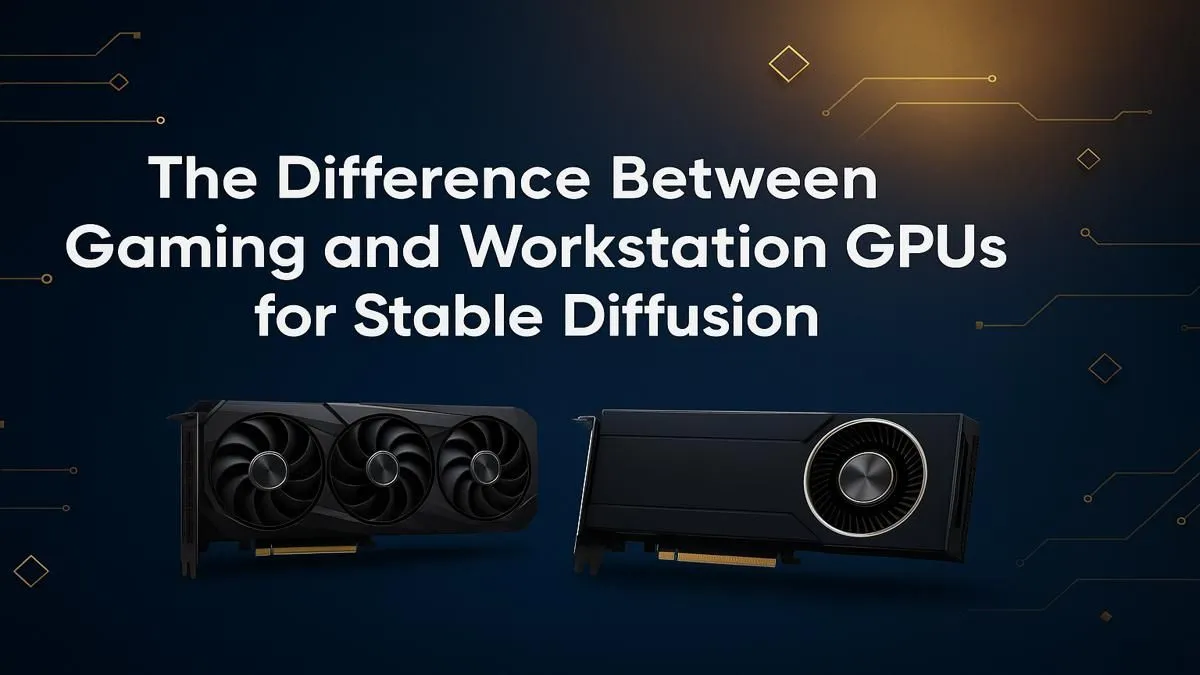
So, you've spent countless hours getting silky-smooth frame rates in your favourite games, but now a new challenge has appeared: AI image generation. You're diving into Stable Diffusion, and suddenly the big question hits... is your trusty gaming card the right tool for the job? The debate of a gaming vs workstation GPU for Stable Diffusion is a hot one in South Africa. Let's break it down and find the perfect hardware for your AI ambitions.
The Core Difference: Gaming Fun vs. Pro Precision
At their heart, gaming and workstation GPUs are designed for different masters. A gaming GPU is a sprinter, optimised for one thing: pushing as many frames to your screen per second as possible. It's all about raw, real-time performance for an immersive experience.
A workstation card, on the other hand, is a marathon runner. It's built for accuracy, reliability, and endurance. Think complex 3D modelling, scientific simulations, and heavy video rendering where a single incorrect pixel can ruin a project. This fundamental difference in design philosophy is why choosing the right tool from the latest graphics cards is so crucial for AI work.
What Stable Diffusion Really Cares About
Stable Diffusion has its own set of priorities, and they don't always align perfectly with gaming. To settle the gaming vs workstation GPU for Stable Diffusion argument, we need to look at what the software actually needs to run efficiently.
VRAM is King 👑
Video Random Access Memory (VRAM) is arguably the single most important factor for Stable Diffusion. It's the dedicated memory on your graphics card that holds the AI model, the image you're generating, and all the temporary data.
- More VRAM means:
- Higher resolution images without errors.
- Larger batch sizes (generating more images at once).
- The ability to load and use more complex models and extensions.
Running out of VRAM is the most common roadblock for aspiring AI artists, so prioritising a card with a healthy amount is key.
CUDA Cores & The NVIDIA Advantage
While you can get Stable Diffusion running on different hardware, the ecosystem is heavily optimised for NVIDIA's CUDA platform. This makes cards from NVIDIA's GeForce lineup the default choice for most users due to their plug-and-play compatibility and superior performance. While AMD's Radeon cards are powerful for gaming, getting them to work smoothly with Stable Diffusion often requires extra technical steps that can be a headache for newcomers.
Gaming GPU for Stable Diffusion: The People's Champion?
For most South Africans venturing into AI, a modern gaming GPU is the undeniable sweet spot. Cards like the NVIDIA GeForce RTX 3060 12GB or the RTX 40-series offer a fantastic blend of performance, VRAM, and value that's hard to beat.
Pros:
- Incredible Price-to-Performance: You get a massive amount of AI power for your Rand.
- Excellent Speeds: They are optimised for the kind of math Stable Diffusion uses (FP16/FP32).
- Dual-Purpose: You can create stunning AI art and still enjoy top-tier gaming. ✨
Cons:
- VRAM Limits: They typically have less VRAM than their much more expensive workstation counterparts.
Stable Diffusion Pro Tip ⚡
If you're hitting VRAM limits, try using arguments like --medvram or --lowvram when launching Stable Diffusion. This tells the software to be more conservative with memory usage, often at a small cost to generation speed. It's a great way to generate larger images on a card with less VRAM.
Workstation GPU for Stable Diffusion: The Heavyweight Contender
So, when does a workstation GPU make sense? These cards are for serious professionals and researchers who need absolute stability and massive memory pools for huge, complex tasks.
If your workflow involves training custom AI models for hours on end, running massive batch jobs, or requiring certified drivers for other professional software, then exploring professional workstation GPUs becomes a valid option. They are built to run under heavy load 24/7 without breaking a sweat. 🔧
Pros:
- Massive VRAM: Often available with 24GB, 48GB, or even more.
- Rock-Solid Stability: Certified drivers and ECC memory (on some models) for error-free calculations.
- Built for Endurance: Designed for continuous, heavy workloads.
Cons:
- High Cost: You pay a significant premium for these features.
The Verdict: Which GPU is Best for You?
For the vast majority of hobbyists, enthusiasts, and even many professionals in South Africa, the best GPU for Stable Diffusion is a high-VRAM gaming card. The value and raw performance offered by NVIDIA's GeForce series provide the most practical and powerful entry point into AI image generation.
A workstation card is a specialised tool. You'll know if you need one... if you're asking the question, a gaming GPU is almost certainly the smarter financial and performance choice.
Ready to Power Your Creativity?
The gaming vs workstation GPU debate for AI comes down to your primary use case and budget. For most, a powerful gaming GPU is the clear winner. Explore our massive range of graphics cards and find the perfect engine for your gaming and AI adventures.