

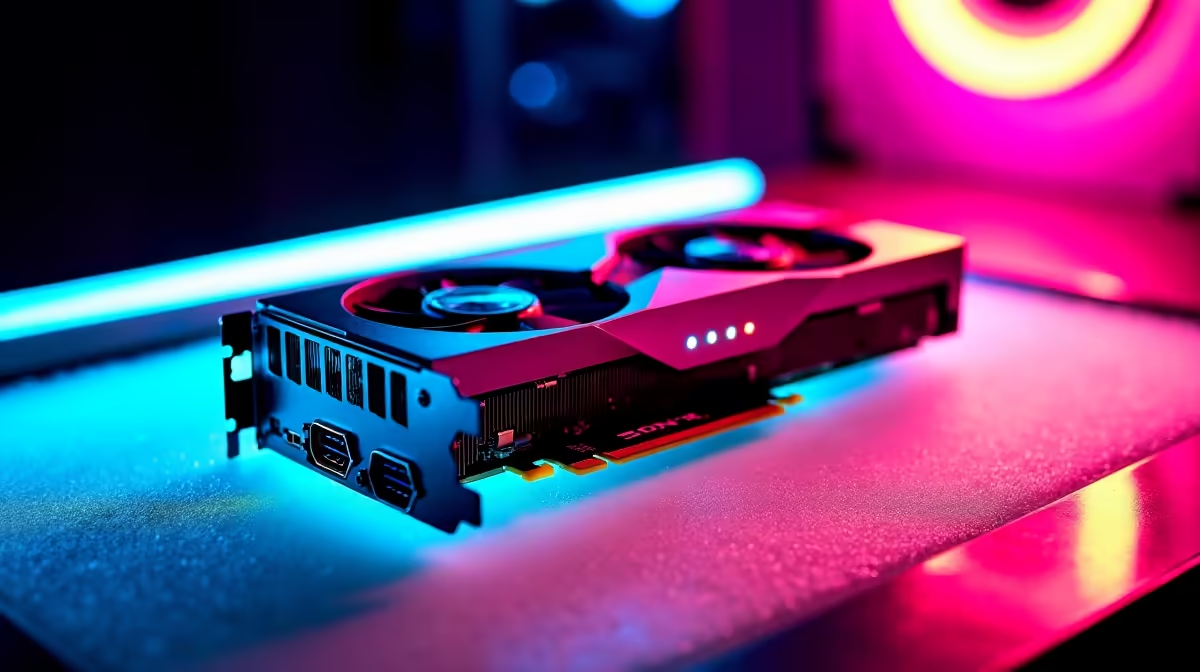
So, you've seen the incredible things AI can do. From generating mind-blowing art with Stable Diffusion to running your own local version of a powerful language model. The future is here, and it's running on silicon. But before you dive in, there’s a critical question: can your PC actually handle it? Let's break down the real-world GPU requirements for LLMs and see what hardware you need to join the AI revolution right here in South Africa. 🚀
Why Your GPU is the Brains of the AI Operation
When it comes to running Large Language Models (LLMs), your CPU takes a backseat. These AI models are built on billions of parameters, all of which involve performing countless calculations simultaneously. This is a perfect job for a Graphics Processing Unit (GPU).
A GPU's architecture, designed for rendering complex 3D scenes in games, is all about parallel processing—doing thousands of simple tasks at once. This makes it incredibly efficient at the matrix multiplication that underpins how LLMs "think" and generate responses. Your gaming rig might just be an AI powerhouse in disguise.
The Core GPU Requirements for LLMs
Not all graphics cards are created equal for AI tasks. While raw gaming FPS is one thing, the hardware specs for LLMs prioritise a different set of features. Forget marketing hype; these are the three metrics that truly matter.
VRAM: The Undisputed King 🧠
Video RAM, or VRAM, is the single most important factor. It's the high-speed memory on your GPU where the AI model's parameters are loaded. If the model doesn't fit into your VRAM, you simply can't run it efficiently... or at all.
- 8GB VRAM: Your entry point. You can run smaller, quantized (compressed) models for tinkering and learning.
- 12GB - 16GB VRAM: The sweet spot for enthusiasts. This allows you to run more powerful models like Llama 3 8B or fine-tune smaller ones without major compromises.
- 24GB+ VRAM: Pro territory. Cards like the RTX 4090 open the door to running very large models and even training your own custom AI from scratch.
Memory Bandwidth and Core Count
Think of memory bandwidth as the highway between your VRAM and the GPU's processing cores. Higher bandwidth means the GPU can access the model's data faster, leading to quicker response times (or tokens per second). Likewise, a higher number of processing cores (like NVIDIA's CUDA cores) means more calculations can happen in parallel. While VRAM is about if you can run a model, bandwidth and cores determine how fast it runs.
Check Before You Buy 🔧
Before committing to a GPU, head over to a platform like Hugging Face. Find a model you're interested in and check its size. This gives you a direct idea of the minimum VRAM you'll need. Remember to leave some overhead for the operating system and other processes!
Choosing Your AI Hardware: Team Green or Team Red?
In the AI space, the hardware debate is currently a bit one-sided. While both NVIDIA and AMD make fantastic gaming cards, NVIDIA's software ecosystem gives it a massive edge for AI development.
NVIDIA's CUDA platform is the industry standard for AI and machine learning. Almost all popular AI frameworks are built and optimised for it, meaning you get better performance, wider compatibility, and a huge community for support. If you're serious about running LLMs, an NVIDIA GeForce gaming PC is the most straightforward path to success.
AMD is catching up with its ROCm software, and their cards offer excellent value for gaming. For South Africans who want a rig that shreds the latest titles and can still dabble in AI, a high-VRAM AMD Radeon gaming PC is a viable option, but be prepared for a bit more tinkering to get things working.
Gaming PC vs. Professional Workstation
Can your gaming PC run LLMs? Absolutely. A high-end gaming machine with an RTX 4080 or 4090 is more than capable for most hobbyist and even some professional tasks. However, if your work depends on AI reliability, uptime, and handling massive datasets, it might be time to consider a dedicated build.
Purpose-built Workstation PCs offer advantages like ECC (Error Correcting Code) memory for stability, superior cooling for 24/7 operation, and support for multiple high-end GPUs. For serious developers, data scientists, or small businesses in SA, a workstation isn't an expense... it's an investment.
Ready to Build Your AI Powerhouse? Whether you're a gamer exploring a new hobby or a professional diving into machine learning, the right hardware is key. The GPU requirements for LLMs are demanding, but we've got the perfect solution. Explore our range of AI-ready PCs and configure the ultimate machine to bring your ideas to life.











