


import TipBox from "@components/TipBox.astro"; import CALLTOACTION from "@components/CALLTOACTION.astro";
So, you’ve dived into the exciting world of local AI, running powerful Large Language Models (LLMs) right on your own machine. It feels like the future... until your PC’s fans start screaming and your room heats up faster than a braai in December. 🌡️ Don’t stress. An overheating PC is a common hurdle when you're pushing serious AI workloads, but a reliable local LLM overheating fix is closer than you think. Let's get your machine running cool and quiet.
Understanding Why Local LLMs Cook Your Components
Before we dive into the fixes, it's crucial to know why your PC is struggling. Unlike gaming, which has peaks and troughs in demand, running an LLM is like a marathon sprint for your hardware.
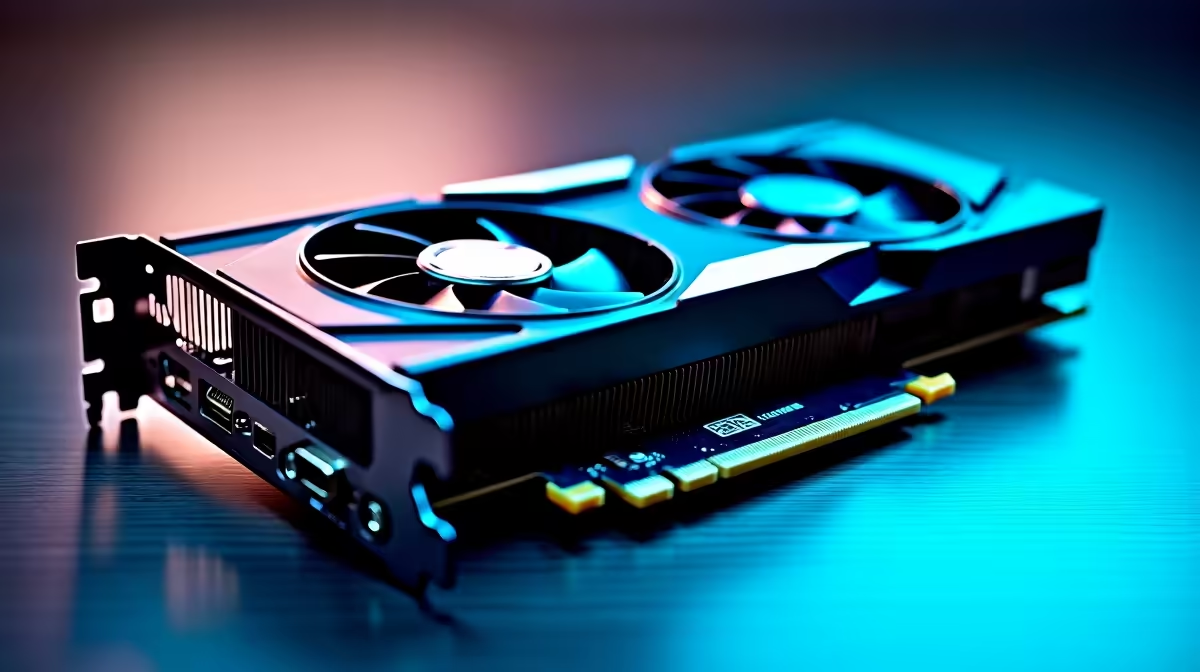
The main culprits are your GPU and its memory (VRAM). LLMs require massive amounts of data to be loaded into VRAM and processed continuously. This places a constant, heavy load on the GPU core and memory modules, generating a tremendous amount of heat. If your cooling system isn't up to the task of shedding this sustained heat, temperatures will climb, leading to thermal throttling—or worse, system instability. This is especially true for complex models that push even the most powerful NVIDIA GeForce gaming PCs to their limits.
Your Guide to a Practical Local LLM Overheating Fix
Cooling down your AI rig involves a multi-pronged approach, from simple tweaks to hardware considerations. Here are the most effective steps you can take to achieve cooler AI performance.
1. Optimise Your Airflow 🔧
Your PC case is not just a box; it's a wind tunnel. Poor airflow traps hot air, creating an oven for your components.
- Clean Your Filters & Fans: Dust is the enemy of cool. A blocked filter or dusty fan blade is shockingly inefficient. Give your PC a proper clean-out every few months.
- Check Fan Curves: Use your motherboard’s BIOS or software like Fan Control to set more aggressive fan curves. You want your fans to ramp up faster as temperatures rise.
- Cable Management: A "rat's nest" of cables can block airflow. Tidy them up with cable ties to create clear pathways for air to move from your intake fans to your exhaust fans.
Monitor Like a Pro ⚡
Use a free tool like HWiNFO64 or MSI Afterburner to monitor your component temperatures in real-time. Pay close attention to the "GPU Hot Spot" and "VRAM Junction" temperatures, as these are often the first to hit critical levels during LLM workloads. Knowing your baseline helps you see if your fixes are working!
2. Tweak Your Software and Settings
Sometimes, you can gain thermal headroom without even opening your case. While you want maximum performance, a slight, unnoticeable reduction in speed can lead to a significant drop in heat and power consumption. Consider undervolting your GPU—a process of lowering its operating voltage without sacrificing stability. It's a more advanced technique but is one of the most effective ways to reduce heat output on both Nvidia and AMD cards found in well-balanced AMD Radeon gaming PCs.
3. Know When a Hardware Upgrade is the Real Fix
If you've cleaned your PC, optimised airflow, and your temperatures are still soaring, your hardware might simply be outmatched. A gaming PC is built for bursty loads, but the sustained thermal output of AI can overwhelm consumer-grade cooling. For serious, long-running AI tasks, the ultimate local LLM overheating fix might be a hardware upgrade.
Moving to a case with better airflow, installing a more powerful AIO (All-In-One) liquid cooler, or upgrading your GPU to a model with a more robust cooling solution can make all the difference. For professionals and dedicated enthusiasts, investing in purpose-built workstation PCs designed for sustained 24/7 loads is often the smartest long-term solution. 🚀
Getting your local AI setup to run cool is a process of balancing performance and thermal efficiency. By following these steps, you can stop your machine from throttling and focus on what matters: building amazing things with AI.
Ready to Build Your AI Powerhouse? If your current rig is still struggling, it might be time for an upgrade. For cool, quiet, and powerful performance that crushes local LLMs, a purpose-built machine is the ultimate fix. Explore our custom PC builds and let's create the perfect AI rig for you.











