

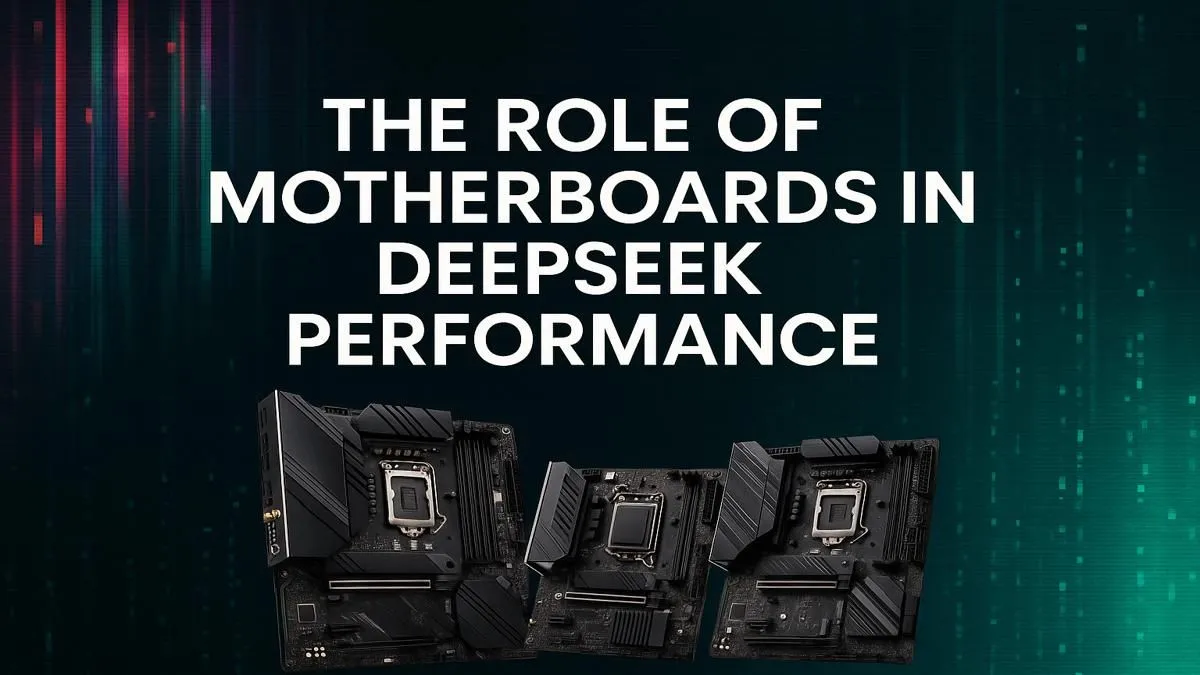
Thinking of diving into the world of AI with models like DeepSeek? Awesome. But before you splash out on a monster GPU, let's talk about the unsung hero of your rig: the motherboard. In South Africa, getting the right foundation is everything. The perfect motherboard for DeepSeek performance isn't just about fitting your CPU; it's the central nervous system that ensures your entire R&D investment doesn't stutter, throttle, or bottleneck when the real work begins. 🚀
Why Your Motherboard is a Bottleneck for AI Performance
When building a gaming PC, the motherboard is often chosen based on the CPU socket, a couple of M.2 slots, and maybe some RGB lighting. For AI and machine learning workloads, the criteria shift dramatically. An inadequate motherboard becomes the biggest bottleneck, no matter how powerful your processor or graphics card is.
The main reasons are:
- PCIe Lane Distribution: AI tasks, especially training, thrive on multi-GPU setups. Your motherboard dictates how many GPUs you can run at full speed.
- Power Delivery: Training a model can push your CPU to 100% usage for hours or even days. A board with weak Voltage Regulator Modules (VRMs) will overheat and throttle performance, wasting time and electricity.
- Memory Capacity: Large language models like DeepSeek are incredibly memory-hungry. A board that only supports 64GB of RAM might not be enough. You need a platform that can handle 128GB or more.
Choosing the right motherboard for DeepSeek performance is about ensuring stability and bandwidth for all your high-end components to communicate flawlessly.
Key Features of a Motherboard for AI Workloads
When you're browsing for a board, keep these specific features at the top of your checklist. They are the difference between a high-performance AI machine and an expensive box of frustration.
PCIe 5.0 and Lane Count 🔧
The Peripheral Component Interconnect Express (PCIe) slot is how your GPU talks to your CPU. For AI, you want as much bandwidth as possible. Look for motherboards that offer multiple PCIe x16 slots. Critically, you need to check how the lanes are distributed. An ideal board will let you run two GPUs at x8/x8 speeds or more. While a single powerful GPU found in top-tier NVIDIA GeForce gaming PCs can get you started, serious AI work often involves multiple cards working in tandem.
Memory Support (RAM)
More is better. Simple as that. Look for motherboards with four DIMM slots that support high-speed DDR5 RAM. Check the maximum supported capacity—128GB is a great starting point for serious hobbyists, while 192GB is becoming the new standard on high-end consumer platforms. Speed matters too; faster RAM can help feed data to your CPU more efficiently.
Check the QVL! ⚡
Before buying RAM, always check your chosen motherboard's Qualified Vendor List (QVL) on the manufacturer's website. This list confirms which specific RAM kits have been tested and are guaranteed to work at their advertised speeds. It’s a simple step that can save you a massive headache and potential ZAR down the line.
VRMs and Power Delivery
Think of VRMs as the board's power plant. They take the 12V power from your PSU and convert it into the precise, stable voltage your CPU needs. For long, intensive AI workloads, robust VRMs with good cooling are non-negotiable. This is crucial whether you're building a system around an Intel Core i9 or a multi-core beast for an AMD Radeon gaming PC, as both platforms demand clean, stable power under heavy, sustained loads.
Chipset Choices: Which Platform is Right for You?
So, which board should you actually buy? Your choice will primarily be between high-end consumer platforms and dedicated workstation platforms.
For most users starting with one or two GPUs, an Intel Z790 or AMD X670E motherboard is a fantastic choice. They offer a great balance of features, PCIe 5.0 support, and robust power delivery without the "pro" price tag. They provide an excellent foundation for building a powerful rig capable of both gaming and serious AI development. ✨
However, if your ambition (and budget) is bigger, you might look toward the High-End Desktop (HEDT) market. For professionals and researchers who need maximum PCIe lanes, memory channels, and uncompromising stability, dedicated workstation PCs built on platforms like Intel's Xeon or AMD's Threadripper are the ultimate investment. These systems are engineered from the ground up for the kind of sustained, parallel processing that AI research demands.
Ultimately, the best motherboard for DeepSeek performance is one that meets your specific needs today while giving you room to grow tomorrow.
Ready to Build Your AI Powerhouse? Choosing the right motherboard for DeepSeek performance is the first step to building a stable and powerful AI machine. Don't get lost in spec sheets. Explore our massive range of motherboards and find the perfect foundation for your rig today.








