


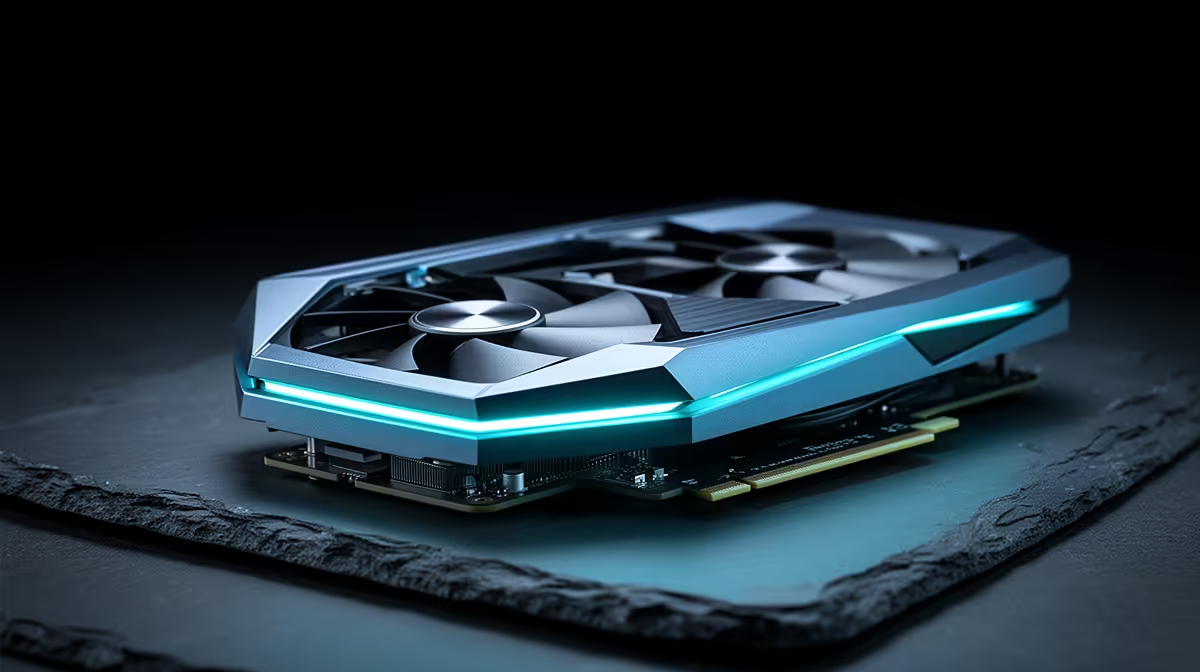
Ever wondered how your PC magically boosts frame rates with DLSS or generates an entire image from a simple text prompt? The secret isn't magic... it's maths. Lots of it, done all at once. This is the power of parallel processing in AI, the fundamental concept that turns your graphics card into an intelligence powerhouse. Understanding this is the key to unlocking true performance, whether you're gaming, creating, or diving into the world of machine learning. 🚀
What Exactly is Parallel Processing in AI?
Imagine you have to build a massive LEGO castle. Doing it alone, brick by brick, would take ages. This is serial processing—one task after another.
Now, imagine you have a thousand friends, and you give each of them one page of the instructions. You'd all work at the same time, and the castle would be finished in a fraction of the time. That, in a nutshell, is parallel processing.
Instead of friends, your PC's Graphics Processing Unit (GPU) has thousands of tiny processors called cores. They are designed to handle thousands of simple calculations simultaneously. This architecture is perfect for the massive, repetitive calculations required by AI, making the GPU the heart of any modern AI system. This very principle of parallel processing in AI is what enables everything from realistic lighting in games to complex data analysis.
How Parallel Processing Powers Your Digital World
This isn't just some high-level theory for data scientists; it's happening inside your PC right now. Whether you're dropping into a battle royale or editing a video, parallel processing is the silent workhorse making it all possible.
Gaming at the Speed of Light ⚡
Modern games use AI to create breathtakingly realistic visuals and boost performance. Technologies like NVIDIA's DLSS (Deep Learning Super Sampling) are prime examples. They use dedicated AI hardware on the GPU to render a game at a lower resolution and then intelligently upscale it, giving you a massive FPS boost with almost no visual quality loss. This heavy lifting is only possible thanks to the thousands of cores found in modern NVIDIA GeForce gaming PCs, which excel at these AI-driven tasks.
Similarly, AMD's FSR (FidelityFX Super Resolution) uses advanced algorithms that also benefit hugely from a GPU's parallel structure. The more processing streams available, the faster these upscaling techniques can run, ensuring your gameplay is smooth and responsive. This makes choosing from the latest range of powerful AMD Radeon gaming PCs a fantastic option for gamers looking to maximise their frame rates.
Check Your GPU's Workload 🔧
In Windows, press Ctrl+Shift+Esc to open Task Manager. Go to the 'Performance' tab and click on your GPU. Here, you can see in real-time how much of your GPU's processing power is being used by different applications. It's a great way to confirm if your games or creative software are properly leveraging its parallel processing capabilities!
Beyond Gaming: Creative and Professional Workloads
The same power that boosts your game frames is revolutionising creative work. Think about AI features like Generative Fill in Adobe Photoshop or the AI-powered editing tools in DaVinci Resolve. These tasks require the system to process enormous amounts of data to generate or manipulate pixels.
For professionals in fields like 3D modelling, scientific simulation, or machine learning development, the ability to process data in parallel is non-negotiable. It's the difference between a render taking hours versus minutes. For these demanding applications, investing in dedicated custom-built workstation PCs with top-tier GPUs and optimised components is essential for maintaining a productive workflow.
Choosing the Right Hardware for AI Performance
So, how do you ensure your next PC is ready for the AI-powered future? It comes down to choosing components that are built for parallel processing.
- The GPU is King: This is the most critical component. Look at the number of cores—CUDA Cores for NVIDIA and Stream Processors for AMD. More cores generally mean better parallel processing performance.
- VRAM is Vital: Video RAM (VRAM) is the GPU's dedicated memory. AI models and high-resolution textures are massive, so having more VRAM (12GB or more is a great start) prevents bottlenecks.
- A Balanced System: While the GPU does the heavy lifting, a capable CPU and fast system RAM are needed to feed it data efficiently. Don't pair a beastly GPU with an old processor!
Ultimately, harnessing the power of parallel processing in AI starts with having the right tools for the job. ✨
Ready to Unleash AI Power? Understanding parallel processing is the first step. The next is getting the right hardware. For maximum performance in gaming, content creation, and AI tasks, a powerful GPU is non-negotiable. Explore our range of high-performance PCs and find the perfect machine to conquer your workload.











