


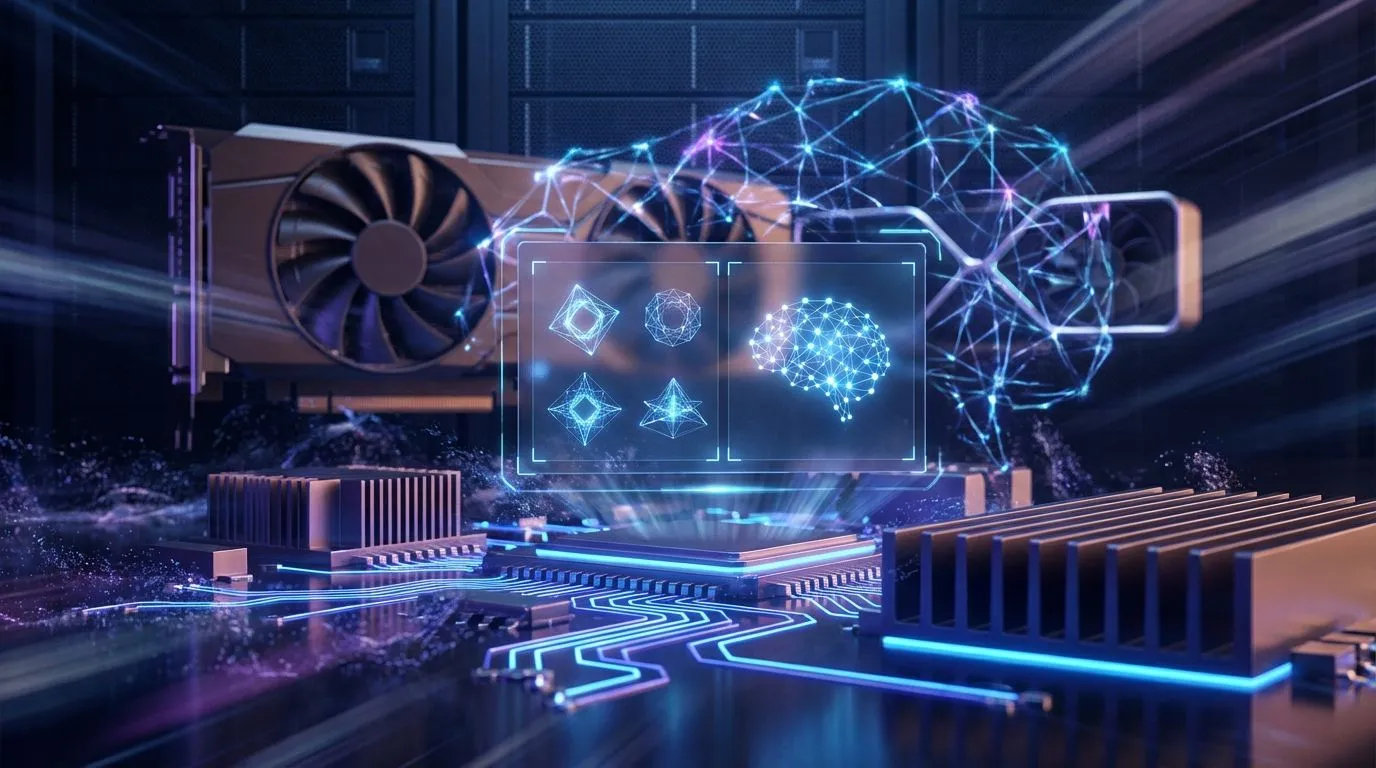
You’ve seen the headlines. AI is writing code, creating unbelievable art, and changing how we work. But what if you could harness that power on your own machine, right here in South Africa? Running models like Stable Diffusion or a local LLM offers privacy and control cloud services can’t match. This hardware guide breaks down the essential PC specs for local AI, ensuring you get the right gear without overspending. Let's get you started.
The GPU: Your AI Engine 🚀
When it comes to deep learning and running LLMs, your Graphics Processing Unit (GPU) does almost all the heavy lifting. Forget clockspeeds for a moment; the single most important metric is VRAM (Video RAM). Think of VRAM as the GPU's dedicated workspace. If a model is 10GB, you need more than 10GB of VRAM to load and run it effectively.
For this reason, NVIDIA GPUs with their CUDA core architecture are the undisputed champions in the AI space. While AMD is improving, the vast majority of AI software is optimised for CUDA.
- Entry-Level AI: An NVIDIA GeForce RTX 3060 with 12GB of VRAM is a fantastic starting point. It offers enough memory for many popular models without breaking the bank.
- Serious Hobbyist: The RTX 4060 Ti (16GB) or RTX 4070 series provide a significant boost in performance and VRAM, letting you tackle more complex tasks. Many of the best gaming PC deals feature these powerful cards, making them excellent dual-purpose machines.
System RAM: The Unsung Hero
While the GPU's VRAM holds the AI model, your system RAM is crucial for everything else. It juggles the operating system, the application you're using, and the data you're feeding the model. For AI work, 16GB is the absolute minimum, but 32GB is the realistic sweet spot. It prevents system bottlenecks, ensuring your powerful GPU isn't left waiting for data. If you're serious about this, exploring PCs over R20,000 will typically land you in that comfortable 32GB+ territory.
VRAM Check Before You Buy 🧠
Before choosing a GPU, check the hardware requirements for the AI models you want to run. Websites like Hugging Face often list the VRAM needed for different model sizes (e.g., 7B, 13B models). This simple check ensures your chosen hardware for LLMs is up to the task from day one.
CPU and Storage: The Support Crew 🔧
Your Central Processing Unit (CPU) and storage might not be the stars of the show, but they play vital supporting roles.
CPU (Processor)
The CPU isn't doing the core AI calculations, but it handles data preparation, loading tasks, and overall system responsiveness. You don't need a top-of-the-line processor. A modern 6-core CPU like an AMD Ryzen 5 or Intel Core i5 is more than enough to keep your AI workflow running smoothly.
Storage
Speed is everything. Models and datasets can be massive, and loading them from a slow hard drive is painful. A fast NVMe SSD is non-negotiable. It drastically cuts down load times, getting you from idea to result much faster. Aim for at least a 1TB NVMe drive to start. Many of our well-balanced pre-built PC deals come standard with fast NVMe storage.
Building on a Budget: Your Local AI Starting Point
Getting the right PC specs for local AI doesn't have to cost a fortune. The key is smart allocation. Prioritise your budget on the component that matters most: the GPU with the highest VRAM you can afford. You can often find excellent value in budget gaming PCs, which balance a capable GPU with cost-effective components elsewhere. Even with a tighter budget, exploring powerful PCs under R20k can get you a machine that’s ready for your first steps into the exciting world of local AI.
Ready to Build Your AI Powerhouse? Diving into local AI is one of the most exciting frontiers in tech. With the right hardware, you're not just a user... you're a creator. Explore our massive range of custom and pre-built PCs and find the perfect machine to bring your AI ambitions to life.











