


Ja, we've all seen the magic of AI, from ChatGPT writing code to Midjourney creating breathtaking art. Now, with powerful open-source tools like DeepSeek hitting the scene, the real fun can begin right on your desktop. But is your trusty gaming rig up to the task? A proper PC upgrade for AI isn't just about more frames-per-second; it's about raw computational power. Let's dive into the key components you'll need to build a true AI beast. 🚀
Why Your Gaming Rig Might Need an AI Upgrade
While there's a lot of overlap, gaming and AI workloads stress your system in different ways. Gaming is about real-time, low-latency performance to deliver a smooth experience. AI, especially training or running large language models (LLMs), is about sustained, parallel data processing. It hammers specific components for hours on end.
Your current machine is likely a fantastic starting point. Many of the best gaming PC deals in South Africa offer a solid foundation. However, to get serious performance and avoid frustrating bottlenecks, a targeted PC upgrade for AI is the way to go.
The Most Crucial Components for AI Performance
When planning your AI PC upgrade, three areas demand your attention: the GPU, the CPU/RAM combo, and your storage. Getting this balance right is key to unlocking smooth, efficient performance for tools like DeepSeek, Stable Diffusion, and more.
The GPU: The Heart of Your AI Machine ⚡
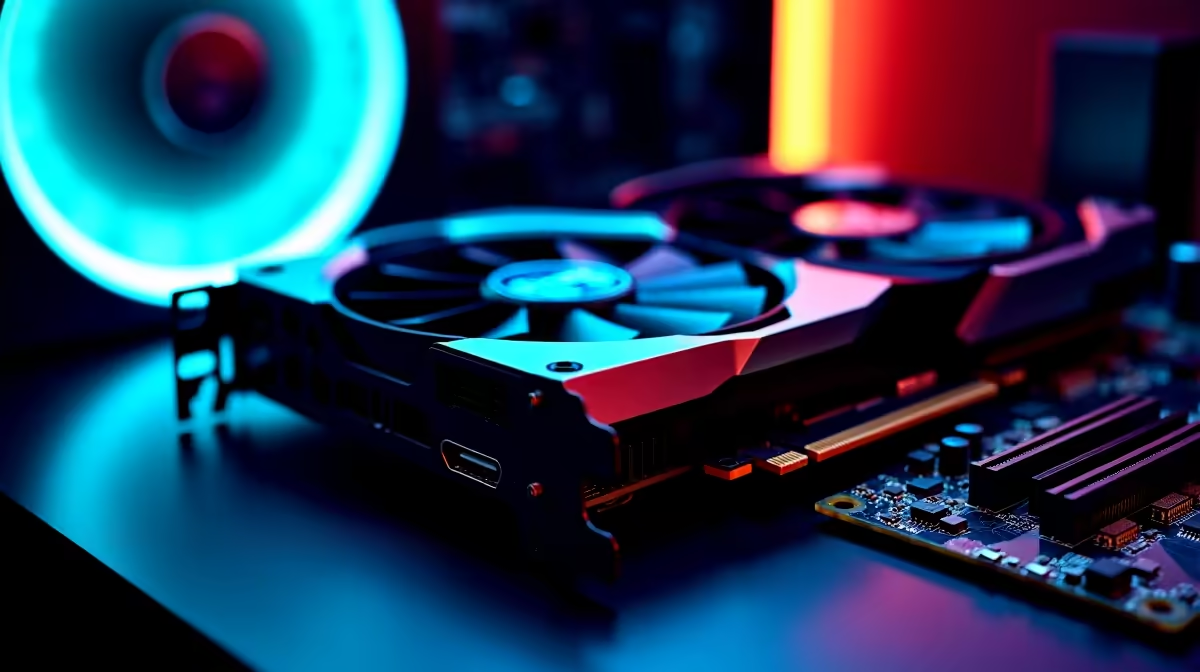
The Graphics Processing Unit (GPU) is, without a doubt, the single most important component for AI. Its architecture, designed for handling thousands of parallel tasks for graphics, is perfect for the mathematical heavy lifting required by neural networks.
- VRAM is King: Video RAM is the GPU's dedicated memory. Think of it as the workbench where the AI model lives and works. If the model is too big for the VRAM, performance plummets as the system resorts to using slower system RAM. For serious local AI, 12GB of VRAM is a good start, with 16GB or even 24GB being ideal for larger models.
- CUDA vs. The World: NVIDIA's CUDA platform has long been the industry standard, meaning most AI software is built and optimised for it first. This makes browsing our NVIDIA GeForce gaming PCs a very safe bet for maximum compatibility. However, competitors are catching up. Our selection of AMD Radeon gaming PCs offer incredible value and their ROCm software platform is rapidly improving. Even the latest Intel ARC gaming PCs are becoming viable for certain AI workloads.
Check Your Software's GPU Needs! 🔧
Before you buy, check the recommended specs for the AI tools you want to use. Many professional applications are heavily optimised for NVIDIA's CUDA platform. For tools like Stable Diffusion, having a compatible NVIDIA card can save you hours of troubleshooting and unlock peak performance.
CPU & RAM: The Unsung Heroes
While the GPU does the heavy lifting, the CPU and system RAM play critical support roles. The CPU (Central Processing Unit) is responsible for preparing data, managing files, and running the operating system. A slow CPU will leave your powerful GPU waiting.
Modern multi-core processors are essential. Whether you're looking at the latest Intel PC deals or the powerful options in our AMD Ryzen PC deals, aiming for a CPU with 8 cores or more is a wise move.
For RAM, 16GB is the bare minimum, but 32GB of fast DDR5 RAM is the new sweet spot. This gives you enough headroom to run AI models, your OS, and other applications like a web browser or code editor without your system grinding to a halt.
Putting Your AI PC Together
So, should you upgrade piece by piece or go for a whole new system? If you just need a GPU boost, a single component swap might work. But for a balanced system guaranteed to perform, a pre-configured machine is often the smartest choice.
Our range of pre-built PC deals takes the guesswork out of component matching, ensuring everything works perfectly together out of the box. You don't have to break the bank either; many of our budget gaming PCs provide an excellent entry point into the world of AI. For professionals who need certified drivers and maximum stability for mission-critical work, our purpose-built Workstation PCs are engineered for exactly these kinds of demanding tasks. ✨
Ready to Build Your AI Powerhouse? Whether you're training models or exploring the creative frontier, having the right hardware is crucial. A dedicated PC upgrade for AI ensures you spend less time waiting and more time creating. Explore our massive range of PC components and find the perfect parts to fuel your ambitions.











