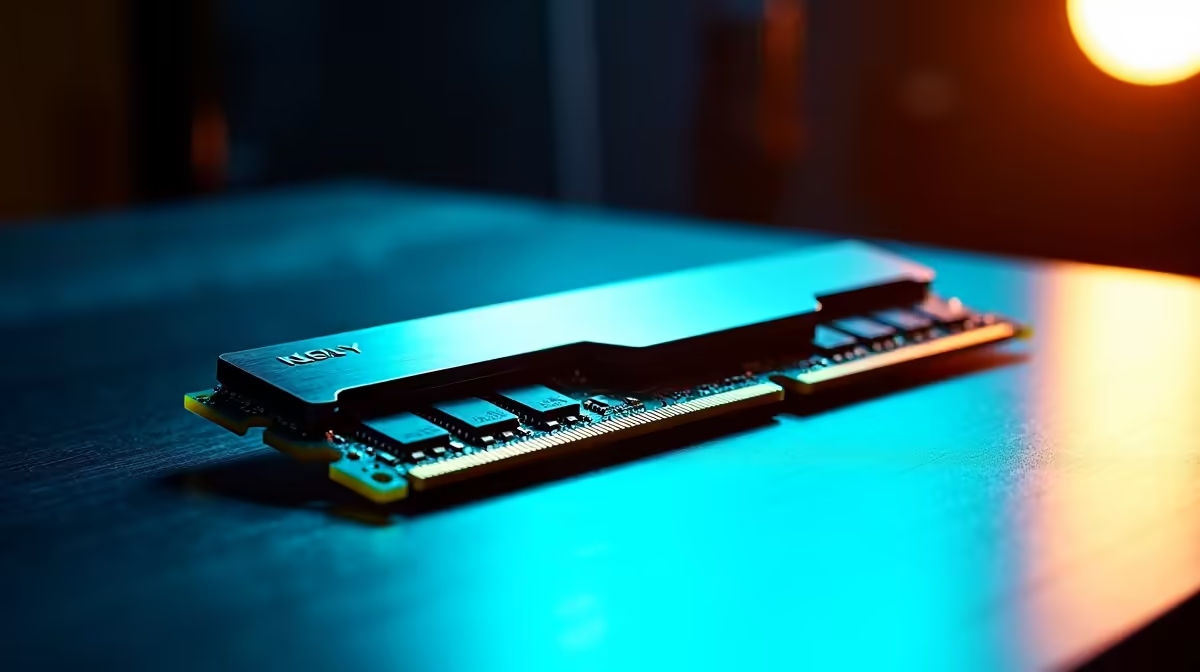
Alright, SA tech heads. You’ve heard the buzz about AI like DeepSeek, and you’re ready to dive in. But before you drop your hard-earned Randelas on a new rig, there’s a critical component that can make or break your experience: RAM. Getting the right memory for a DeepSeek PC isn’t just about big numbers; it’s about smart choices. This guide cuts through the noise and gives you the straight-up advice you need to build an AI beast. 🚀
Why Your PC's Memory Matters for DeepSeek
Unlike gaming, which primarily loads assets into VRAM on your graphics card, running large language models (LLMs) like DeepSeek is intensely demanding on your system's main memory. These AI models are massive, with billions of parameters that need to be loaded and accessed at lightning speed.
Think of it this way: your CPU is the chef, and RAM is the countertop space. If the countertop is too small (low capacity) or too slow (low bandwidth), the chef can't work efficiently, no matter how skilled they are. This is why understanding the specific memory requirements for AI is crucial to avoid a frustratingly slow system. Standard gaming advice won't always cut it here.
How Much RAM for DeepSeek PCs is Enough?
The answer depends entirely on your ambition. There’s no single "best" amount, but we can break it down into tiers for different South African users.
### The Enthusiast: 32GB
For experimenting with smaller open-source models, running local AI image generators, or general high-performance computing, 32GB of DDR5 RAM is the new baseline. It gives you enough headroom to run the model, the OS, and other background apps without constantly hitting a memory wall.
### The Prosumer: 64GB
This is the sweet spot for many developers and serious creators. With 64GB, you can comfortably fine-tune larger models, work with complex datasets, and multitask between coding, training, and testing. It provides a significant boost in productivity and opens the door to more demanding AI projects.
### The Professional: 128GB+
When you're training models from scratch or running multiple, massive inference tasks simultaneously, you need all the memory you can get. A system with 128GB or even 256GB of RAM places you firmly in the professional league. These kinds of specs are typically found in our high-performance workstation PCs, built for the most demanding computational tasks imaginable. ✨
DDR5 Speed vs. Capacity: The AI Balancing Act
When choosing the best RAM for your DeepSeek build, you'll see two key specs: speed (measured in MT/s) and latency (CL). For AI, speed and bandwidth are king. The faster your RAM can transfer data to the CPU, the quicker the model can process information.
DDR5 is the only real choice here, offering speeds that DDR4 simply can't match. While lower latency is always nice, the massive bandwidth gains from a high-speed DDR5 kit (think 6000MT/s and above) will have a much bigger impact on AI performance. Even if you primarily use one of our top-tier NVIDIA GeForce gaming PCs, opting for faster RAM prepares your rig for the future of AI-powered applications.
BIOS Boost ⚡
Don't forget to enable XMP (for Intel) or EXPO (for AMD) in your PC's BIOS. This simple one-click setting overclocks your RAM to its advertised speeds. Without it, you're leaving a huge amount of performance on the table, especially for memory-hungry AI tasks. It's free performance just waiting for you!
Building a Cohesive AI Machine 🔧
Finally, remember that your AI PC's memory doesn't work in a vacuum. It's part of a team that includes your CPU and, most importantly, your GPU. A powerful graphics card is essential for accelerating AI workloads, but it needs a high-speed channel to the rest of the system to be fed data effectively.
Skimping on system RAM can create a bottleneck that chokes your expensive GPU, no matter how powerful it is. Ensuring you have fast, plentiful RAM is just as important as the GPU choice itself, whether you're building around the latest tech in our powerful AMD Radeon gaming PCs or a custom-designed workstation. A balanced system is a fast system.
Ready to Build Your AI Powerhouse? 🚀
Choosing the right RAM for your DeepSeek PC is just the first step. A truly powerful AI machine needs every component working in harmony. Let our experts help you configure the perfect rig for your needs and budget. Use our Custom PC Builder to start today!