


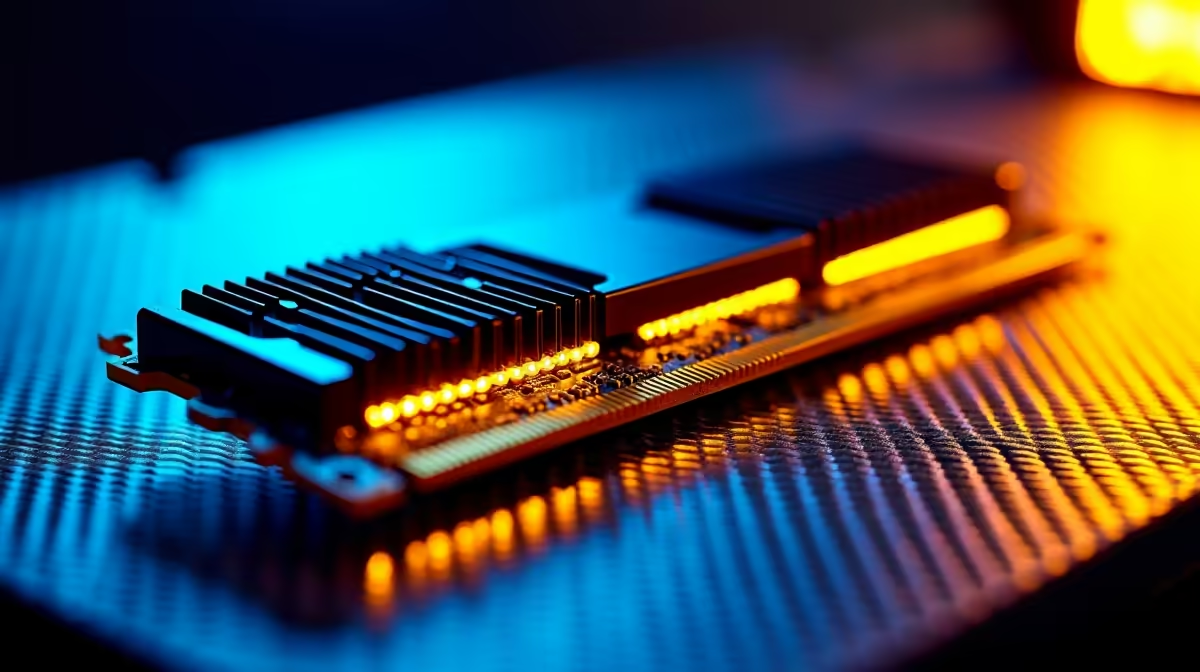
So, you're diving into the world of AI in South Africa? Awesome. You've probably heard all about powerful GPUs for running models like DeepSeek, but there's a silent partner in your PC that can make or break performance: your RAM. Getting the right RAM speed for AI models isn't just a minor tweak; it's the difference between rapid-fire results and watching a progress bar crawl. Let's get your DeepSeek PC properly kitted out. 🚀
Why RAM Speed for AI Models is Your Secret Weapon
Think of your PC's components as a team. Your GPU is the star player, doing the heavy lifting and complex calculations for the AI model. Your system RAM, however, is the support crew, constantly feeding the GPU the data it needs to work with. If that data pipeline is slow, your star player ends up waiting around, completely bottlenecked.
This is where memory speed, or bandwidth, becomes crucial. AI models work with massive datasets that are loaded from your storage into RAM, then shuttled to your GPU's VRAM. A higher RAM speed (measured in MHz) means a wider, faster pipeline. This allows your PC to feed the model new information and instructions more quickly, significantly reducing processing times and making your entire workflow feel more responsive.
Finding the Balance: Capacity vs. Speed
When choosing RAM for AI, you need to balance two things: capacity (how many gigabytes) and speed.
- Capacity (GB): This determines the size of the models and datasets you can even load. For serious local AI work, 32GB is a solid starting point, but 64GB or more is ideal to prevent your system from running out of memory.
- Speed (MHz): This dictates how fast that data moves. For AI workloads, the faster, the better. The performance jump from a standard 3200MHz kit to a high-performance 6000MHz kit can be substantial.
Many powerful NVIDIA GeForce gaming PCs already come with fast RAM, making them a fantastic starting point for anyone looking to experiment with AI without building a new machine from scratch.
Check Your Current RAM Speed ⚡
On Windows, press Ctrl+Shift+Esc to open Task Manager. Go to the 'Performance' tab and click on 'Memory'. You'll see your RAM speed listed in MHz on the right-hand side. This is a quick way to see if your current setup is optimised for demanding tasks like running AI models.
DDR5: The New Standard for AI Performance
If you're building or upgrading, the choice between DDR4 and DDR5 RAM is a big one. While DDR4 is still capable, DDR5 offers a massive leap in memory bandwidth right out of the box. This new generation provides the higher speeds needed to keep modern CPUs and GPUs fully fed with data, which is exactly what AI models demand.
For a new DeepSeek PC in SA, aiming for a motherboard and CPU that supports DDR5 is a smart, future-proof investment. It ensures you have the headroom for more complex models down the line. Both Intel and AMD platforms offer robust DDR5 support, so you can find a great foundation whether you're looking at the latest AMD Radeon gaming PCs or an Intel-based system. ✨
Building Your Ultimate AI Rig in South Africa
So, what's the takeaway? Don't skimp on your RAM. While the GPU gets the spotlight, optimising your RAM speed for AI models is a cost-effective way to unlock significant performance gains.
For enthusiasts and hobbyists, a well-balanced gaming PC with at least 32GB of fast DDR5 RAM is perfect. But for professionals, researchers, or anyone running complex models for hours on end, a dedicated build is the way to go. These systems are designed for stability and sustained performance, making customisable workstation PCs the ultimate tool for serious AI development in South Africa. 🔧
Ready to Build Your AI Powerhouse? Optimising RAM speed for AI models is a crucial piece of the puzzle. For a perfectly balanced machine that crushes DeepSeek and the latest games, you need the right components. Explore our range of customisable Workstation PCs and build the ultimate AI rig in South Africa today.









