

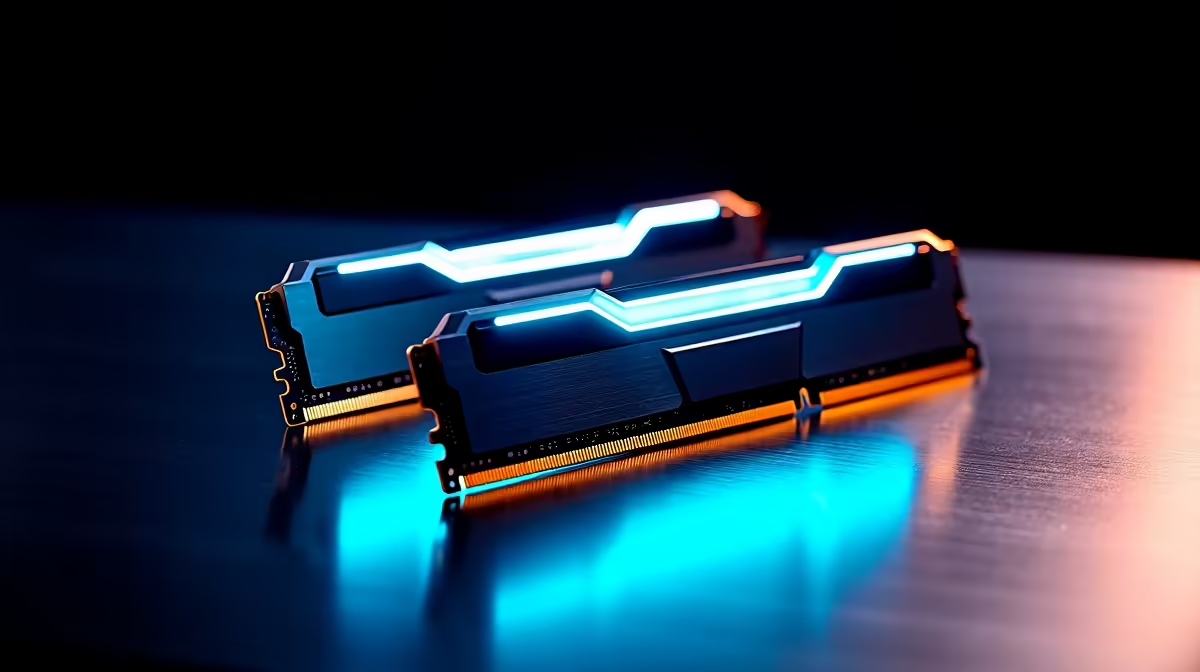
Ja, we get it. AI is everywhere. From creating wild images to powering the NPCs in your next favourite game, it’s not just hype anymore... it's happening right on your desktop. We obsess over GPUs and CPUs, but there’s a quiet hero in your rig that’s becoming critical: your RAM. So, how much does RAM speed for AI actually impact performance? Let's unpack it. The answer might surprise you and change how you spec your next PC.
The AI Data Highway: Why RAM Speed Is Crucial
Think of your PC's RAM as a multi-lane highway connecting your processor to the data it needs. For everyday tasks like browsing or light gaming, a standard highway works fine. But AI workloads, especially with large models, are like trying to move the entire contents of a warehouse in one go. You need a wider, faster highway. This is where memory bandwidth—the key benefit of faster RAM—comes in.
The true impact of RAM speed for AI is felt when your system needs to move massive datasets quickly. A slower RAM kit creates a bottleneck, leaving your powerful CPU and GPU waiting for data. Modern processors, like those in our powerful AMD Ryzen PC deals, are specifically designed to leverage high-speed memory, making the choice of RAM more important than ever. ⚡
How RAM Speed for AI Affects Real-World Tasks
It's one thing to talk theory, but how does this play out in the apps you actually use? The performance gains vary depending on the task.
Large Language Models (LLMs)
When you're running a language model like Llama 3 locally, the entire model often needs to be loaded into your system's RAM. The faster your RAM, the quicker the model loads. More importantly, during inference (when you're asking the AI questions), high memory bandwidth allows the model to access its parameters faster, reducing the "time to first token" and making the whole experience feel more responsive. This is especially true when paired with the latest CPUs found in our killer Intel PC deals.
Image Generation (Stable Diffusion)
While image generation is heavily dependent on your GPU's VRAM, system RAM is the staging area. Models, checkpoints, and datasets are loaded into system RAM before being passed to the graphics card. Faster RAM speeds up this entire pipeline. For heavy-duty image generation, the GPU is king, which is why many creators gravitate towards our NVIDIA GeForce gaming PCs for their CUDA core advantage. However, this principle applies across the board, whether you're using NVIDIA or looking at the impressive performance from modern AMD Radeon gaming PCs.
AI in Gaming (DLSS, FSR)
Technologies like NVIDIA DLSS and AMD FSR primarily use the GPU's dedicated tensor cores. Here, the direct impact of system RAM speed for AI is less pronounced. However, a fast, responsive system is a sum of its parts. Faster RAM ensures your CPU isn't a bottleneck when preparing frames for the GPU, contributing to smoother overall gameplay. This is why balanced builds are so important, something we focus on in all our pre-built PC deals.
Finding the Sweet Spot: Capacity vs. Speed
So, what should you prioritise? For AI, the answer is... both. But there is a sweet spot. 🎯
Running out of RAM capacity is a hard stop; the application will crash or slow to a crawl. But once you have enough capacity (32GB is a great starting point for AI enthusiasts), speed becomes the next performance lever. For AI tasks, DDR5 is the clear winner over DDR4 due to its significantly higher bandwidth. A 32GB kit of DDR5 running at 6000MT/s is the current sweet spot for price and performance.
Even our budget gaming PCs are now being configured with faster RAM kits to handle modern demands. For those chasing peak performance, matching high-speed RAM with a top-tier processor is a non-negotiable part of creating one of the best gaming PC deals in South Africa.
Don't Forget the BIOS! 🔧
Your fancy new RAM won't run at its advertised speed out of the box. You must enter your motherboard's BIOS UEFI and enable the XMP (for Intel) or EXPO (for AMD) profile. It's usually a one-click setting that instantly unlocks the performance you paid for. Check your motherboard manual for specific instructions.
More Than Fun and Games: RAM Speed in Professional AI
This isn't just for hobbyists generating memes. For data scientists, machine learning engineers, and 3D artists, time is literally money. Faster RAM can shave minutes or even hours off data processing, model training, and rendering times. In these demanding fields, investing in high-capacity, high-speed memory is not a luxury; it's a productivity tool.
This is where the line between a high-end gaming rig and dedicated workstation PCs begins to blur. The core principle remains: fast components working in harmony. This balanced approach is critical, whether you're building around an NVIDIA, AMD, or even one of the new Intel Arc gaming PCs, which also benefit greatly from increased memory bandwidth. The bottom line is that the right RAM speed for AI can directly boost your workflow efficiency.
Ready to Supercharge Your Rig? Understanding the impact of RAM on AI is the first step. The next is getting the right hardware to handle the future. Explore our massive range of high-speed desktop RAM and find the perfect kit to bring your ideas to life.











