

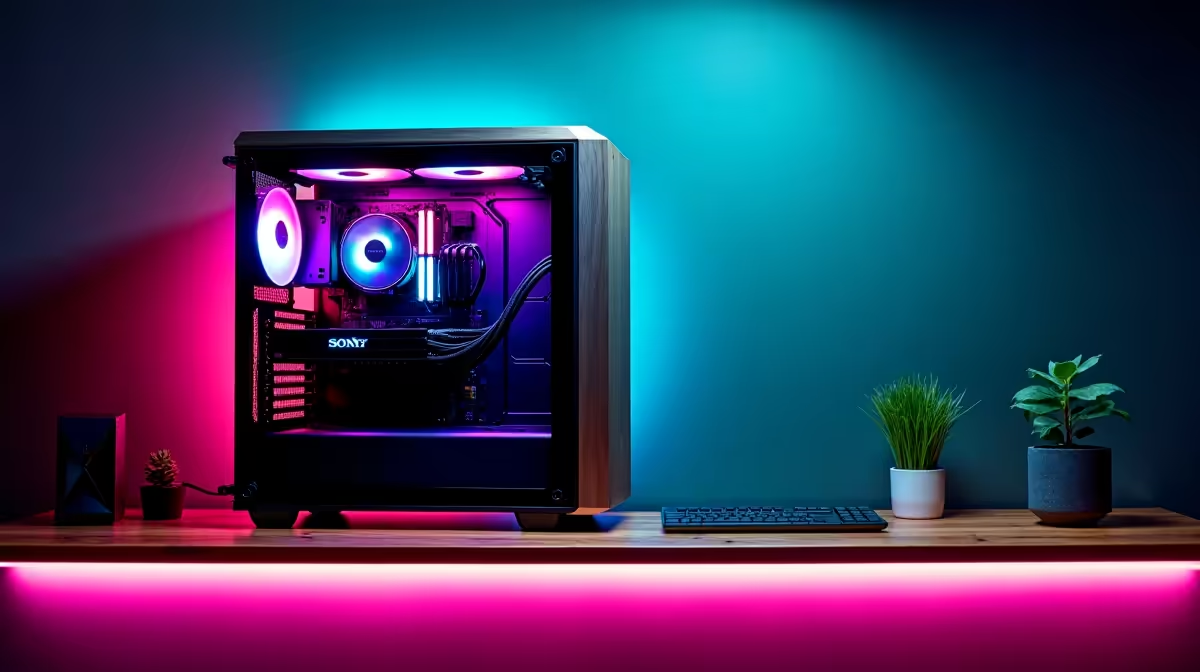
So, you’ve built a beast of an AI PC. It crunches data, trains models, and compiles code faster than you can brew a cup of rooibos. But what happens when you’re not physically there? Or when load-shedding strikes your home office? Your multi-thousand-rand machine sits idle. For South African developers, mastering remote access to your AI PC isn’t just a convenience; it’s a productivity lifeline that keeps your projects moving forward, no matter where you are. 🚀
Why You Need Remote Access to Your AI PC
In today's fast-paced development world, being tied to a single desk is a massive bottleneck. The ability to remotely access your AI PC unlocks a new level of flexibility. Imagine kicking off a complex machine learning model training session from a coffee shop on your laptop, or checking in on a render while visiting family.
For South African developers, the benefits are even more pronounced:
- Beat Load-Shedding: Keep your main rig at an office or location with a stable power supply (like a generator or UPS) and connect from anywhere. No more lost work due to power cuts.
- Maximise Hardware Investment: Your powerful PC shouldn't only work when you're in the chair. Remote access turns it into a 24/7 private cloud, accessible from a lightweight notebook or even a tablet.
- Collaborate Seamlessly: Grant secure access to a teammate to troubleshoot code or review a project directly on the machine where it runs best.
Choosing the Right Remote Access Tool 🔧
Getting connected isn't a one-size-fits-all solution. The best tool depends on your operating system, what you're doing, and your need for speed. Here are the top contenders for developers needing remote access to their AI PC.
Windows Remote Desktop Protocol (RDP)
If your AI machine runs Windows Pro, you already have one of the best tools built-in. RDP is incredibly efficient, secure, and optimised for the Windows environment. It gives you a full desktop experience with minimal lag, making it perfect for coding, running software, and managing files. It's the go-to for professionals who need reliable access to GPU-accelerated applications on their powerful NVIDIA GeForce gaming PCs, which often double as incredible development machines.
VNC (Virtual Network Computing)
VNC is the cross-platform champion. If your AI rig runs on Linux or you need to connect from a Mac, VNC is your answer. Tools like TigerVNC or RealVNC create a virtual desktop you can access from almost any device. While sometimes a bit slower than RDP for graphically intense tasks, its flexibility is unmatched, making it a great option for those running diverse software stacks on versatile hardware like AMD Radeon gaming PCs.
Network Pro Tip ⚡
For the smoothest remote experience, connect both your host PC and your client device to the internet via an Ethernet cable if possible. A stable fibre line is key. For enhanced security, especially over public Wi-Fi, consider setting up a VPN (Virtual Private Network) to create an encrypted tunnel directly to your home network.
High-Performance Tools: Parsec
Originally designed for cloud gaming, Parsec offers an incredibly low-latency, high-framerate stream of your desktop. If your AI work involves real-time 3D rendering, video editing, or any visually demanding task, Parsec feels almost like you're sitting right in front of the machine. It’s a fantastic solution for creatives and developers who can't afford any input lag.
The Foundation: A Rock-Solid Host Machine ✨
Ultimately, your remote access experience is only as good as the PC you're connecting to. A machine that is unstable, slow, or prone to crashing won't do you any good when you're miles away. This is where investing in reliability pays off.
For serious AI development that needs to be accessible 24/7, nothing beats the stability and performance of purpose-built hardware. These machines are designed with high-endurance components, from the motherboard and RAM to the power supply, ensuring they can handle sustained, heavy workloads without breaking a sweat. If you're building a system to be your remote AI workhorse, exploring purpose-built Workstation PCs is the smartest first step. They provide the dependable foundation you need to work from anywhere, with confidence.
Ready to Build Your Remote AI Powerhouse? A powerful, reliable PC is the heart of any remote workflow. Don't let hardware hold you back. Explore our range of customisable Workstation PCs and build the perfect machine to power your AI projects from anywhere in South Africa.











