


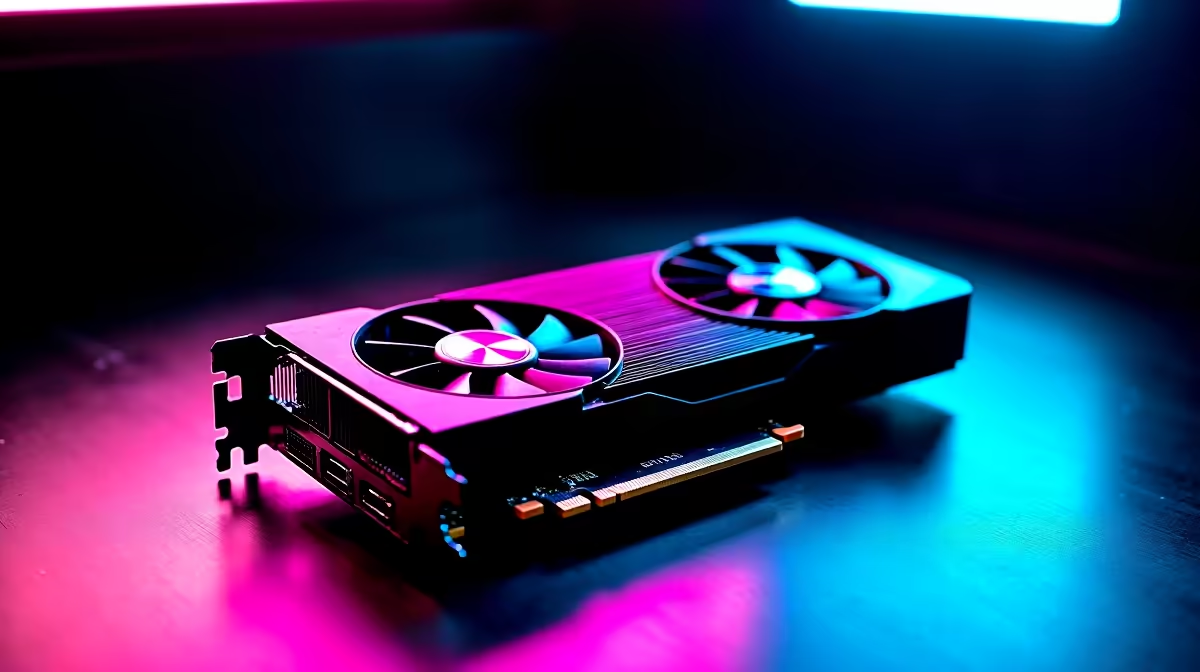
You know the NVIDIA RTX 4090 absolutely crushes 4K gaming... but what if that same silicon beast could run your own private, powerful AI right on your desktop? No internet connection, no subscriptions, just raw power. We're diving deep into the RTX 4090's local LLM performance, exploring the key features that make it the undisputed champion for South Africans wanting to step into the world of at-home artificial intelligence. 🚀
Why Run a Large Language Model Locally?
Before we get into the hardware, let's ask: why bother? Running an LLM on your own machine instead of through a web browser offers some serious advantages.
First, privacy is paramount. When you run an LLM locally, your data, prompts, and conversations never leave your PC. For developers, writers, or anyone handling sensitive information, this is a massive benefit. Second, it works completely offline. It won't stop your AI. Lastly, it's a playground for customisation, letting you experiment with different open-source models without limits.
Key RTX 4090 Features for Blistering LLM Performance
So, what makes the 4090 so special for this task? It’s not just about raw power; it's about a specific combination of features that create the perfect storm for running complex AI models efficiently. The impressive RTX 4090 local LLM performance comes down to three core pillars.
The VRAM Advantage: 24GB is King 👑
In the world of LLMs, VRAM (Video Random Access Memory) is everything. Think of it as the dedicated workspace for your GPU. The more VRAM you have, the larger and more complex the AI model you can load into it. The RTX 4090's massive 24GB of GDDR6X memory is its superpower. This allows it to comfortably run sophisticated models that would simply crash on cards with less VRAM.
While many GPUs offer fantastic gaming results, this is where the 4090 pulls ahead for AI. Even the most powerful AMD Radeon gaming PCs, while brilliant for high-refresh-rate gaming, often have less VRAM, making them less suitable for loading larger, more capable language models.
Tensor Cores & CUDA: The AI Engine
NVIDIA's Tensor Cores are specialised processing units built directly into the GPU, designed specifically to accelerate the mathematical operations at the heart of AI and machine learning. Combined with NVIDIA's mature CUDA software platform, developers can easily tap into this hardware. This synergy is what gives NVIDIA GeForce gaming PCs a significant edge in AI-related tasks, from gaming features like DLSS to running a local LLM.
Getting Started with Local LLMs ⚡
Download a user-friendly app like LM Studio or Ollama. They provide simple, one-click installers to run powerful open-source models like Llama 3 or Mistral right on your PC. Just make sure you have the latest NVIDIA Game Ready drivers installed from GeForce Experience to get the best performance out of the box!
Is The RTX 4090 an Investment for the Future?
Let's be real, the RTX 4090 is a top-tier component with a premium price tag. Is it overkill? For pure gaming, perhaps. But if you're a developer, a content creator, or a tech enthusiast who sees the massive potential of AI, the perspective changes.
The 4090 blurs the line between a high-end gaming rig and the kind of powerful workstation PCs that professionals rely on. It's an investment in a tool that not only delivers unparalleled gaming today but also opens the door to developing, experimenting, and working with the next wave of technology. For those serious about harnessing AI, the RTX 4090's local LLM performance makes it a very compelling choice. ✨
Ready to Unleash AI Power? The RTX 4090 is more than a graphics card; it's your personal gateway to the future of AI. For unmatched gaming and incredible local LLM performance, nothing else comes close. Explore our powerful range of NVIDIA gaming PCs and find the perfect machine to conquer your world.










