


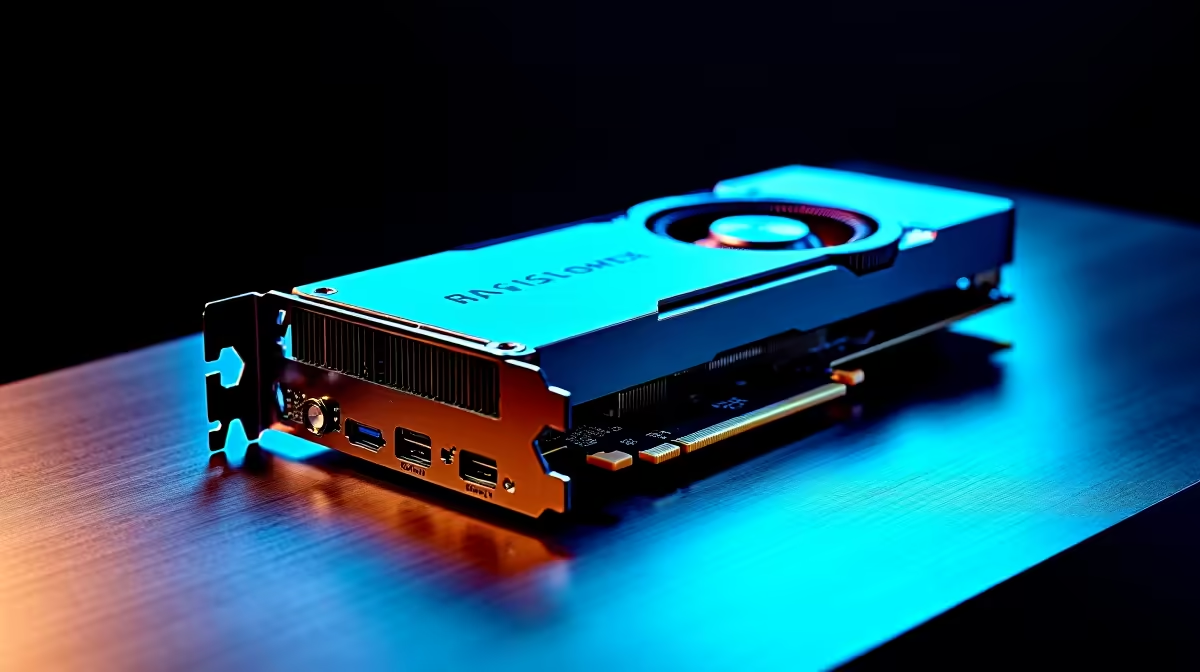
Think the RTX 4090 is just for hitting 240fps in your favourite battle royale? Think again. For South African developers, data scientists, and AI enthusiasts, this GPU is more than a gaming beast... it's a desktop supercomputer. The question isn't just if you can use the RTX 4090 for AI development, but how you can leverage its immense power to get a real edge on your projects right here in SA.
Why the RTX 4090 Excels in AI Workloads
At its core, AI development, especially machine learning and deep learning, is about performing a massive number of parallel calculations. This is where a top-tier GPU shines. The RTX 4090 isn't just powerful; it's specifically engineered for this kind of work.
It comes packed with a staggering 16,384 CUDA cores and, crucially, 24 GB of GDDR6X VRAM. Why does this matter? The VRAM is your workspace. More VRAM allows you to load larger datasets and more complex neural network models directly into the GPU's memory, avoiding slower system RAM. This dramatically speeds up training times. For professionals, using an RTX 4090 for AI development means iterating faster and tackling problems that are simply out of reach for lesser cards. While it headlines many powerful NVIDIA GeForce gaming PCs, its true potential lies in these professional applications. 🧠
Key Considerations for Your AI Build
Slapping a 4090 into any old machine won't cut it. To avoid bottlenecks and get the most out of your investment, the rest of your system needs to keep up.
Beyond the GPU 🔧
- CPU: While the GPU does the heavy lifting for model training, a strong CPU (like a modern Intel Core i7/i9 or AMD Ryzen 7/9) is vital for data pre-processing, loading datasets, and general system responsiveness. Don't skimp here.
- RAM: Aim for at least 64GB of fast DDR5 RAM. If you're working with enormous datasets, 128GB is even better. You need enough system memory to feed the beastly 24GB of VRAM on your GPU.
- Storage: A fast NVMe SSD is non-negotiable. It drastically reduces data loading times, which can be a significant bottleneck in the AI workflow. A 2TB or larger drive is a good starting point.
While NVIDIA's CUDA platform is the industry standard for AI, it's always wise to consider the entire ecosystem. Some workflows might benefit from the strong CPU performance found in top-tier AMD-powered gaming PCs, especially for data preparation stages.
Software Setup Pro Tip ⚡
Before you dive in, make sure your software environment is optimised. Install the latest NVIDIA Studio Driver, not the Game Ready one. Then, download the correct versions of the CUDA Toolkit and cuDNN library for your chosen frameworks (like TensorFlow or PyTorch). This combination unlocks the full acceleration of the Tensor Cores, massively cutting down training times.
Is the RTX 4090 Overkill for Your AI Project?
Let's be honest... the RTX 4090 is a significant investment. So, do you actually need one? The answer depends entirely on your work.
If you are training large language models (LLMs), working with high-resolution computer vision, or running complex simulations, the 4090 is a phenomenal tool. The time saved on a single project could justify the cost. For anyone serious about pushing the boundaries, building a system around an RTX 4090 for AI development is a sound professional choice.
However, if you're just starting out, learning the ropes, or primarily doing inference (running pre-trained models), a more modest GPU like an RTX 4070 or 4080 could be more than sufficient and much friendlier on your wallet. The key is matching the hardware to the task. For demanding, mission-critical work, investing in one of our custom-built workstation PCs ensures every component is perfectly balanced for performance and reliability. ✨
Ready to Build Your AI Powerhouse? 🚀 The RTX 4090 for AI development is a formidable choice, but the right hardware makes all the difference. Our experts can help you configure the perfect machine for your specific goals and budget. Explore our range of powerful Workstation PCs and start building the future today.









