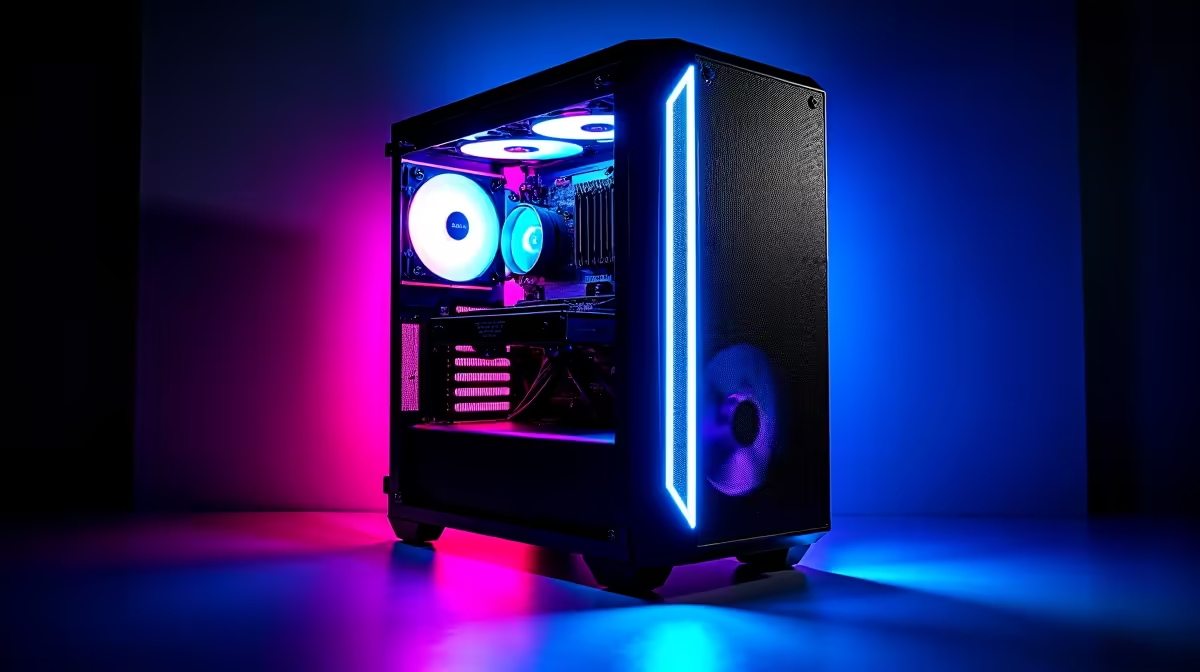
Tired of slow internet and pricey subscriptions for AI chatbots? What if your gaming PC—the beast you use for Helldivers 2 and Apex Legends—could become your own private, offline AI powerhouse? It’s not science fiction; it's the next evolution in personal computing. This guide will show you exactly how to run a local LLM on your gaming PC, unlocking incredible potential right here in South Africa, completely independent of your internet connection. 🚀
Why Run a Local LLM on Your Gaming PC?
Before we dive into the "how," let's cover the "why." Moving AI from the cloud to your desktop isn't just a cool tech demo; it offers real, practical advantages, especially for South Africans.
- Total Privacy: When you use a local LLM, none of your data ever leaves your machine. Your chats, code snippets, and creative ideas remain 100% private.
Because the AI runs directly on your hardware, you can keep generating, coding, or writing even when your internet is down.
- Zero Subscription Fees: The most popular open-source models are free to download and use. You leverage the hardware you already own without paying a monthly fee.
- Uncensored & Customisable: You control the model. This means no content filters unless you add them, and the ability to fine-tune models for specific tasks, like writing in a particular style or understanding niche jargon.
The Hardware You Need to Run an LLM Locally
Running a Large Language Model is demanding, but many modern gaming rigs are already up to the task. The most critical component isn't your CPU or even your SSD speed... it's your graphics card's VRAM.
The GPU: VRAM is King 👑
Video RAM (VRAM) is the memory on your graphics card. For LLMs, it's the single most important factor because the entire model needs to be loaded into it for fast performance. The more VRAM you have, the larger and more capable the model you can run.
- 8GB VRAM: A good starting point for smaller, 7-billion-parameter models. Perfect for experimenting.
- 12GB-16GB VRAM: The sweet spot for running powerful 13B models or heavily optimised 70B models with excellent performance. This is where most modern NVIDIA and AMD GPUs land.
- 24GB+ VRAM: Enthusiast territory. This allows you to run massive, highly capable models with minimal compromises.
While NVIDIA's CUDA technology has historically given it an edge, both AMD and the newer Intel Arc graphics cards are rapidly improving their AI software support, making them viable options. Even some high-VRAM older NVIDIA GeForce GTX cards can handle smaller, optimised models.
System RAM and CPU: The Supporting Cast
While the GPU does the heavy lifting, your CPU and system RAM are still important. A modern multi-core CPU helps with loading the model and processing initial prompts ("ingestion"). We recommend at least 16GB of system RAM, but 32GB is ideal to ensure your operating system has plenty of breathing room while the LLM is active.
What About Laptops?
Absolutely! Many powerful gaming laptops now come with dedicated GPUs that have enough VRAM to run impressive local LLMs. Just be sure to check the specific VRAM of the laptop's GPU. While some budget-friendly laptops under R25,000 can run very small models for basic tasks, you'll want a machine with a dedicated RTX 30-series or 40-series GPU for the best experience.
Check Your VRAM in Seconds ⚡
On Windows 11 10, press Ctrl + Shift + Esc to open Task Manager. Go to the "Performance" tab and click on your GPU. Look for "Dedicated GPU Memory" to see how much VRAM you have. This number is your key to choosing the right AI model size!
A Quick-Start Guide: Your First Local LLM in Minutes
Ready to get started? We'll use a fantastic, user-friendly tool called Ollama. It makes the process of downloading and running models incredibly simple.
- Download & Install: Head to the official Ollama website and download the installer for your operating system (Windows, macOS, or Linux). Run the installer; it's a straightforward process.
- Open Your Terminal: On Windows, you can use Command Prompt or PowerShell. This is where you'll interact with Ollama.
- Pull a Model: Let's start with a great, versatile model. Type the following command and press Enter:
ollama run llama3
This will download the latest Llama 3 8B Instruct model (around 4.7GB). Wait for it to complete. - Start Chatting: Once the download is finished, the prompt will change to ">>> Send a message...". That's it! You're now chatting with a powerful AI running entirely on your own hardware. Ask it anything you want. You'll want a decent monitor to comfortably view the terminal and your other applications.
The power you now have at your fingertips is something that even the most impressive handheld gaming consoles can only dream of. You're no longer just a consumer of AI; you're in control of it. ✨
Is Your Rig Ready for the AI Future?
To truly run a local LLM on a gaming PC without compromise, a modern setup is key. If you're finding that your current machine's VRAM is a bottleneck or you're simply ready for an upgrade, having the right foundation is crucial. A system with a current-generation GPU and at least 32GB of RAM will not only crush the latest games but also serve as a formidable AI development station for years to come.
Exploring the world of local AI is one of the most exciting things you can do with a powerful computer today. If your current setup isn't quite up to the task, checking out some of the latest pre-built gaming PC deals can be the fastest way to get the VRAM and performance you need for this new frontier.
Ready to Unleash Your PC's AI Potential?
Your gaming rig is more than just an entertainment box... it's a gateway to the future of AI. Whether you need a GPU upgrade or a brand-new machine, we've got you covered. Explore our massive range of gaming PCs and find the perfect rig to conquer both games and AI.