

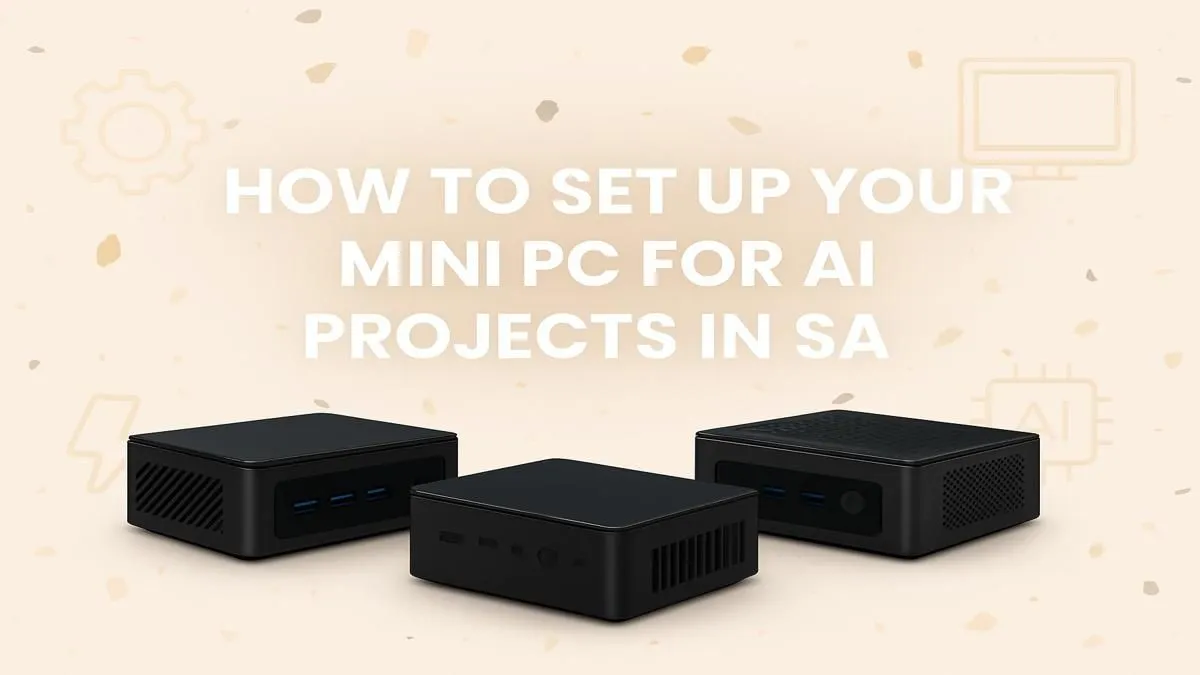
Thinking about diving into AI but dreading the thought of a massive, power-guzzling desktop? What if you could get serious AI performance in a box that fits in your hand? A mini PC for AI in South Africa is no longer a futuristic dream... it's a practical, powerful solution perfect for our unique challenges, from limited desk space to loadshedding. This guide will show you exactly what to look for to build your ultimate compact AI setup. 🚀
Why a Mini PC for AI is a Smart Move in SA
The days of needing a giant tower for serious computing are fading. Modern mini PCs pack an incredible punch in a tiny footprint. For South Africans exploring artificial intelligence, this form factor offers some serious advantages.
First, there's power efficiency. A compact AI workstation consumes a fraction of the electricity of a traditional desktop, making it kinder to your wallet and much easier to run on an inverter or UPS during loadshedding. Second, space. Whether you're in a dorm room or a home office, a mini PC frees up valuable desk real estate. But the best part? You're not sacrificing performance. These little machines are now equipped with powerful processors ready for complex tasks.
Key Components for Your AI Mini PC Setup
Building the perfect mini PC for AI in South Africa means focusing on the right internals. It's not just about the smallest box; it's about the smartest components inside it. Let's break down the essentials.
The CPU & NPU: The AI Brains
The processor is the heart of your machine. For AI, you want a modern CPU with a high core count. Look for the latest Intel Core Ultra or AMD Ryzen processors. Many of these now include a dedicated NPU (Neural Processing Unit). Think of an NPU as a specialised co-processor, designed to handle sustained AI tasks like video call effects or local model inference super-efficiently, without draining power.
RAM: Don't Skimp on Memory
AI models are thirsty for memory. Running local language models or training datasets requires a healthy amount of RAM. We recommend a minimum of 32GB for a smooth experience, but if you're serious about your AI development, aiming for 64GB is a wise investment for your mini PC AI build.
Storage: Speed is Everything
Your AI models and datasets need to be accessed quickly. An NVMe SSD (Non-Volatile Memory Express Solid-State Drive) is non-negotiable. Its lightning-fast read/write speeds will dramatically reduce loading times and make your entire workflow feel more responsive. A 1TB drive is a good starting point, but 2TB will give you more breathing room for multiple projects. Brands like Minisforum models often come with great NVMe options or allow for easy upgrades. ✨
Dev Pro Tip 🐍
Always use a virtual environment (like venv or Conda) for your Python-based AI projects. This isolates your dependencies, preventing conflicts between different projects' libraries. It's a simple step that saves you massive headaches down the line when managing packages like TensorFlow and PyTorch.
Assembling Your Ultimate AI Setup
Once you have your core components, finalising your setup is straightforward. Ensure your chosen mini PC has adequate cooling—these powerful chips can run warm, so good ventilation is key to maintaining peak performance.
Consider your peripherals. A high-resolution monitor will help you manage complex code and data visualisations, and a comfortable keyboard and mouse are essential for long sessions. With the right software stack (like Windows with WSL2 or a Linux distribution), your compact machine transforms into a formidable development environment. Ready to get started? You can browse our full range of mini PC components to find the perfect foundation for your build.
Ready to Build Your Compact AI Powerhouse? From local model training to running complex creative tools, the right mini PC can revolutionise your workflow. Stop waiting and start creating. Explore our massive range of Mini PCs and find the perfect machine to power your AI ambitions in South Africa.











