


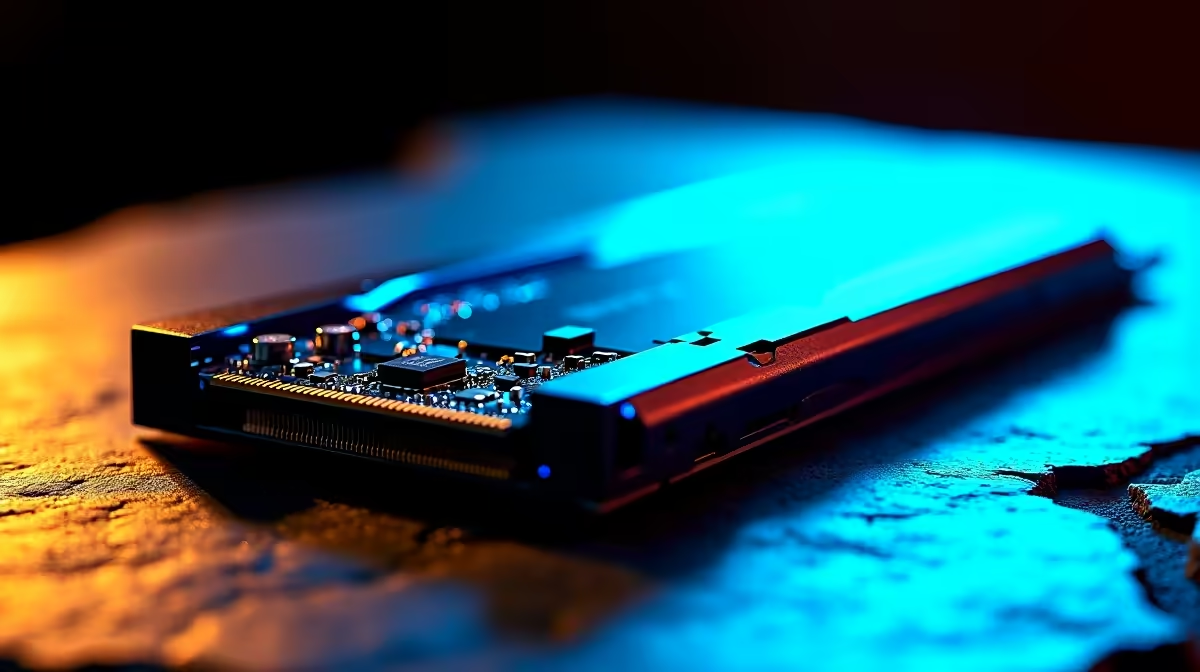
So, you’re diving into the incredible world of AI with models like DeepSeek, ready to revolutionise your coding, writing, or creative projects right here in South Africa. But there's a catch… you hit 'run', and the waiting begins. That frustrating lag before the magic happens? Your storage drive is likely the culprit. Choosing between an SSD vs HDD for AI isn't just a tech detail; it's the difference between instant productivity and staring at a loading screen.
Why Storage Speed is Paramount for AI
Think of an AI model like DeepSeek as a massive digital brain, with billions of connections stored in a file that can be dozens of gigabytes in size. Before your PC can use this brain, it has to load it from your storage drive into your system's RAM and your GPU's VRAM. This is where the SSD vs HDD for AI debate becomes critical.
A traditional Hard Disk Drive (HDD) uses a spinning platter and a mechanical arm to read data, like a tiny record player. An SSD (Solid-State Drive), on the other hand, uses flash memory chips with no moving parts. The result? SSDs can access data hundreds of times faster. For AI, this means:
- Faster Model Loading: Slicing minutes, or even hours, off your startup time.
- Quicker Dataset Access: When training or fine-tuning models, your system constantly reads from huge datasets. An SSD delivers this data without delay.
- Smoother Overall Performance: A snappy system drive makes your entire workflow, from booting up to launching apps, feel instantaneous.
SSD vs HDD for AI: The DeepSeek Test
Let's get specific. How does this impact working with DeepSeek models? The choice of storage is fundamental to building a responsive and powerful machine, whether you're looking at our latest Intel PC deals or browsing AMD Ryzen PC deals.
Loading and Inference: The NVMe SSD Reigns Supreme 🚀
When you're running a pre-trained model (known as inference), speed is everything. The best storage for DeepSeek models is unquestionably a fast NVMe SSD. These drives connect directly to your motherboard's PCIe lanes, offering breathtaking read speeds that leave even standard SATA SSDs behind. Loading a 7-billion parameter model might take seconds on an NVMe drive, while an HDD could take many minutes, creating a serious workflow bottleneck. This is why most high-performance NVIDIA GeForce gaming PCs and their AMD Radeon gaming PCs counterparts now come standard with NVMe SSDs.
Check Your Bottleneck ⚡
Use the Windows Task Manager (Ctrl+Shift+Esc) and go to the 'Performance' tab. Click your disk and watch the 'Active time' and 'Read speed' when loading a large file or AI model. If the active time is pinned at 100% but the speed is low (under 200MB s), you've found your HDD bottleneck! An NVMe SSD can hit over 5,000MB s.
Data Storage: Can an HDD Still Be Useful?
So, are HDDs completely useless for AI? Not quite. For storing massive datasets (we're talking terabytes of images, text, or code) that you don't need to access instantly, a large-capacity HDD offers unbeatable value in ZAR per gigabyte. The ideal setup for many professional workstation PCs is a hybrid approach:
- Primary Drive (NVMe SSD): For your operating system, software, and the AI models you are actively using.
- Secondary Drive (HDD): For long-term storage, backups, and large, inactive datasets.
This strategy gives you the best of both worlds: blistering speed for active work and cost-effective capacity for everything else. You can find this balanced approach in many of our pre-built PC deals.
Building Your Ideal AI Machine in SA ✨
Ultimately, the better your hardware, the faster you can iterate and innovate. While the storage drive is a key player, it works as part of a team with your CPU, RAM, and especially the GPU. Modern systems, including configurations found in Intel Arc gaming PCs, are designed for high-bandwidth data transfer between all components.
Even if you're working with a tighter budget, prioritising a small SSD for your OS and key programs over a large HDD will deliver a much better user experience. Many budget-friendly gaming PCs offer a fantastic entry point with room to add more storage later. The verdict on SSD vs HDD for AI is clear: for active work, an SSD isn't a luxury; it's a necessity. By investing in the right storage, you ensure your hardware keeps up with your ambition. Check out the best gaming PC deals in South Africa to see how affordable a high-speed setup can be.
Ready to Find Your Perfect Match? The Mac vs Windows debate is complex, but for maximum power, choice, and value in South Africa, Windows is hard to beat. Explore our massive range of laptop specials and find the perfect machine to conquer your world.











