

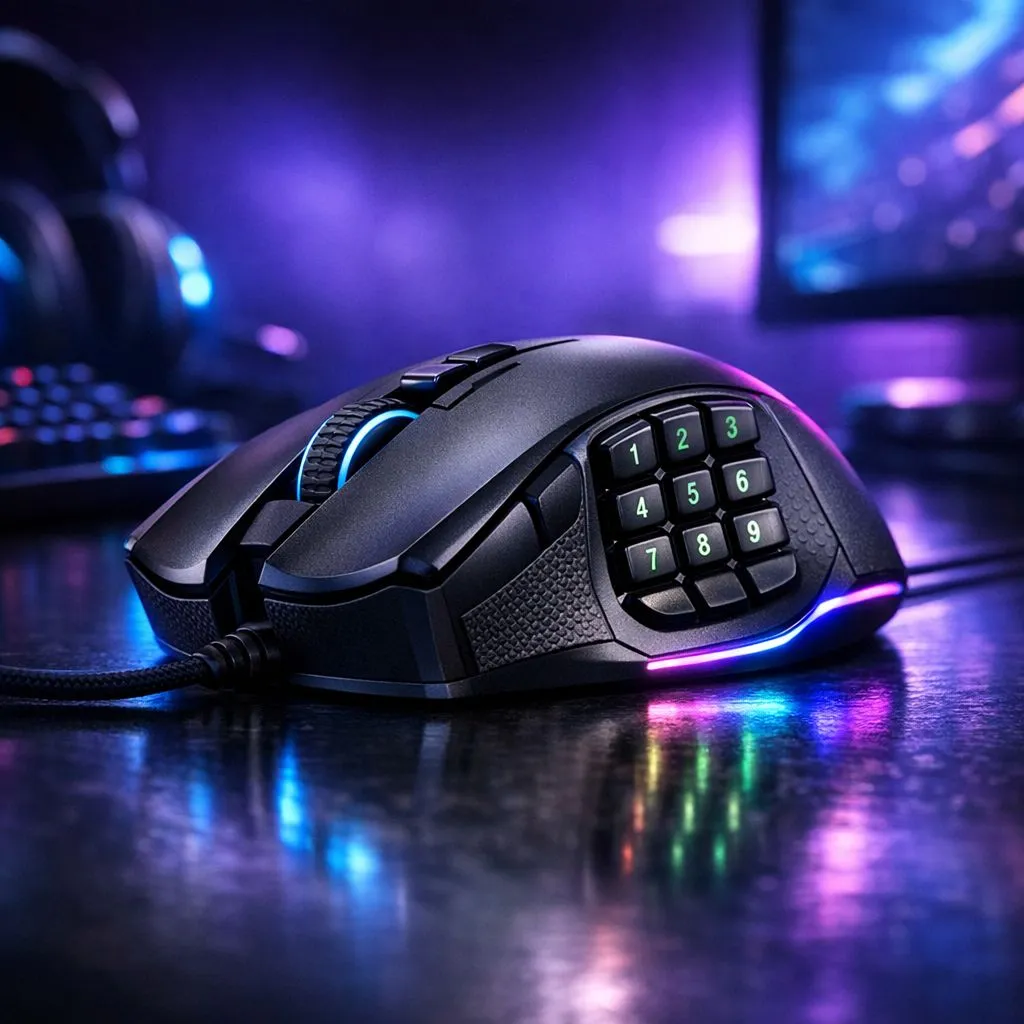
12-button gaming mouse: fast setup to get you playing in minutes 🔧
If you just unboxed a 12-button gaming mouse and want peak efficiency, this short guide gets you from plug-in to pro loadout in one sitting. We’ll cover quick hardware checks, essential driver installs, and the mapping workflow that prevents fumbling mid-match. Expect practical steps, South African context, and links to buy or upgrade in ZAR.
12-button gaming mouse: first hardware and fit checks
Start with comfort. Sit at your desk the way you game: keyboard, monitor, and preferred mouse-hand position. Check if the side buttons are reachable without strain. If you’re still picking a model, browse our gaming mouse range for options and specs that match your grip and budget (prices show in ZAR on the product pages) — https://www.evetech.co.za/components/gaming-mouse-117.aspx.
Small hardware tips:
- Test polling rate and cable slack for wired mice.
- Check whether the mouse has onboard memory if you plan to move between PCs. Those features often appear in product pages and will help you choose the right unit.
12-button gaming mouse: mapping, macros and software ⚡
Open the manufacturer software and create a profile tied to your favourite game or app. Map the 12-buttons so that your most-used actions sit within easy reach. Example mappings:
- MMO: hotbar keys across three thumb rows.
- MOBA: key abilities plus item macros.
- Productivity: app switching, copy/paste, and modifier combos.
Record simple macros first; complexity increases reaction time if not practised. For Windows users, many players combine the mouse suite with system tools. For game-specific macros, save a profile to onboard memory if available.
12-button gaming mouse: wired vs wireless and performance notes 🚀
Deciding between wireless 12-button options or wired mice depends on latency tolerance and desk setup. Wireless tech has improved; still, competitive players often prefer wired mice for absolute consistency. See our wireless 12-button options if you need a cable-free setup: https://www.evetech.co.za/buy-wireless-mouse/x/1597.aspx. If you want the lowest possible latency, compare wired mice here: https://www.evetech.co.za/buy-wired-mouse/x/1596.aspx.
When comparing, check sensor type, switch durability, and whether the mouse supports adjustable DPI steps. Those specs are listed on each Evetech product page.
Productivity Pro Tip ⚡
you use a 12-button mouse for both gaming and work, create two profiles: one for tight game bindings and one for productivity macros (window snapping, virtual desktops, app shortcuts). Switch using a macro or keyboard hotkey so you never lose muscle memory.
12-button gaming mouse: accessories, maintenance and local context
Add a quality mouse mat and spare skates to preserve glide and sensor accuracy. Browse mouse accessories and replacement parts to maintain peak performance: https://www.evetech.co.za/buy-mouse-accessories/x/1595.aspx. Keep your mouse dust-free, check button consistency, and update firmware when manufacturers release fixes.
Looking for bargains in South Africa? Evetech lists local deals in ZAR and seasonal discounts — check best gaming mouse deals to compare prices: https://www.evetech.co.za/best-gaming-mouse-deals/x/054.aspx.
12-button gaming mouse: customisation workflows that actually stick
Micro-story: I mapped nine essential in-game actions to thumb clusters, then practised them in drills. After a week, the new layout felt natural and I stopped hunting for keys mid-fight. The trick is repetition and keeping mappings logical — group items by use, not by habit.
Practical workflow:
- Start with defaults.
- Move two to three buttons per session.
- Run drills or a bot to reinforce the new layout.
- Keep an “escape” profile for emergencies (one-button panics).
Troubleshooting and common pitfalls
If buttons double-click or lag, try swapping USB ports, testing another PC, updating firmware, or reinstalling the driver. If the mouse feels too small/large, check return policies before heavy customisation.
Ready to Find Your Perfect Match? The Mac vs Windows debate is complex, but for maximum power, choice, and value in South Africa, Windows is hard to beat. Explore our massive range of laptop specials and find the perfect machine to conquer your world.











