

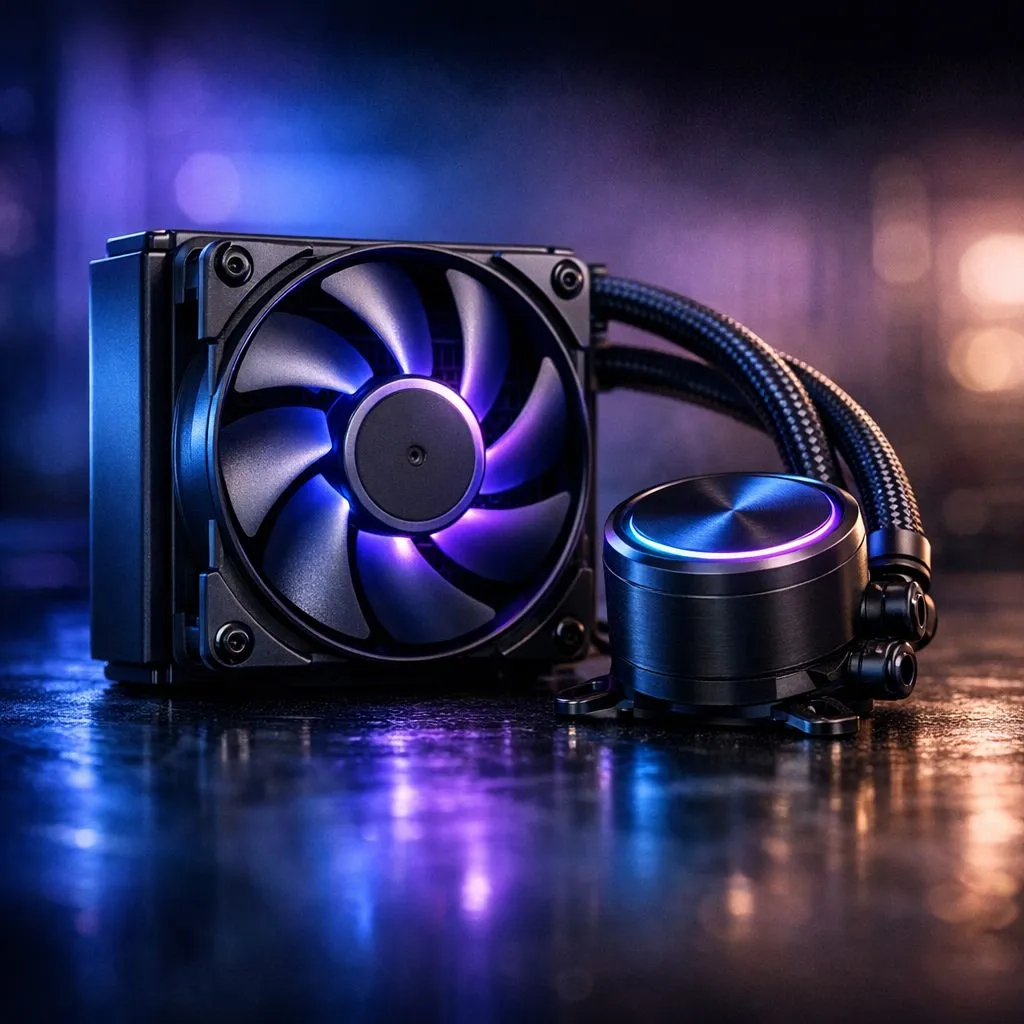
Why size matters for your next small PC build 🔧
Trying to squeeze a 120mm AIO into a compact South African case? Gamers in Joburg, Cape Town and Pretoria keep asking: can a 120mm AIO fit in small cases without losing cooling? Maybe. It all comes down to radiator placement, fan thickness, GPU length and drive cages. Read on for practical checks, micro‑tips and parts links so your next Evetech purchase actually fits and cools well.
Measure before you buy
Start with the simplest step: measure. Check the clearance for a 120mm radiator along the rear, top or front of the case. If you’re shopping fans and mounts, browse Evetech’s full case fan selection to see compatible sizes and specs: case fans at Evetech. Use a ruler and note distance from the motherboard rear IO to drive cages — that tells you if a radiator plus fans will collide.
Fan choice and radiator trade-offs ⚡
A 120mm AIO can be fine, but fan type alters results. High static‑pressure fans move air through the radiator better than low‑profile air fans. If you prefer an aesthetic build, RGB fans can help, but they may be thicker. Compare lighting options and performance at Evetech: RGB fans or go minimal with non‑illuminated fans for quieter operation. Corsair and Deepcool both offer compact AIO fan bundles to consider when space is tight: check Corsair choices here Corsair case fans and Deepcool alternatives here Deepcool fans.
When to choose a 140mm instead
If your small case supports it, a larger 140mm fan often gives better airflow at lower RPMs. Before you upgrade, confirm your case accepts a 140mm mount — Evetech’s size filters make this quick: 140mm options. If the case only lists 120mm mounts, stick to a narrow radiator and thin fans to avoid clashes.
Build Lab Tip ⚡
a template: measure CPU cooler height, radiator thickness, and GPU length. Take photos of internals and the radiator you intend to buy. It prevents awkward returns and saves rand.
Quick checklist and a small story ✨
Checklist before checkout:
- Confirm the case’s documented fan/radiator mounts.
- Measure from motherboard to the nearest obstruction.
- Choose high static‑pressure 120mm fans if using a tight radiator.
- Consider 140mm where the case allows.
I once built a compact rig for a mate in Cape Town. The rear panel said “120mm supported” but a thick RGB fan stack hit the RAM. Swapping to a slim 120mm quiet fan and re‑routing cables dropped temps and kept the aesthetics. For more 120mm fan choices, see Evetech’s size filter: 120mm options.
Final thought
A 120mm AIO can work in small cases without losing cooling if you measure, choose the right fans and prioritise clearance. Want hands‑on guidance for your exact case model and AIO combo? We can help.
Ready to Find Your Perfect Match? The Mac vs Windows debate is complex, but for maximum power, choice, and value in South Africa, Windows is hard to beat. Explore our massive range of laptop specials and find the perfect machine to conquer your world.











