

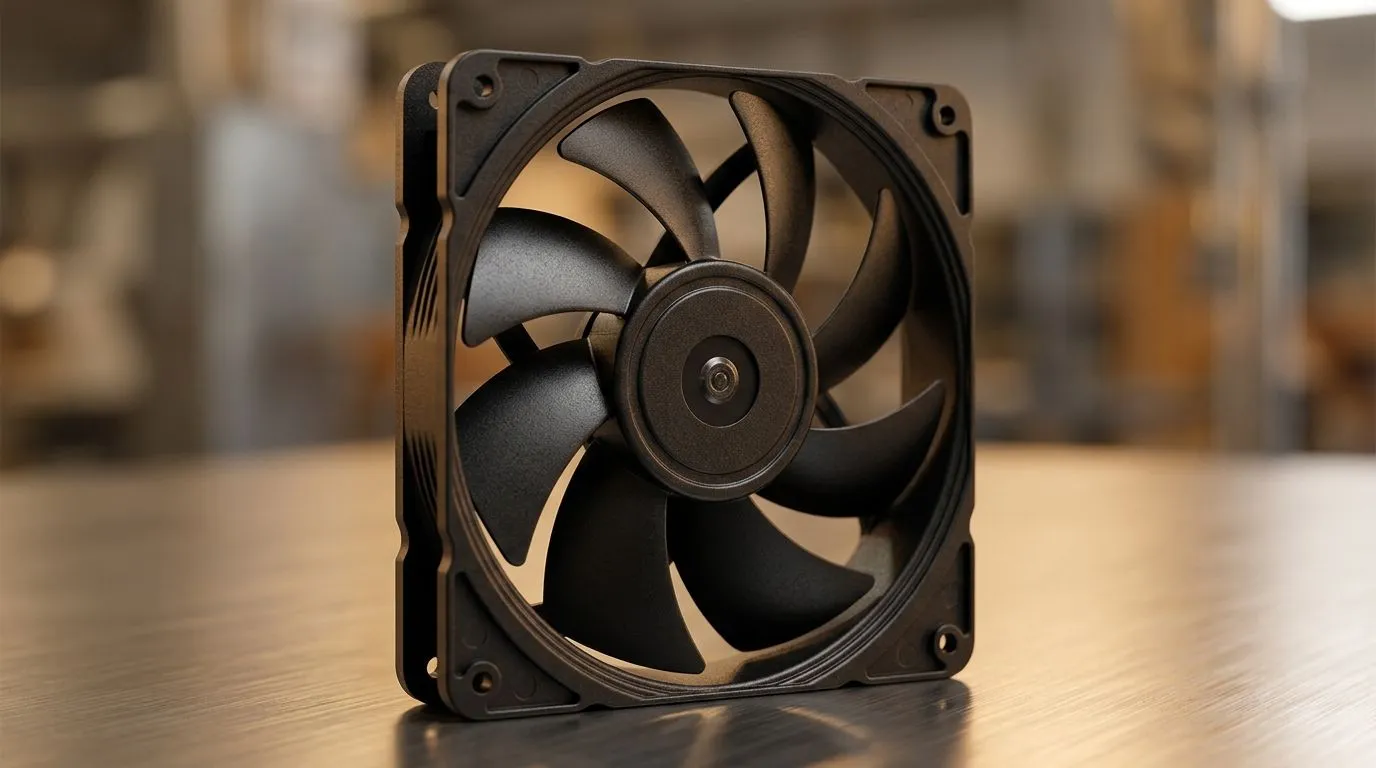
120mm Case Fan RPM, CFM, and Noise Levels Explained: the quick gamer-friendly sanity check 🎧
If you’ve ever swapped a case fan and your PC sounded like a small factory… you’re not alone. South African gamers feel it the moment a build idles, heats up, or starts a new game. The big confusing bit is always the same: 120mm case fan RPM, CFM, and noise levels. What do they really mean, and which spec matters for your setup?
Let’s decode it, then help you pick fans that keep temps down without turning your room into a wind tunnel. 🔧
120mm fan specs decoded: RPM, CFM, and noise in plain English 🔍
RPM: how fast the fan spins
RPM (revolutions per minute) tells you speed, not straight-up cooling results. Two 120mm fans can both be “high RPM”, but one may move more air because of blade design and static pressure capability.
CFM: how much air gets pushed
CFM (cubic feet per minute) is an airflow measure. In real builds, CFM helps most when your airflow path is open: front intake to open mesh, or exhaust with minimal restriction.
When you’re pushing through dense filters, radiator fins, or tight dust screens, CFM alone can mislead. In those cases, a fan’s ability to maintain airflow under resistance matters more.
Noise: why “quiet” specs still vary
Noise is usually listed as dBA. Even then, the character of the sound matters: a higher-pitched whine can feel louder than broader “air noise”, even at similar dBA.
120mm case fan RPM, CFM, and noise levels explained for real PC builds ⚙️
Typical airflow setup for gaming PCs
Most gamers benefit from a balanced airflow direction:
- Front/top intake to bring cool air in
- Rear/top exhaust to push warm air out
If your CPU cooler and GPU already work hard, good case airflow helps you stay within safe temperatures for longer sessions… especially during downloads, updates, and long raids.
A micro-story: why my “loud upgrade” wasn’t actually better
I’ve seen a common pattern. Someone replaces a 120mm fan “because it has higher RPM”, then hears it ramp up constantly. Temps barely improve because the airflow path was restricted (dust filter + dense mesh). The fix wasn’t just RPM. It was matching fan behaviour to where the airflow is actually travelling.
That’s why reading the full spec (and the intended use) matters.
120mm case fan RPM, CFM, and noise levels explained: pick the right fans for your scenario ✨
If you’re shopping by size (120mm is common for good reason)
120mm fans are popular because they balance airflow and clearance in most ATX and micro-ATX cases. If you want options for 120mm, browse Evetech’s case fan selection here: Shop 120mm case fans
Need an alternative if your case supports it? Larger 140mm fans can sometimes improve airflow at lower RPM, depending on the model: Explore 140mm case fans
Brand and feature filters that actually help
Different brands tune blades and control curves differently. If you’re after CORSAIR options, start here: CORSAIR case fans
If you’re considering Deepcool for value-focused builds, check: Deepcool case fans
If your build has RGB, filter by your lighting preferences so the fan curve still fits your vibe: RGB lighting case fans
Prefer minimal distractions? Go with non-RGB models: Non-RGB case fans
And if you just want the full catalogue to compare specs side by side: Browse all case fans
Productivity Pro Tip ⚡
fan shopping days, don’t compare fans by RPM only. Instead, pick your target scenario: open intake vs radiator vs filtered front panel. Then compare airflow (CFM) and expected noise (dBA) for that exact use case. If two fans have similar dBA, the one with higher CFM at similar RPM usually wins for airflow.
120mm case fan RPM, CFM, and noise levels explained: quick buying checklist ✅
Use this before checkout:
- Where will the fan work? Front intake, exhaust, or radiator?
- How restricted is airflow? Filters and radiators change what you should prioritise.
- What’s your tolerance for noise? If you game with headphones off, dBA matters more than you think.
- Do you need RGB? It’s fine, but don’t sacrifice cooling for looks.
- Match control: PWM fans (if your motherboard supports it) can keep noise lower at idle and ramp only when needed.
Ready to Find Your Perfect Match? The Mac vs Windows debate is complex, but for maximum power, choice, and value in South Africa, Windows is hard to beat. Explore our massive range of laptop specials and find the perfect machine to conquer your world.











