

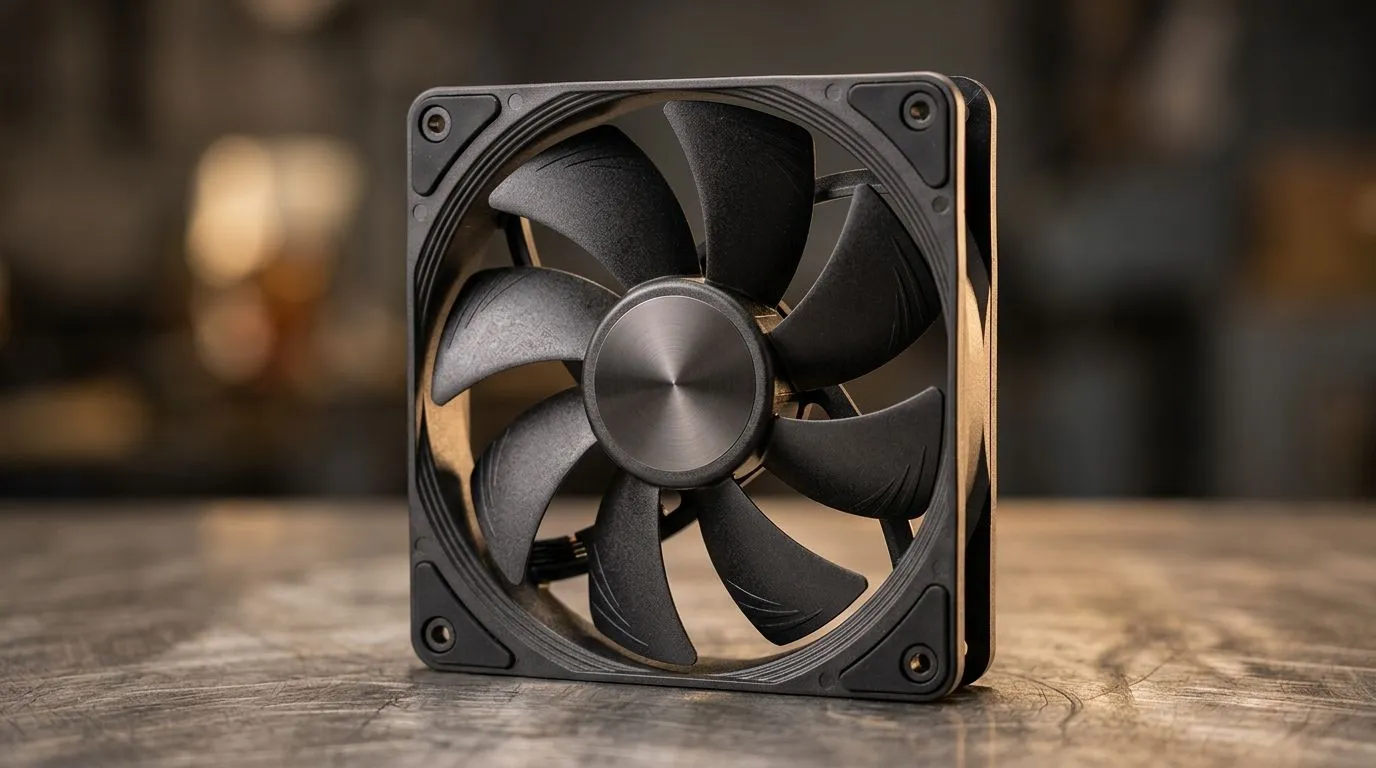
120mm PC Fan RPM vs CFM vs Noise Levels: What to Choose for Your Build 🔧
South African gamers know the truth… heat throttles performance, and loud fans ruin focus. So when you’re picking case fans, it’s not just “higher RPM = better”. You need the right airflow (CFM), the right speed (RPM), and the right noise level for your room setup in SA. Whether you’re building a budget streaming PC or a high-FPS rig, this guide helps you choose smarter with 120mm fans.
Understanding the numbers: RPM vs CFM vs noise ✨
RPM is how fast the fan spins. CFM (cubic feet per minute) tells you how much air it moves. Noise levels usually depend on fan design, blade shape, bearing type, and control method, not RPM alone.
Here’s the simple way to think about it:
- If RPM rises but CFM doesn’t, the fan may be struggling against restrictive case airflow.
- If CFM rises but noise spikes, you’re paying in acoustics.
- The “sweet spot” depends on where the fan sits (front intake vs rear exhaust) and your case’s dust filters and mesh density.
For most builds, front intake needs decent static pressure and airflow balance, while rear/top exhaust should move hot air out quietly.
What to buy: when 120mm beats 140mm (and when it doesn’t) 🚀
A 120mm fan often performs well in smaller cases or tight layouts. A 140mm fan can move more air at lower RPM, which can mean less noise for the same cooling effort. The best choice comes down to your case support, fan mounting points, and whether you’re fighting airflow bottlenecks.
If you’re building with RGB, remember that lighting adds a layer of appeal, not performance. Prioritise thermals first, then aesthetics.
Browse Evetech’s case fan options here:
- 120mm choices: 120mm case fans
- 140mm options: 140mm case fans
Matching fans to your use case: intake, exhaust, and airflow paths 🌬️
If your PC is under load (AAA games, streaming, editing), you’ll want stable airflow through the case. Don’t just “throw in more fans”. Make sure the air has a path.
Practical setup that works for many SA builds:
- Front intake: 1–2 fans pushing cool air in.
- Rear exhaust: 1 fan pulling hot air out.
- Top exhaust (if available): helps remove rising heat.
If your case has restrictive mesh, you may benefit from a fan tuned for pressure rather than raw RPM.
Evetech carries a broad range of brands. To find the right vibe for your build, you can explore:
Pick by personality: RGB looks great… but control matters 🎮
RGB is fun, but the real quality-of-life upgrade is fan control. If the fan curve is aggressive, you’ll hear it ramp up in every match. If it’s smoother, you’ll stay focused.
If you want lighting options, start here:
Productivity Pro Tip 🔧
Use a BIOS fan curve (or your motherboard software) to delay full-speed ramp-up. A gentler curve often keeps temps safe while reducing “fan noise spikes” during short gaming bursts.
Quick checklist: choose your ideal 120mm fan in 60 seconds ✅
Before you buy, check:
- Mounting compatibility (120mm vs 140mm slots).
- Airflow you can trust (look for a good balance of RPM and CFM).
- Noise expectations (higher RPM can mean louder, so aim for a balanced model).
- Placement logic (intake vs exhaust changes what you need).
- Aesthetics last (RGB is optional; cooling isn’t).
When you choose with intent, your PC runs cooler, quieter, and more consistent… and you stop second-guessing every upgrade.
Ready to Find Your perfect match?
Ready to Find Your Perfect Match? Your next upgrade should feel obvious… not confusing. Explore Evetech’s case fan range, then match airflow needs with noise comfort for the best gaming experience. Shop case fans at Evetech and build a quieter, cooler rig for South African nights of gaming.











